Wix Review With Custom Domain: Is It Worth It in 2025?
A thorough wix review with custom domain is something many people search for before committing to a website builder, and for good reason — the choice between using a free subdomain and a proper custom domain has a genuine impact on how professional your site looks, how well it ranks in search engines, and how much trust visitors place in your brand. Wix is one of the most popular website builders in the world, used by millions of small business owners, freelancers, bloggers, photographers, and hobbyists. But understanding exactly how its custom domain features work — what they cost, how you set them up, what the limitations are, and whether the whole package holds up against competitors — requires a detailed, honest look. This guide walks you through everything from the basics of what Wix is and who it suits, to the step-by-step mechanics of connecting a domain, to performance and SEO considerations that matter in 2025. Whether you are building your first website or reconsidering your current setup, by the end of this article you will have a clear picture of what Wix with a custom domain actually delivers in practice.
—
What Is Wix and Who Is It For?

Wix is a cloud-based website builder that allows people to create and publish websites without writing a single line of code. Founded in 2006 and headquartered in Tel Aviv, it has grown into a platform hosting over 200 million websites globally. The core idea is straightforward: instead of hiring a developer or learning HTML and CSS, you use a drag-and-drop visual editor to design pages, add content, and customise layouts using pre-built templates.
Think of Wix like a furnished apartment. When you rent a fully furnished space, the kitchen appliances are already installed, the furniture is in place, and you just need to personalise it — hang your own pictures, arrange things the way you like, add your own touch. Wix works the same way. The infrastructure (hosting, security certificates, content delivery) is already built in. You focus on what goes on the pages.
Key Features Overview
Wix includes a drag-and-drop editor with over 900 designer-made templates, a built-in app market with hundreds of add-ons (booking tools, live chat, email marketing), an e-commerce suite for selling products, a blogging platform, and a mobile editor. It also includes Wix ADI (Artificial Design Intelligence), which can generate a basic website layout for you automatically based on answers to a few questions — a genuinely useful starting point for complete beginners.
The platform handles all technical hosting on its own servers, meaning you do not need to manage things like server configuration, software updates, or security patches. Everything is managed within the Wix ecosystem.
Types of Websites You Can Build With Wix
Wix suits a wide range of website types. A local bakery can build a simple five-page site with a menu, contact form, and photo gallery. A freelance graphic designer can create a portfolio showcasing their work with a built-in inquiry form. A small online shop can sell up to thousands of products using Wix’s e-commerce tools. Bloggers, yoga instructors offering booking calendars, event photographers, non-profit organisations, and restaurant owners with reservation systems are all common Wix users. It is not ideally suited for very large-scale enterprises or developers who want deep backend customisation, but for small to medium projects it covers a substantial range of use cases.
—
How Custom Domains Work on Wix
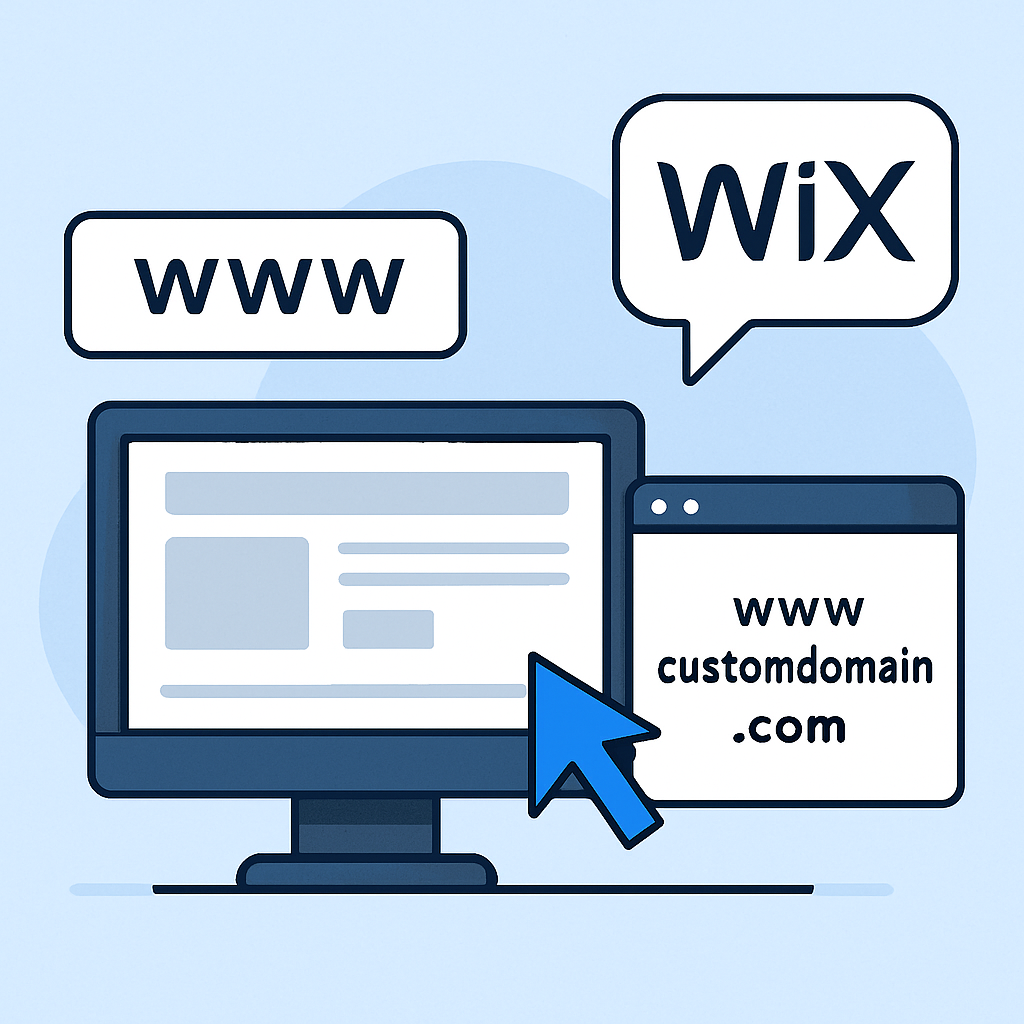
When you create a free Wix account, your website is published under a Wix subdomain that looks something like this: username.wixsite.com/mysite. This works fine for testing purposes, but it immediately signals to visitors (and search engines) that the site is on a free platform, which can undermine credibility. A custom domain — something like www.yourbusiness.com — gives your site its own independent identity on the internet.
A domain name is essentially a human-readable address that points to a specific server where your website files are stored. When you type a domain into a browser, the Domain Name System (DNS) translates that readable address into a numerical IP address that computers understand. Connecting a custom domain to Wix means updating those DNS settings so that your domain points to Wix’s servers instead of wherever it currently points.
Connecting a Domain You Already Own
If you already purchased a domain through a registrar like GoDaddy, Namecheap, or Google Domains, you can connect it to your Wix site. The process involves logging into your domain registrar’s dashboard and updating your DNS records — specifically your A record and CNAME record — to values that Wix provides. Wix has a detailed help section that lists the exact DNS values for each registrar and walks through the steps for the most common ones. Once the DNS changes propagate (which can take anywhere from a few minutes to 48 hours), your custom domain will resolve to your Wix site.
Purchasing a New Domain Through Wix
Alternatively, you can purchase a domain directly through Wix. This is the more streamlined option because Wix handles the DNS configuration automatically — you simply search for an available domain name, complete the purchase, and it connects to your site without any manual DNS editing. Wix supports common top-level domains (TLDs) including .com, .co.uk, .org, .net, .io, and many others.
Free Subdomain vs. Custom Domain Comparison
The difference between a free subdomain and a custom domain goes beyond aesthetics. A custom domain is a signal of permanence and professionalism. Studies consistently show that users trust branded domain names more than subdomain URLs. From an SEO standpoint, search engines treat a custom domain as an independent entity that can accumulate domain authority over time. A Wix subdomain, by contrast, shares authority with the broader wixsite.com domain. For anyone serious about growing organic traffic or building a recognisable brand online, a custom domain is not optional — it is a baseline requirement.
—
Wix Pricing Plans That Include a Custom Domain
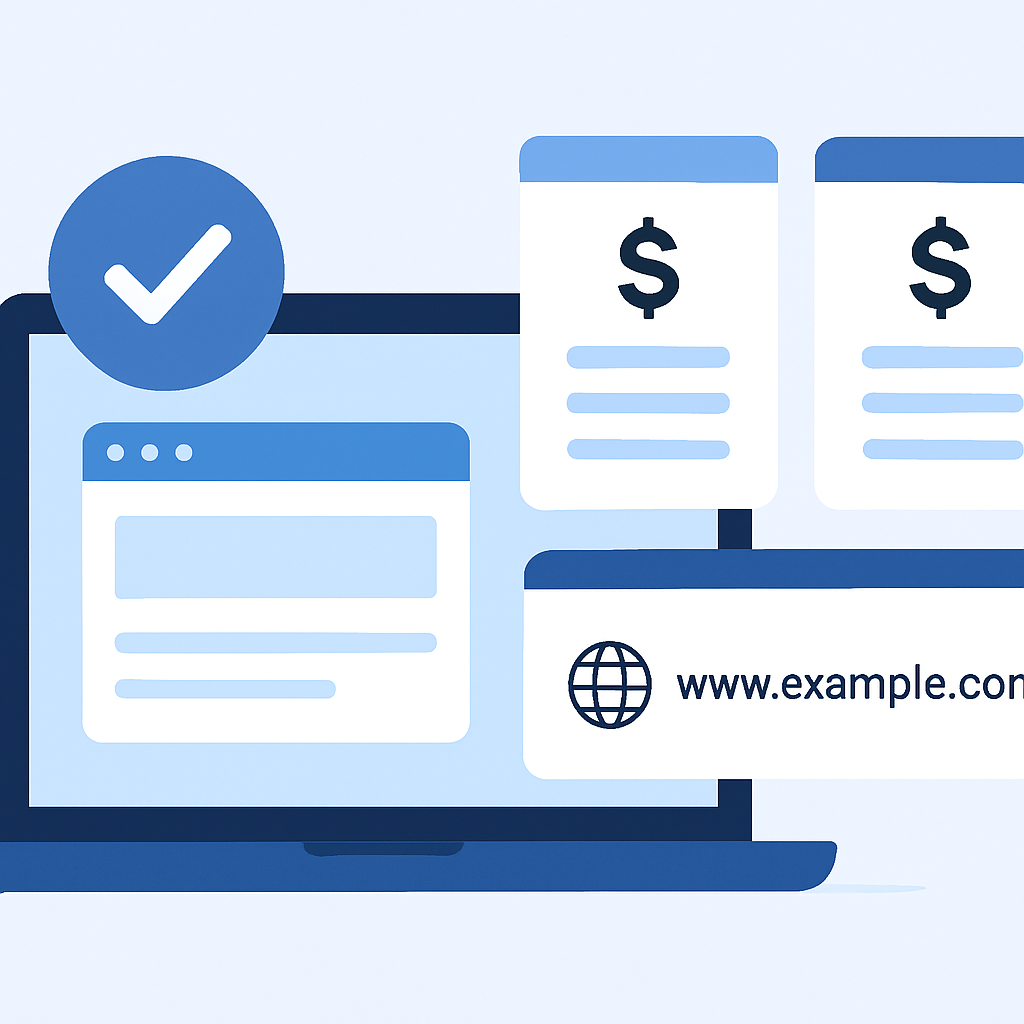
Wix operates on a freemium model. The free plan gives you access to the editor and basic publishing but displays Wix branding and keeps you on the subdomain. To use a custom domain, you must upgrade to a paid plan.
Which Plans Offer a Free Domain for One Year
As of 2025, Wix’s paid plans — which include Light, Core, Business, and Business Elite tiers — all include a free custom domain for the first year of subscription. The domain is free in the sense that the registration cost is bundled into your plan fee. This applies to standard TLDs like .com and .co.uk. Premium TLDs such as .io or .store may not qualify for the free inclusion and could carry an additional cost.
For example, if a freelance photographer signs up for the Core plan at its monthly rate and pays annually, they receive a free .com domain for that first year — meaning they can launch www.jenniferphoto.com without any separate domain purchase.
What Happens After the Free Domain Period Ends
After the first year, the domain renewal becomes your responsibility and is billed separately from your Wix plan. Renewal prices typically fall in the range of $14.95 to $24.95 per year for a .com, depending on current Wix pricing. If you do not renew the domain, it will expire and become available for others to register. It is worth noting this in advance and setting up auto-renewal to avoid accidentally losing your domain name — a situation that can be genuinely disruptive if your business has become associated with that address.
—
Ease of Use: Setting Up Your Custom Domain on Wix
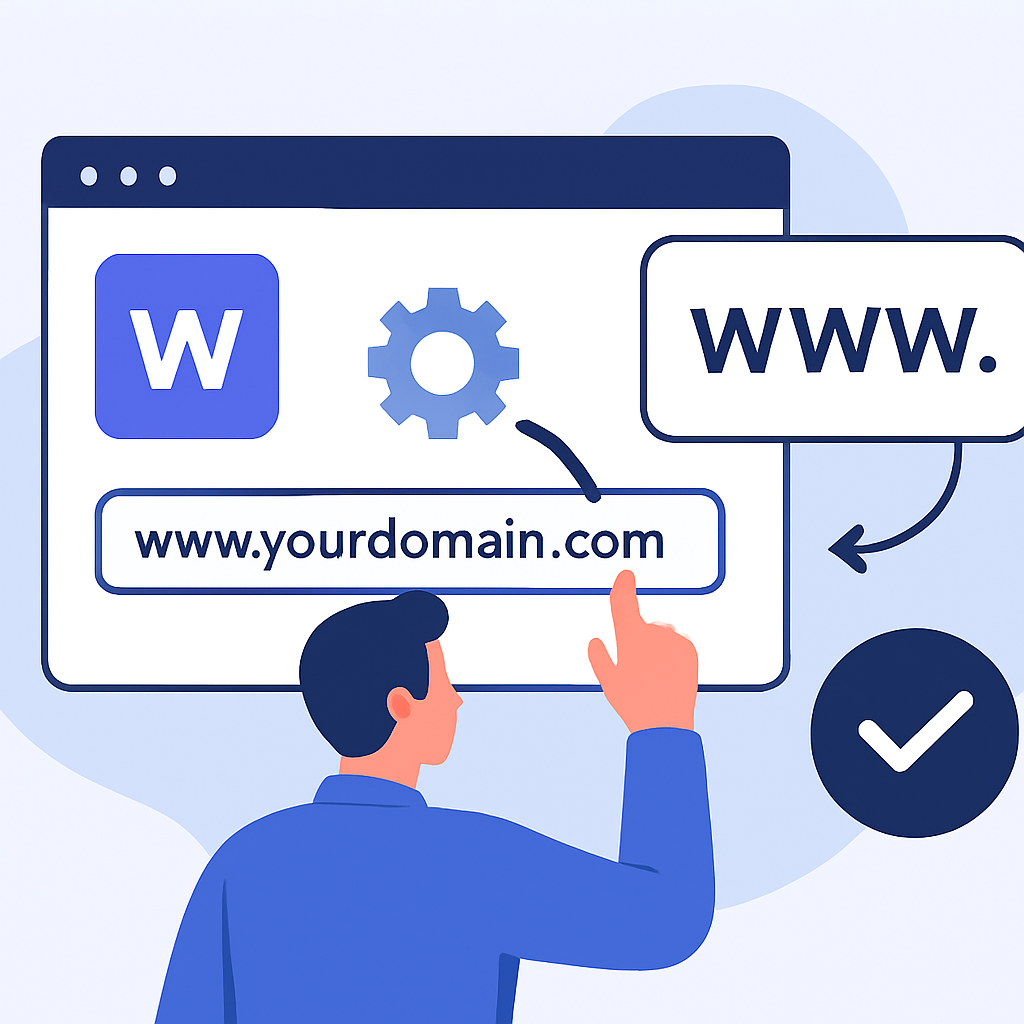
One of Wix’s strongest selling points is the ease of its domain setup process, particularly for people who have never managed DNS settings before.
Step-by-Step Domain Connection Process
If you are connecting an existing domain, the process within Wix follows these general steps. First, from your Wix dashboard, go to Settings and select Domains. Choose the option to connect a domain you already own. Enter your domain name and Wix will detect where it is registered and provide specific DNS instructions. You then log into your registrar’s account, navigate to the DNS management section, and enter the A record and CNAME values Wix provides. Save the changes and return to Wix, which will confirm when the connection is live.
If you are purchasing a new domain through Wix, the process is even simpler. From the same Domains section, search for an available domain, select it, complete payment, and Wix connects it automatically. Many users report the entire process — from purchase to live connection — taking under ten minutes.
Common Issues and How to Resolve Them
The most common issue people encounter is DNS propagation delay. After updating DNS records, changes do not take effect instantly because DNS servers around the world need time to update. This is a normal part of how the internet works and is not a Wix-specific problem. If your domain is not connecting after a few hours, double-check that you entered the DNS values exactly as specified — even a small typo will cause connection failure. Another frequent issue is forgetting to remove conflicting DNS records that were previously pointing to a different host. Wix’s support documentation addresses these scenarios in detail, and their customer support (available via chat and callback) can walk you through troubleshooting.
—
Performance and SEO With a Custom Domain on Wix
Beyond branding, performance and search visibility are the two factors most likely to determine whether a website actually succeeds in reaching an audience.
Site Speed and Uptime Reliability
Wix has invested significantly in its infrastructure over the past several years. Its sites are hosted on a global network of servers with content delivery network (CDN) support, meaning assets like images and scripts are served from a location geographically close to each visitor. Independent uptime monitoring consistently places Wix at or above 99.9% uptime, which is a strong benchmark. Page speed scores on Google’s PageSpeed Insights for well-optimised Wix sites typically fall in an acceptable range, though image-heavy or app-laden sites can still score lower. The performance you get is largely influenced by how you build the site — oversized images and too many third-party apps are the most common culprits for slowdowns.
Built-In SEO Tools and Custom Domain Benefits
Wix includes a reasonably comprehensive set of SEO tools accessible to non-technical users. You can set custom meta titles and descriptions for every page, define canonical URLs, add structured data (schema markup) for specific content types, generate and submit XML sitemaps to Google Search Console, and configure 301 redirects. The Wix SEO Setup Checklist guides beginners through the foundational tasks step by step.
Using a custom domain specifically enhances SEO because it allows your site to build its own domain authority independently. A site at www.greenleafplumbing.com can accumulate backlinks, brand mentions, and trust signals over time. That authority compounds. A site on username.wixsite.com/greenleafplumbing shares its domain pool with millions of other Wix subdomains, diluting the benefit of any individual effort. In practice, a small plumbing business that consistently adds useful local content and earns a few quality backlinks will rank meaningfully better with a custom domain than without one.
—
Wix Custom Domain: Pros and Cons
Pros
- Easy domain purchase and auto-connection. When you buy a domain directly through Wix, the technical setup is handled for you — no DNS editing required, which removes a significant barrier for beginners.
- Free domain included with paid plans for the first year. This reduces the upfront cost of getting a professional web presence and makes Wix a cost-competitive option at launch.
- Support for external domain connection. Wix does not lock you into buying a domain through its own marketplace. You can connect any domain registered anywhere, giving you flexibility and the ability to use registrars with competitive pricing.
- Built-in SSL certificate. Every Wix site with a custom domain automatically receives an SSL certificate (HTTPS), which is both a security baseline and a positive signal for search engines. You do not need to configure or renew this manually.
- Integrated dashboard management. Domains, hosting, and site settings are all managed from one Wix dashboard, reducing the complexity of managing multiple platforms and logins.
Cons
- Domain renewal pricing is not the most competitive. At $14.95–$24.95 per year for a
.com, Wix’s renewal rates are higher than dedicated registrars like Namecheap, which often charges closer to $10–$12 per year for the same TLD. Over several years, this gap adds up. - Free domain offer is introductory only. The first-year free domain is a genuine benefit, but some users are surprised by the renewal cost in year two. It functions more as a promotional offer than a permanent saving.
- Limited domain management features. Compared to dedicated domain registrars, Wix’s domain management tools are relatively basic. Advanced DNS configuration options, domain forwarding setups, and multi-domain management are less flexible than what a specialist registrar offers.
- Platform dependency. Your custom domain is connected to Wix’s infrastructure. If you ever migrate to a different platform, you will need to reconnect your domain and rebuild your site elsewhere. The domain itself is portable, but the migration process requires effort.
- Wix branding still appears on the free plan. Connecting a custom domain requires a paid plan. You cannot remove Wix branding or use a custom domain on the free tier.
—
How Wix Compares to Competitors for Custom Domain Hosting
Understanding how Wix positions itself against alternatives helps contextualise what you are choosing when you pick this platform.
Wix vs. Squarespace
Squarespace is Wix’s closest direct competitor in the drag-and-drop website builder space. Both platforms include a free custom domain for the first year on paid plans and handle SSL automatically. Squarespace is generally considered to have a more polished visual aesthetic out of the box — its templates are fewer in number but arguably more consistently refined, which makes it a popular choice for photographers, designers, and lifestyle brands. Wix offers more flexibility and a wider range of template styles, which suits users who want to customise layouts in granular ways. For domain management specifically, the two platforms are broadly comparable. Squarespace’s pricing structure is slightly different, and neither platform is a clear winner on domain pricing alone — the better choice between them usually comes down to the type of site you are building and which editor you find more intuitive.
Wix vs. WordPress.com
WordPress.com (the hosted version, distinct from the self-hosted WordPress.org software) also offers custom domain connectivity on paid plans. The key difference is that WordPress.com is better suited to content-heavy sites and blogs, given that WordPress’s core strength has always been content management. Wix’s visual editor offers more design freedom for non-bloggers. WordPress.com’s custom domain pricing and plan structure are comparable to Wix, but the learning curve for getting the most out of WordPress — even the hosted version — tends to be steeper. For someone who wants to write long-form content regularly, WordPress.com may edge ahead. For someone building a business site, portfolio, or online store with rich visual design needs, Wix’s drag-and-drop flexibility tends to serve them better.
—
Final Verdict: Should You Use Wix With a Custom Domain?
After examining the full picture, Wix with a custom domain represents a genuinely solid option for a wide range of users in 2025 — with some important caveats worth keeping in mind.
For beginners who want a professional-looking website without dealing with technical complexity, Wix delivers on its core promise. The domain setup process is as straightforward as any platform in its category. The built-in SEO tools, automatic SSL, and reliable hosting infrastructure provide a functional foundation that is more than adequate for small businesses, personal brands, portfolios, and early-stage e-commerce. The free domain in the first year makes getting started cost-effective.
Where Wix falls slightly short is in domain pricing at renewal and the relative lack of advanced domain management options. If you are cost-conscious over the long term, purchasing your domain separately through a competitive registrar and connecting it to Wix is a straightforward workaround. This approach gives you the best of both: Wix’s ease-of-use and design tools, paired with more affordable ongoing domain costs and greater portability.
The honest conclusion is this: Wix with a custom domain is worth it for most everyday use cases. It is not the right fit for developers, large enterprises, or those who need deep backend customisation. But for the vast majority of people who want a professional web presence that they can manage themselves, it does the job well. Approach it with realistic expectations about renewal costs, take advantage of the first-year domain offer, and invest some time in the built-in SEO tools — and you will have a solid website to show for it.
—
Frequently Asked Questions
Does Wix give you a free custom domain?
Yes, Wix includes a free custom domain for the first year on most paid plans, including its Light, Core, Business, and Business Elite tiers. The domain registration cost is bundled into the plan price for that initial year. After the first year, you will need to pay Wix’s standard annual renewal fee to keep the domain active — currently in the range of $14.95 to $24.95 per year depending on the TLD you registered. It is important to set up auto-renewal in advance so you do not accidentally let the domain expire, particularly if your business has built up visibility under that address.
Can I use my own domain with Wix?
Absolutely. Wix allows you to connect a domain you already own from any external registrar, including popular ones like GoDaddy, Namecheap, or Google Domains (now Squarespace Domains). The process involves updating your domain’s DNS records — specifically the A record and CNAME record — to values provided by Wix. Wix’s help documentation includes step-by-step instructions for the most common registrars, making the process manageable even for beginners. The connection typically becomes active within a few hours, though full DNS propagation can occasionally take up to 48 hours.
How much does a custom domain cost on Wix?
When purchased through Wix, domains typically cost between $14.95 and $24.95 per year for standard TLDs like .com, .org, or .net. Less common TLDs such as .io or .store may carry higher prices. The first year is free when you subscribe to a qualifying paid plan. If you prefer to save money on domain registration, you can purchase your domain from an external registrar at a lower price and connect it to Wix manually — the connection process is free and does not affect your plan pricing.
Is Wix good for SEO when using a custom domain?
Wix offers a solid set of built-in SEO tools that are accessible to users without any technical background. You can edit meta titles and descriptions, configure canonical tags, set up 301 redirects, work with structured data, and submit sitemaps to Google Search Console directly from the Wix dashboard. Using a custom domain specifically improves SEO by allowing your site to build its own independent domain authority. A custom domain can accumulate backlinks and trust signals over time in a way that a shared subdomain cannot. While Wix has historically faced some criticism in SEO circles, the platform has improved significantly and is now a capable environment for achieving good search rankings — provided you do the foundational SEO work consistently.
What happens to my Wix site domain if I cancel my plan?
If you cancel your paid Wix plan, your site reverts to the free Wix subdomain (the username.wixsite.com/sitename format), and your custom domain is disconnected from the site. However, your custom domain registration itself remains active and separate from your Wix subscription. The domain is yours until its registration expires — cancelling Wix does not cause you to lose the domain. You can point that domain to a different website or hosting platform if you choose to move elsewhere. It is worth understanding this distinction clearly: the hosting relationship ends with the plan, but domain ownership is independent.
Can I transfer my Wix domain to another registrar?
Yes, Wix allows domain transfers to external registrars, which is an important flexibility feature. There is a standard 60-day lock period after you first register a domain through Wix (this is an industry-wide practice set by ICANN, not specific to Wix), during which the domain cannot be transferred. After that period, you can initiate a transfer by unlocking the domain in your Wix domain settings and obtaining an authorisation (EPP) code, which you then use to begin the transfer process at your chosen receiving registrar. Transfers are a routine process, though they can take several days to complete. This option is particularly useful if you want to consolidate your domains with a third-party registrar for easier management or lower renewal fees.