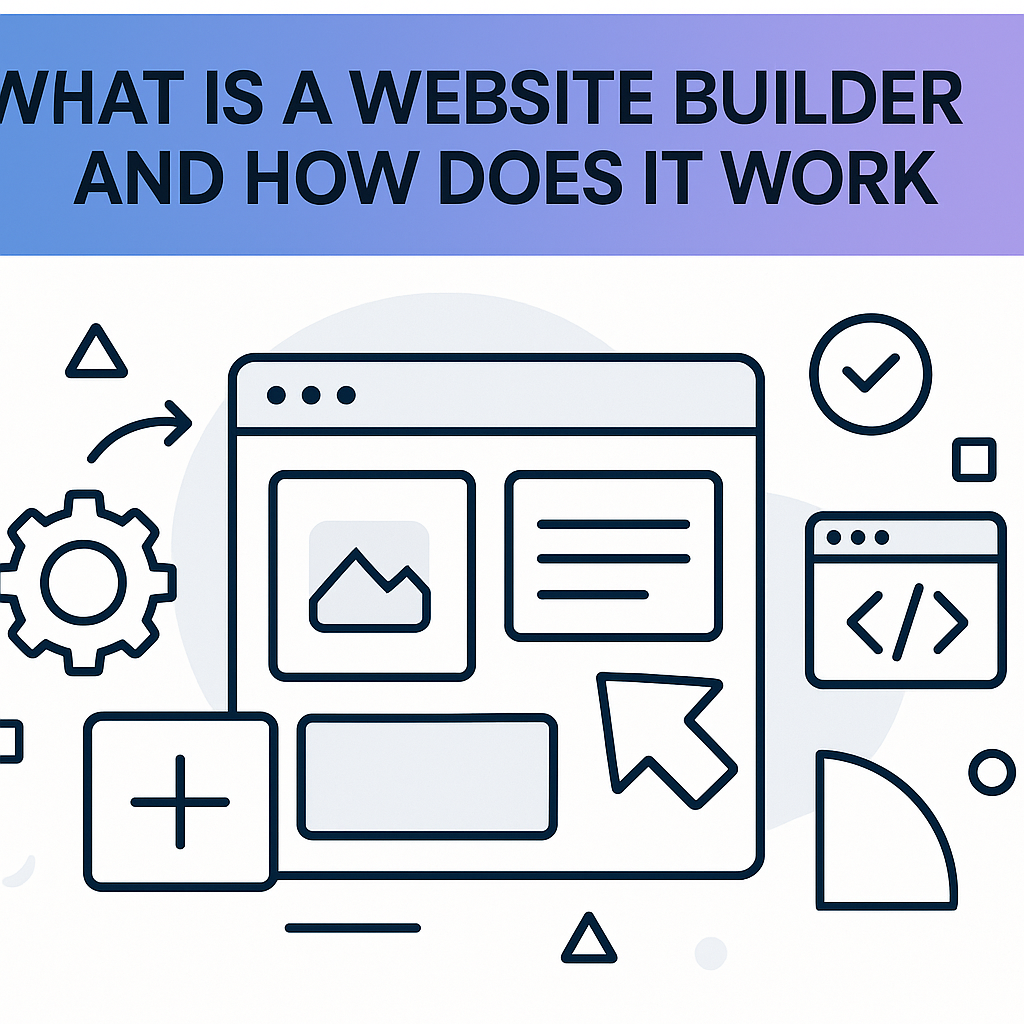
If you have ever wondered what is a website builder and how does it work, you are not alone — millions of people ask this question every year as they take their first steps toward creating an online presence. In a world where having a website is increasingly important for businesses, freelancers, hobbyists, and nonprofit organisations alike, the idea of building one from scratch can feel overwhelming. Traditionally, creating a website required knowledge of HTML, CSS, JavaScript, and sometimes server-side programming languages. For most people with no technical background, that barrier made the dream of having a professional-looking website seem out of reach. Website builders changed all of that. They are software tools — typically available through a web browser — that allow ordinary people to design, build, and publish a website without writing a single line of code. Whether you want to launch a portfolio showcasing your photography, open an online store selling handmade goods, or create a blog about your travels, a website builder provides the tools to do it visually and intuitively. By the end of this guide, you will have a thorough understanding of what website builders are, how they work under the hood, and what they can and cannot do for you.
What Is a Website Builder and How Does It Work?
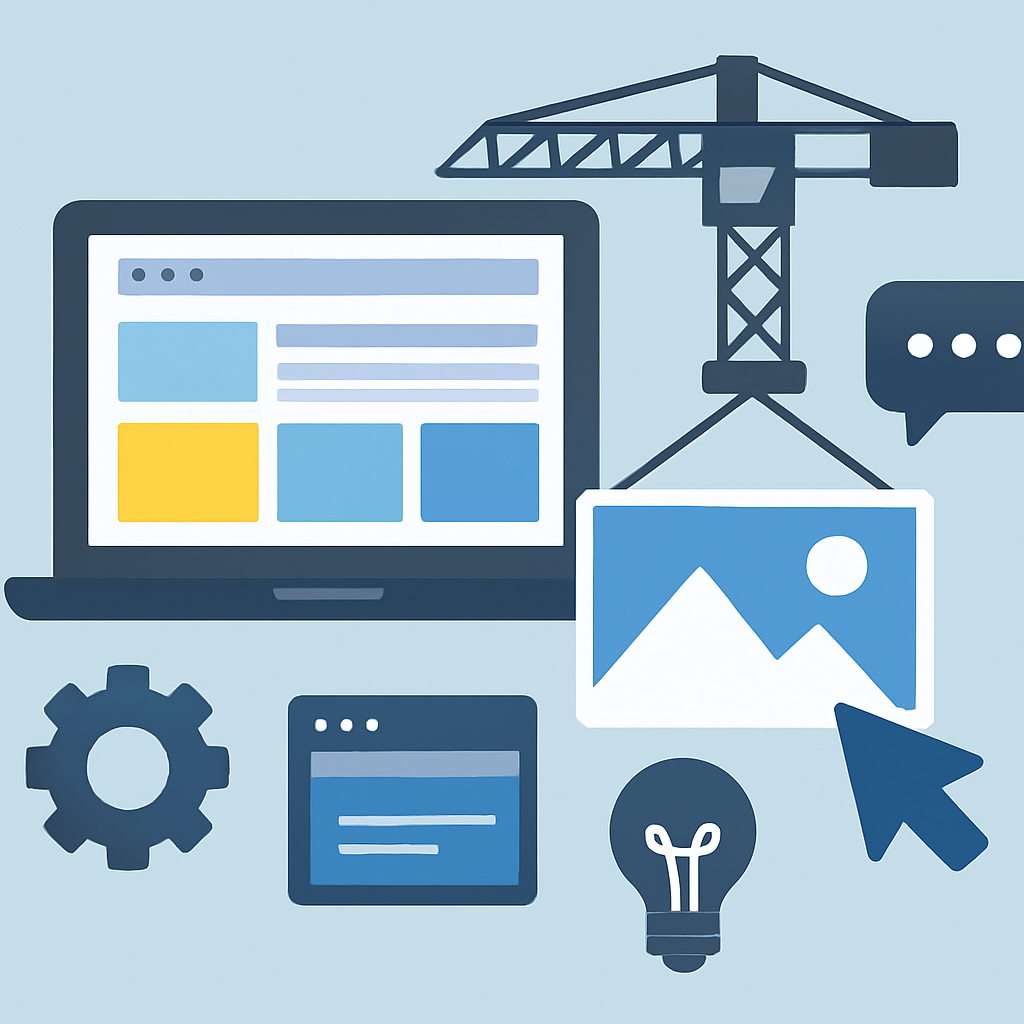
A website builder is a software platform that provides pre-built templates, visual editing tools, and hosting infrastructure so that users can create a functional website without needing to write or understand code. Think of it like using a word processor to write a document — you do not need to know how the software renders fonts or manages file formats; you simply type, format, and save. A website builder works in the same way, but the output is a live webpage instead of a document.
At its core, a website builder operates on a principle called abstraction. The technical complexity of a website — the HTML structure, the CSS styling, the JavaScript interactivity, the database connections — is hidden behind a visual interface. When you drag an image block to the left side of your page, the builder automatically writes the underlying code that positions that image correctly in a web browser. You never see that code, but it is there, running in the background.
Most website builders follow a similar workflow. You begin by selecting a template, which is a pre-designed layout that determines the general look and structure of your site. You then customise that template using a visual editor — changing text, swapping images, adjusting colours, and rearranging sections. Once you are satisfied, you publish your site, which makes it accessible to anyone on the internet.
A concrete example helps illustrate this: imagine a florist named Maria who wants to create a website for her shop. She has no coding knowledge. Using a website builder, she selects a template designed for small businesses, replaces the placeholder photos with her own flower arrangements, updates the text with her shop’s address and hours, and connects a contact form. Within a few hours, her site is live. The builder has handled every technical task — generating the HTML, applying the CSS, deploying the site to a server — completely invisibly.
The Role of Templates and Visual Editors

One of the most fundamental components of how a website builder works is the template and visual editor system. Templates are the starting point for almost every website built on these platforms. They are professionally designed layouts that have already solved the hard problems of visual design: spacing, typography, colour contrast, navigation placement, and mobile responsiveness. When you choose a template, you are essentially inheriting thousands of decisions that a professional designer has already made on your behalf.
Visual editors come in two main forms. The first is a block-based or section-based editor. In this system, a webpage is divided into horizontal sections — a header section, a features section, a testimonials section, and so on. You add, remove, and rearrange these sections, and each one contains customisable elements like text, images, buttons, and videos. This is a straightforward and relatively guided approach that works well for beginners.
The second type is a drag-and-drop editor, which offers more freedom. In this environment, you can place elements — called widgets or modules — almost anywhere on the page canvas. You drag an image widget from a panel on the side and drop it exactly where you want it on the page. You can resize it, layer it over other elements, and apply animations. This system is more flexible but also requires more design judgment on the user’s part.
A real-world scenario: consider a personal trainer named James who wants to build a website to attract new clients. He selects a fitness-themed template and uses the drag-and-drop editor to place a large hero image of himself training a client at the very top of the page. He drags a testimonials widget below it and a pricing table widget below that. He can see exactly how the page will look to a visitor as he works, because the editor shows a live preview. The visual immediacy of this process is what makes website builders so accessible.
How Website Builders Handle Hosting and Technical Infrastructure

Something that is easy to overlook when learning about website builders is the fact that they typically handle everything related to hosting and technical infrastructure as part of the package. This is a significant distinction from the traditional approach to building websites, where you would need to separately purchase hosting, configure a server, install software, manage security certificates, and handle software updates.
With a website builder, all of this happens automatically behind the scenes. When you publish your website, the platform deploys your site to its own network of servers. These servers are maintained by the company running the builder. They apply security patches, manage uptime, handle traffic spikes, and ensure that your site loads reliably around the world.
One important piece of this infrastructure is the Content Delivery Network, or CDN. A CDN is a system of servers distributed across multiple geographic locations. When someone visits your site, the CDN serves your site’s files from the server physically closest to that visitor, which makes your pages load faster. Most website builders include CDN support by default, which is a feature that used to require significant technical expertise to set up independently.
Domain names are another part of the infrastructure that builders simplify. A domain name is the address people type into a browser to reach your site, like www.mariasflowers.com. Many website builders allow you to purchase and connect a custom domain name directly through their platform, handling the DNS configuration — the technical process of pointing the domain to your server — automatically.
For example, a non-profit organisation called Community Garden Collective wants to launch a website to share resources with volunteers. Their coordinator, who has no technical background, uses a website builder to design the site, purchases a custom domain through the platform, and publishes the site. The builder handles the server setup, SSL certificate (the security layer that makes a site’s address start with “https”), and domain connection without the coordinator needing to understand any of these concepts.
How Content Management Works Inside a Website Builder

Beyond the initial design phase, website builders also include tools that make it easy to manage and update your content on an ongoing basis. This is an often underappreciated aspect of how these platforms work, and it is crucial for anyone who plans to maintain a living, changing website rather than a static, never-updated page.
Most website builders store your content in a structured way. When you add a blog post, the title, body text, images, and publication date are saved as separate pieces of data. The builder then uses a template to display that data consistently every time someone visits the post. This means you can write and publish a new blog entry without touching any design elements — the visual formatting is handled automatically.
E-commerce functionality is another area where content management becomes important. If you are selling products through your website, a website builder with e-commerce capabilities allows you to add product listings, set prices, manage inventory, and process orders through a structured dashboard. You are not manually coding a shopping cart; the builder provides the entire system.
Consider a ceramics artist named Sophie who updates her website regularly to showcase new work. She adds new pieces to her online gallery by filling out a simple form — uploading photos, writing a description, setting a price — and the builder automatically creates a new product page using the design template she set up months ago. She does not need to touch the design at all. This separation between content and design is one of the most powerful features of modern website builders, and it mirrors how large-scale websites like news organisations manage enormous volumes of content.
The Technical Mechanisms Running in the Background
To truly understand how a website builder works, it helps to have a basic appreciation of what is happening technically when you click “publish.” When you build a page in a website builder, you are interacting with what is called a front-end interface — the part of the software you see and interact with. Beneath that, the builder is running back-end processes that handle data storage, code generation, and server communication.
When you make a change — say, you change a headline from “Welcome” to “Welcome to Maria’s Flowers” — that change is saved to a database managed by the platform. When a visitor loads your page, the builder’s system retrieves your content from the database, combines it with your template and styling information, and generates the final HTML that the visitor’s browser reads. This process happens in milliseconds.
Some website builders use a different approach called static site generation. In this model, rather than building the page dynamically every time a visitor arrives, the builder pre-generates all the HTML files when you publish. These static files are then served directly from a CDN, which makes the site extremely fast. Visitors essentially receive a pre-built file rather than waiting for the server to construct the page in real time.
Another technical component is the form and interaction system. When a visitor fills out a contact form on your site and clicks “submit,” the website builder routes that submission to a handler — either storing it in a database, forwarding it to your email address, or both. Setting this up traditionally required server-side programming. In a website builder, you simply add a form element to your page, configure where you want submissions sent, and the builder handles the rest.
Benefits and Limitations of Website Builders
Benefits
- No coding knowledge required. This is the defining advantage. Anyone who can use a word processor or a smartphone can learn to build a website with a modern website builder. The learning curve is measured in hours, not months.
- Speed of development. A basic website can be published in a single afternoon. For small businesses, freelancers, and individuals who need a web presence quickly, this is enormously valuable. A freelance graphic designer could have a portfolio site live before a Monday morning meeting.
- Built-in hosting and maintenance. You do not need to manage servers, apply security updates, or worry about your site going down due to technical misconfiguration. The platform handles all of this as part of its service, reducing ongoing maintenance demands significantly.
- Professional design without a designer. Templates created by professional designers give users access to polished, visually coherent layouts that would otherwise require hiring a design professional. The quality of these templates has improved dramatically over the past decade.
- Integrated tools and features. Most website builders include built-in SEO tools, analytics dashboards, contact forms, e-commerce functionality, and social media integration. Assembling all of these independently would require considerable technical work.
Limitations
- Limited design flexibility. While visual editors offer a great deal of customisation, you are ultimately working within the constraints of the platform’s system. Highly specific design requirements — such as unique interactions or unconventional layouts — may not be achievable without access to custom code.
- Platform dependency. Your website lives on the builder’s infrastructure. If the company changes its pricing, discontinues a plan, or shuts down, your site could be affected. Migrating a website away from a builder to an independent hosting environment is often difficult or impossible.
- Performance ceilings. For websites with very high traffic volumes or complex functionality, the shared infrastructure of a website builder may not perform as well as a custom-built solution on dedicated hosting. This is rarely a concern for small to medium-sized sites, but it becomes relevant at scale.
- SEO customisation constraints. While builders include basic SEO tools, advanced search engine optimisation — such as editing server configuration files or implementing highly specific structured data — may be limited or unavailable, depending on the platform.
- Ongoing subscription costs. Website builders are subscription services. Over several years, the cumulative cost of a subscription can exceed the one-time cost of purchasing a theme and hosting for a self-managed website, particularly for budget-conscious users.
Frequently Asked Questions
Do I need any technical skills to use a website builder?
No, you do not need technical skills to use most website builders. They are specifically designed for people with no background in web development or programming. The interfaces use familiar concepts like clicking, dragging, and typing, so if you have experience with any modern software application, you already have the basic skills needed. That said, a small amount of learning time is helpful — most platforms offer tutorials, and spending a few hours exploring the editor before building your final site will result in a much better outcome.
Can a website built with a website builder rank on Google?
Yes, websites built with website builders can and do rank on Google search results. The platform generates valid HTML that search engines can read and index, and most builders include tools to set page titles, meta descriptions, and image alt text — all of which are important for search engine optimisation. However, very advanced SEO techniques may require more control over the site than some builders allow. For most small websites and local businesses, the built-in SEO features of a modern website builder are entirely sufficient to achieve good search visibility with quality content.
What is the difference between a website builder and a content management system like WordPress?
A website builder is a fully hosted, all-in-one platform where design, content management, and infrastructure are bundled together and managed by the service provider. A content management system (CMS) like WordPress, in its self-hosted form, is software that you install on your own hosting server, giving you full control over every aspect of your site. Website builders prioritise ease of use and require no setup knowledge, while a self-hosted CMS offers more flexibility and control but requires more technical understanding. WordPress.com, the hosted version of WordPress, sits somewhere between the two — it is easier to manage than self-hosted WordPress but offers more design flexibility than many traditional website builders.
Can I sell products through a website builder?
Yes, many website builders include built-in e-commerce functionality that allows you to create product listings, accept payments, manage orders, and track inventory. This functionality is typically available on higher-tier subscription plans. The built-in payment processing systems are designed to handle common use cases like physical products, digital downloads, and service bookings. For very complex e-commerce requirements — such as custom inventory management systems or integration with specialised enterprise software — a dedicated e-commerce platform or custom-built solution may be more appropriate.
What happens to my website if I stop paying for the website builder subscription?
If you stop paying for a website builder subscription, your website will typically become inaccessible to visitors. Most platforms will give you a grace period before taking the site offline, during which you can renew your plan or export your content. The critical point to understand is that because your site is hosted on the builder’s infrastructure, you do not own the hosting environment — you are renting access to it. Before cancelling any plan, it is important to export whatever content you can, such as images, text, and blog posts, and to understand what export options the platform provides. Some builders allow you to export a copy of your site; others make migration very difficult.
Are free website builder plans worth using?
Free plans on website builders are genuinely useful for learning the platform, experimenting with designs, or creating very simple personal projects. However, free plans typically come with significant limitations: you may be required to display the builder’s branding on your site, you will likely be given a subdomain address (such as mariaflowers.builderplatform.com rather than mariaflowers.com), and access to features like e-commerce, custom domains, and advanced design tools is usually restricted to paid plans. For any professional or business use case, a paid plan is generally necessary to present a credible, fully functional website.
Conclusion
Understanding what a website builder is and how it works removes the mystery from a tool that has genuinely democratised the ability to have a presence on the web. At its heart, a website builder is a layer of abstraction between you and the complex technical reality of the internet — it translates your visual decisions into working code, manages the infrastructure that keeps your site online, and provides a structured system for managing and updating content over time. The templates and drag-and-drop editors make the design process visual and immediate, while the back-end systems handle everything from server management to form submissions without requiring any technical knowledge from you.
The most important thing to take away is that website builders are genuine tools capable of producing professional, functional websites — not just simplified toy versions of the real thing. Millions of businesses, creatives, and organisations use them to maintain their entire online presence. They are not the right tool for every situation, and understanding their limitations — particularly around design flexibility, platform dependency, and advanced SEO — helps you make informed decisions. If you are just starting out, spending time exploring a website builder’s free tier to understand its interface and capabilities is a worthwhile first step before committing to any plan or platform.