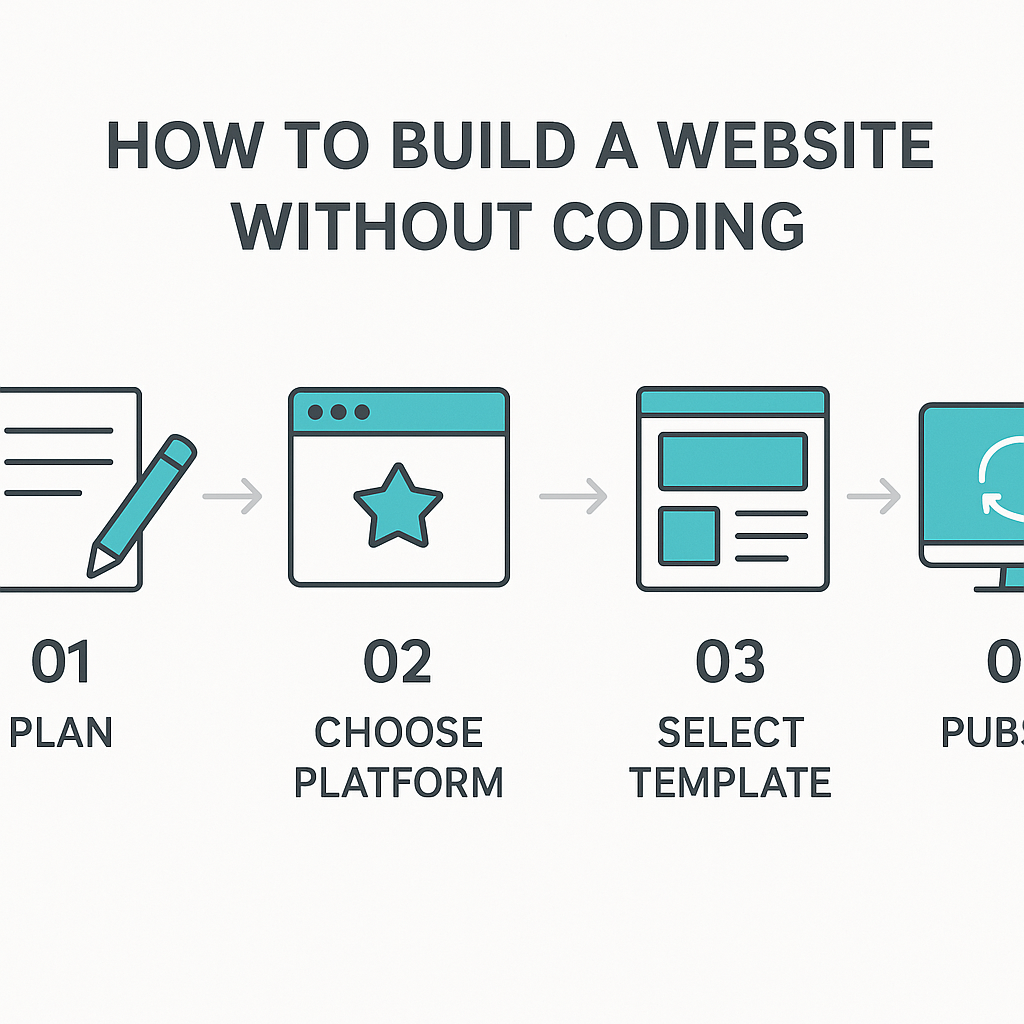
How to Build a Website without Coding
Learning how to build a website without coding is one of the most empowering digital skills available to anyone today — and it is far more accessible than most people realise. Not long ago, putting a website online meant writing HTML, understanding CSS stylesheets, and possibly wrestling with JavaScript. If you did not have a developer on hand, you were largely locked out. That has changed dramatically. Today, millions of people — small business owners, freelancers, teachers, artists, community organisers, and retirees — create fully functional, professional-looking websites without writing a single line of code. This guide will walk you through everything you need to understand: what no-code website building actually means, how the tools behind it work, how to plan and design your site, how to get it live on the internet, and what limitations you should be aware of going in. Whether you want to create a personal portfolio, promote a local business, start a blog, or launch a small online store, the information in this guide will give you a genuine foundation to move forward with confidence. You do not need a technical background. You just need a clear understanding of the process.
What Is No-Code Website Building and How Does It Work?
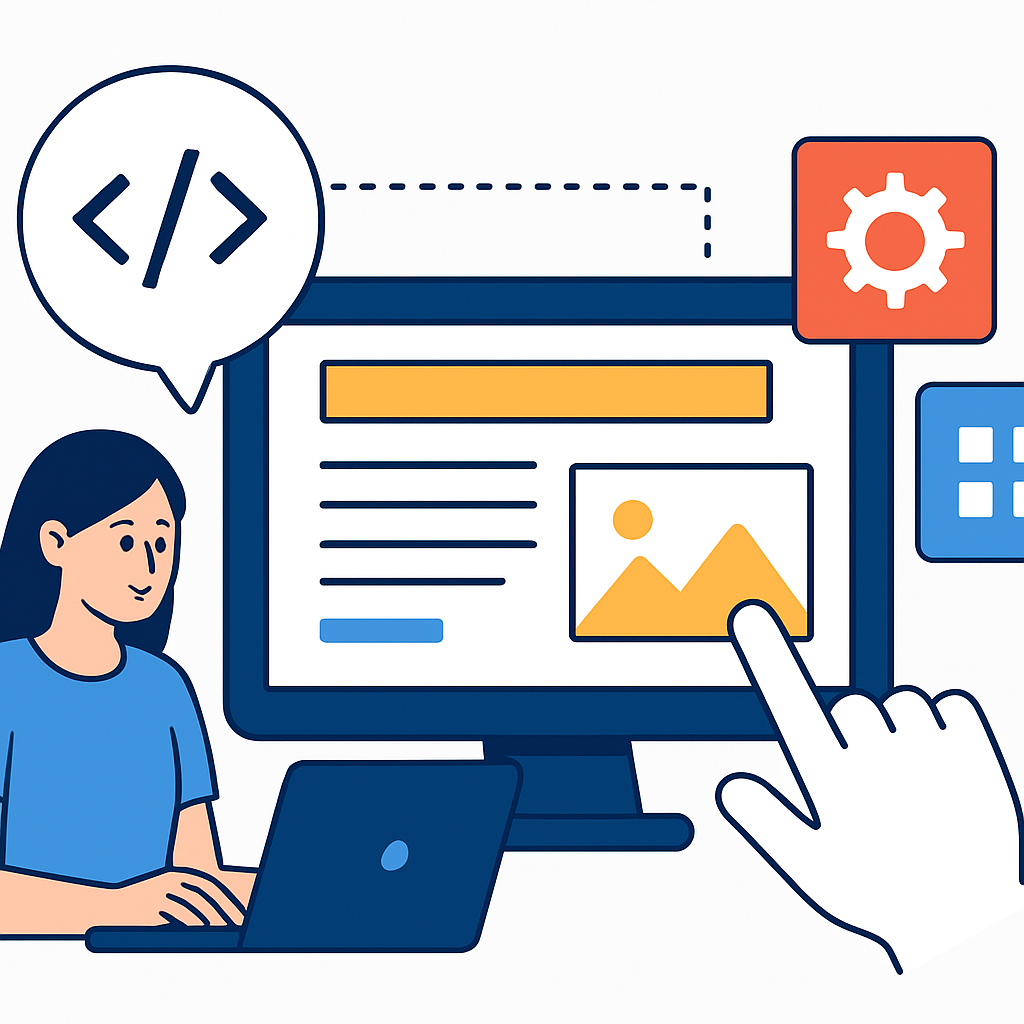
No-code website building refers to the process of creating a website using visual, drag-and-drop tools that handle all the technical work behind the scenes. Instead of typing out instructions in a programming language, you interact with a graphical interface — clicking, dragging, selecting colours, uploading images, and typing text directly onto a page — and the software translates your design choices into the underlying code automatically.
A helpful analogy is desktop publishing software like Microsoft Word or Google Docs. When you bold a word in a document, you are not typing a formatting instruction — you click a button and the software handles it. No-code website builders work on the same principle, but for the web. You make visual decisions; the platform generates the HTML, CSS, and sometimes JavaScript in the background without you ever seeing it.
The technology that makes this possible is called a WYSIWYG editor — which stands for “What You See Is What You Get.” As you build your page, you see exactly how it will appear to visitors. Changes are reflected in real time, which makes the process intuitive even for complete beginners.
A concrete example: imagine a florist named Maria who wants an online presence for her shop. She signs up for a website builder, chooses a pre-designed template suited to a flower shop, replaces the placeholder photos with her own, updates the text to include her address and opening hours, and connects a simple contact form. Within a few hours, she has a live website — without writing a single tag of code. The platform handled domain connection, mobile responsiveness, and page structure automatically.
Planning Your Website Before You Build
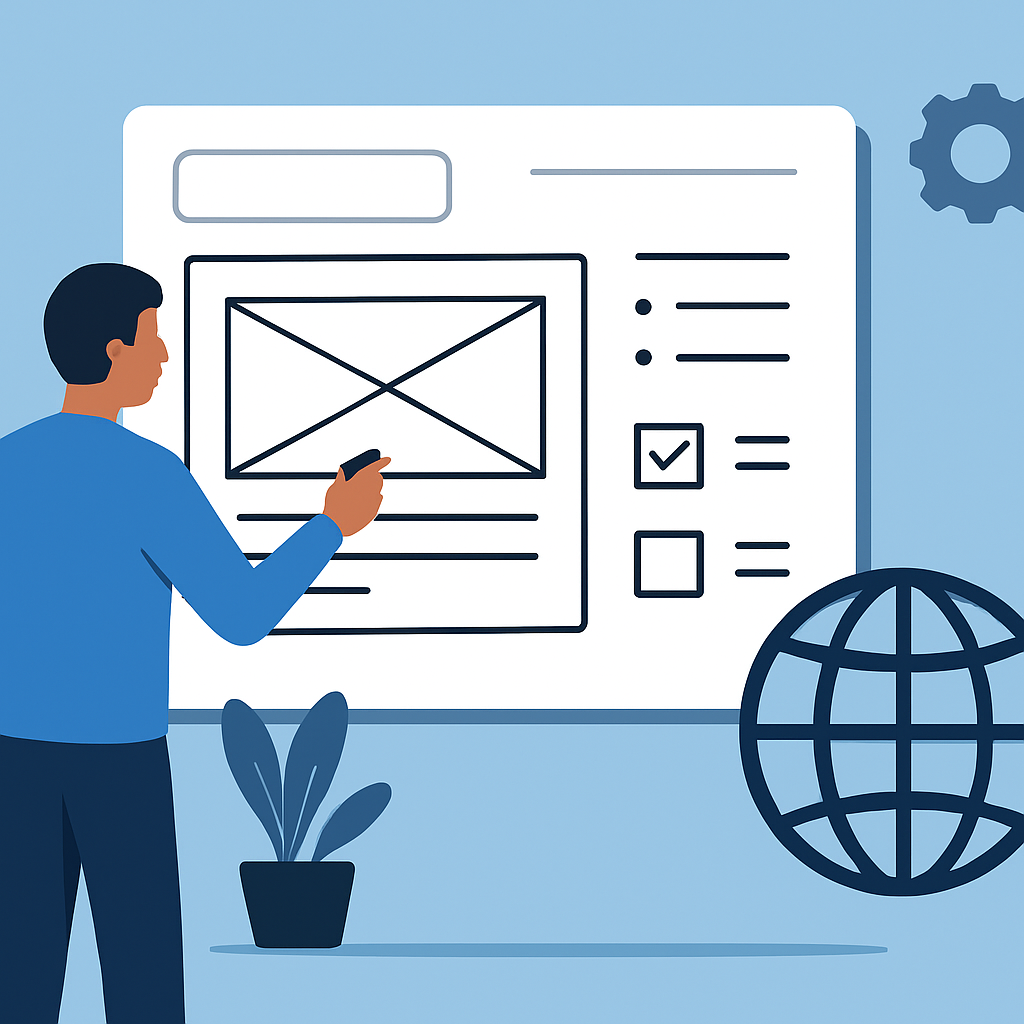
One of the most overlooked steps in learning how to build a website without coding is the planning stage. People often rush to open a builder and start clicking, only to find themselves confused about what pages they need, what their site is for, or why it looks cluttered. A little planning up front saves enormous time and frustration.
Start by defining the purpose of your site. Ask yourself a straightforward question: what do I want visitors to do when they arrive? If you are a photographer, the answer might be “look at my work and contact me for bookings.” If you are running a community group, it might be “find our meeting schedule and sign up for updates.” A clear purpose shapes every decision that follows — the number of pages, the layout, the content, the colours.
Next, map out your pages. Most simple websites need only a handful: a Home page, an About page, a Services or Portfolio page, and a Contact page. A blog might add a Posts section. An online store adds product pages and a checkout. Write these down on paper before opening any tool.
Think about your audience, too. A site aimed at young creative professionals will feel very different from one aimed at parents looking for a local childminder. Your audience influences your tone, your imagery, and how simple or detailed your navigation should be.
For example, a personal trainer named James decided to build his first site. Before touching any builder, he wrote out three goals: attract local clients, explain his training packages, and make it easy for people to book a free consultation. He sketched five simple page layouts on paper. When he finally opened his website builder, he had a clear blueprint to follow — and his site took shape in one focused afternoon rather than a disorganised week of trial and error.
Choosing the Right Website Builder for Your Needs
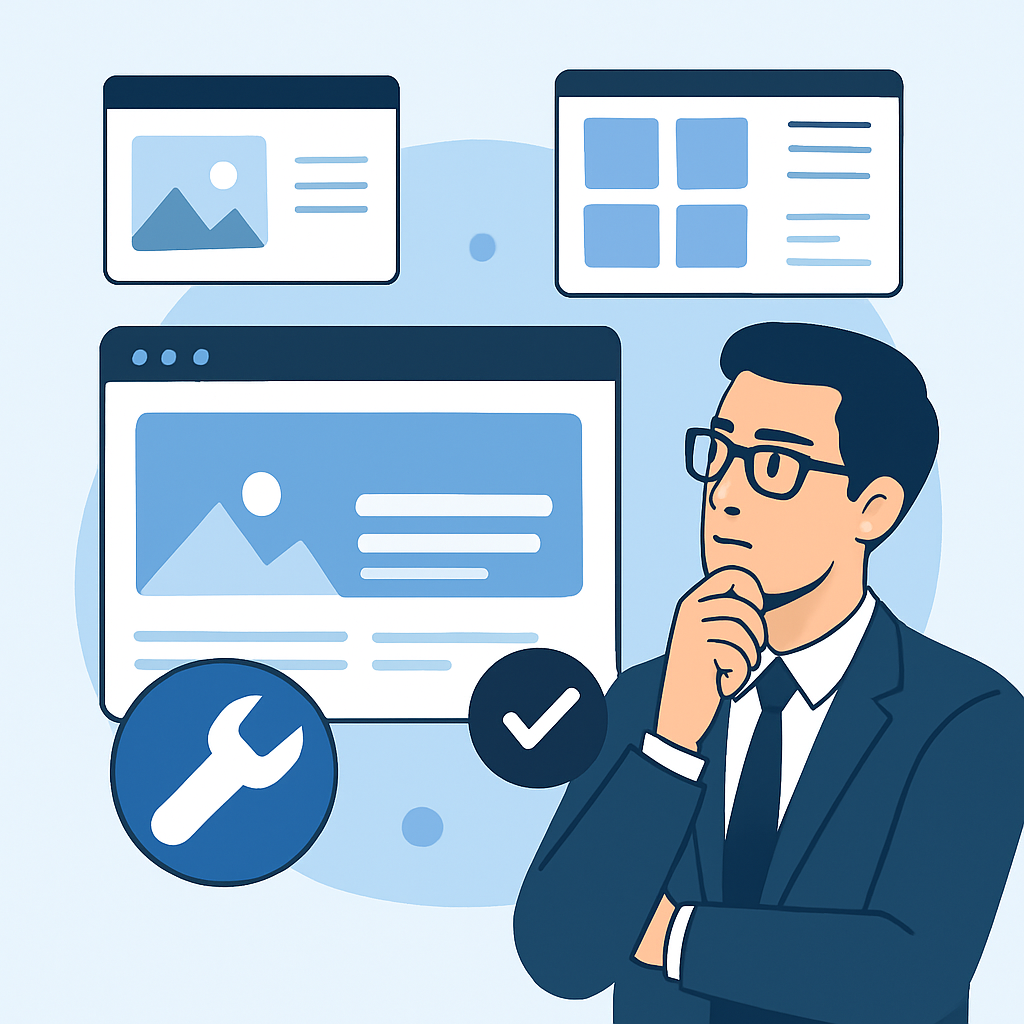
Once you have a plan, the next step is understanding the landscape of tools available so you can choose one that fits your project. Website builders are not all identical — they differ in flexibility, ease of use, and what types of sites they handle best.
There are broadly two categories. The first is hosted, all-in-one platforms. These are services where everything — the builder, hosting, security, and domain management — is handled in one place. You create an account, choose a template, and build entirely within their system. These platforms are ideal for beginners because the technical infrastructure is invisible. You never worry about servers, software updates, or security certificates.
The second category is open-source content management systems (CMS) with visual page builders added on top. WordPress, for instance, is a CMS that by itself requires some technical knowledge. However, when paired with a visual builder plugin, it becomes much more accessible to non-coders. This approach gives you more long-term flexibility but has a slightly steeper initial learning curve.
Consider what your site needs in the long run. If you want a simple portfolio or informational site that you can launch quickly and maintain easily, an all-in-one hosted platform is usually the better choice. If you anticipate needing complex features, lots of customisation, or plan to grow significantly, a CMS with a visual builder may serve you better in the future.
A real scenario: a small bakery owner wanted an online menu and a way to take orders. She initially tried a complex CMS and felt overwhelmed. She switched to a simpler hosted platform, used a restaurant-style template, and had her site live within a day. The tool she chose matched her actual needs — straightforward, manageable, and low-maintenance.
Designing Your Website: Layout, Visuals, and Content
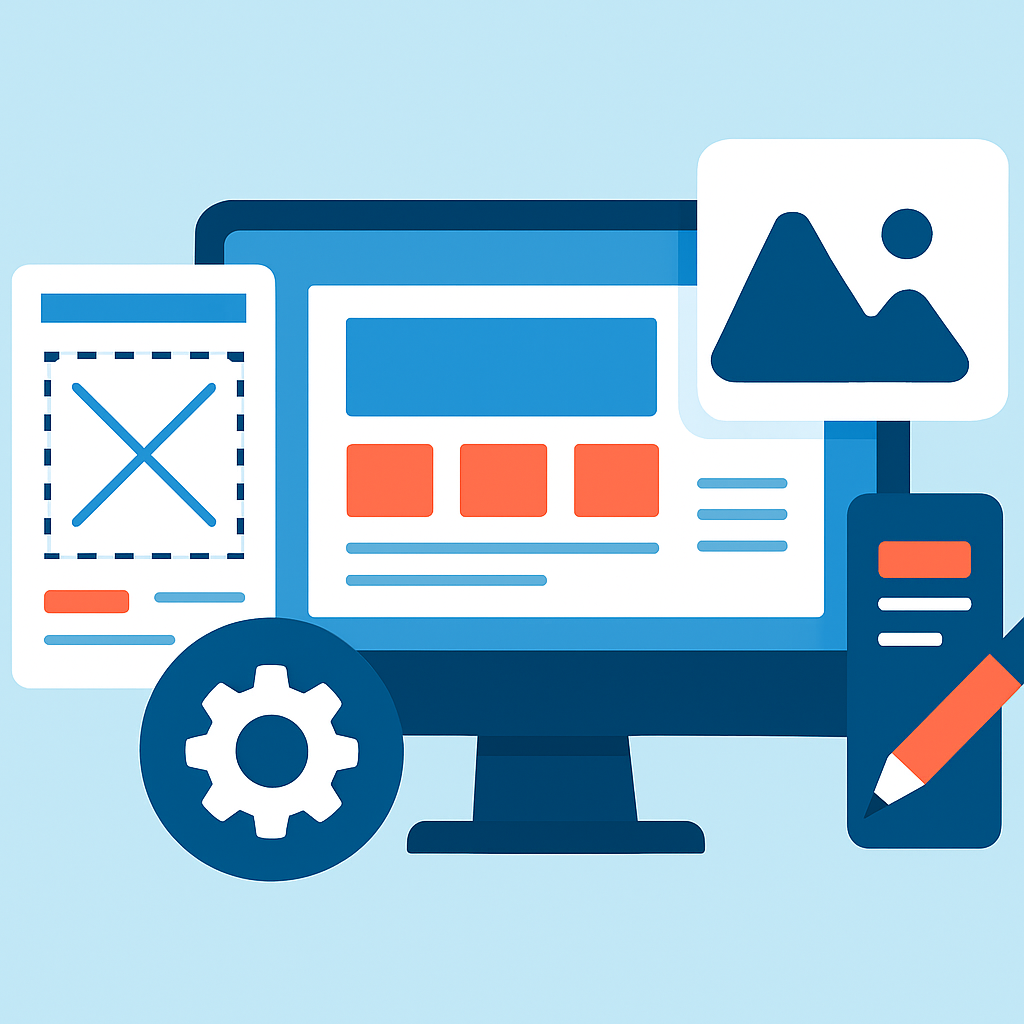
With a plan in place and a builder chosen, the creative work begins. Designing your website without coding does not mean having no design principles — it means applying them through visual tools rather than written code. Understanding a few fundamentals will help you produce a site that looks intentional and professional rather than cluttered or amateurish.
Templates are your foundation. Every major website builder offers dozens or hundreds of pre-designed templates — pre-built layouts for different types of sites. Choose a template that is close to what you need structurally, not just aesthetically. Changing colours and fonts is easy; restructuring an entire layout is harder. If your site needs a large image gallery, start with a template designed around imagery. If you need lots of text and articles, start with a blog-friendly template.
Consistency matters more than creativity. Use the same two or three fonts throughout your site. Choose a colour palette of two or three colours and apply them consistently. Visitors notice inconsistency even if they cannot name it — it makes a site feel unfinished or untrustworthy. Most builders offer brand kit features that let you set your fonts and colours once and apply them everywhere automatically.
Content is the most important element. A beautifully designed site with vague or poorly written content will not serve your visitors. Write in plain, direct language. Use headings to break up text. Keep paragraphs short. Every page should answer the question a visitor likely has when they arrive there.
Images make a significant difference. Use real, high-quality photos where possible. Many builders include access to libraries of free stock photography, which is a perfectly legitimate option when you do not have your own images yet. Avoid blurry photos or images that feel mismatched with your content.
A practical example: a yoga instructor building her first site chose a calm, minimal template with lots of white space. She set her brand colours to soft green and cream, used a clean sans-serif font throughout, and wrote brief, warm descriptions of each class she offered. She added one real photo of her teaching a class and pulled a few complementary stock images for the background. The result looked polished not because it was technically complex, but because the choices were consistent and purposeful.
Getting Your Website Live: Domains, Hosting, and Publishing
Understanding how to take your finished design and make it accessible on the internet is a critical part of knowing how to build a website without coding. This step can feel mysterious to beginners, but it is more straightforward than it appears.
Domain names are the web addresses people type to find your site — for example, marias-flowers.com or jamesfitnesscoaching.co.uk. A domain name is something you register separately (or sometimes through your website builder directly) and it typically costs a small annual fee. Choosing a domain name is worth some thought — it should be short, easy to spell, and directly related to your name or business.
Web hosting is the service that stores your website’s files and makes them available on the internet at all times. When you use an all-in-one website builder platform, hosting is included in your subscription. You do not set it up separately — it is just there. This is one of the biggest advantages of these platforms for beginners.
Publishing is as simple as clicking a button. Once you have finished designing your site in the builder, you hit “Publish” (or a similar button depending on the platform), and the site goes live. From that point on, anyone with your web address can visit it.
SSL certificates are small security protocols that make your site’s address begin with https:// rather than http:// — the padlock symbol visitors see in their browser. This is important for trust and for search engines. Again, on most modern hosted platforms, this is handled automatically. You do not need to configure it yourself.
After publishing, you can continue editing your site at any time. Changes you make in the builder are applied to the live site when you save or republish. This means you can update content, add new pages, change images, or adjust your layout whenever needed — without any technical process beyond what you already know how to do.
Benefits and Limitations of Building a Website without Coding
No approach is perfect, and it is important to understand both the genuine strengths and the real limitations of building a website without coding before you commit to the process.
Benefits
- Accessibility for everyone. You do not need any prior technical knowledge to get started. The learning curve for most modern builders is measured in hours, not months, which means almost anyone can create a real, functional website.
- Speed of creation. A basic informational site or portfolio can be live within a single day. For businesses that need an online presence quickly — a newly opened café, a freelancer starting to market their services — this speed has real practical value.
- Low ongoing technical maintenance. On hosted platforms especially, software updates, security patches, and server management are handled for you. You focus on your content, not the infrastructure.
- Cost-effective for small projects. Hiring a professional web developer for a basic site can cost hundreds or thousands of pounds or dollars. Building it yourself with a no-code tool is a fraction of that cost, with many platforms offering usable free tiers.
- Ongoing control. You can update your own site whenever you need to — changing prices, adding new photos, posting announcements — without depending on or paying a developer for every small change.
Limitations
- Design constraints. No-code builders give you significant freedom within a defined system. If you have a very specific, complex design vision that does not fit the builder’s framework, you may find yourself limited. Custom animations, unique interactive features, or unusual layouts may be difficult or impossible to achieve without code.
- Performance ceilings. Websites built on hosted platforms are generally well-optimised, but sites with very high traffic or complex functionality (like large-scale e-commerce operations or web applications) may eventually need custom development to perform at their best.
- Portability issues. If you build your site on a hosted platform and later want to move it to a different system, you may not be able to export your design easily. You might need to rebuild elements from scratch. This is less of an issue for most small sites but worth knowing in advance.
- Template dependency. Starting from a template can save time, but it can also mean your site looks similar to others using the same template. Genuine visual uniqueness requires more effort and creative thought.
- Limited scalability for complex features. Very advanced features — user dashboards, custom databases, complex booking systems, membership areas — may require code or third-party integrations that add complexity and cost beyond what a simple no-code builder provides out of the box.
Frequently Asked Questions
Do I need to pay for a domain name and hosting even when using a website builder?
Most website builders offer the ability to publish your site on a free subdomain — for example, yoursitename.builderplatform.com — at no cost. However, for a professional appearance, most people choose to connect a custom domain such as yourbusiness.com, which typically involves an annual registration fee. Hosting is usually included in the builder’s subscription rather than charged separately. The costs involved depend entirely on the platform you choose and whether you want a custom domain, so it is worth reading the pricing details of any platform before committing.
How long does it actually take to build a basic website without coding?
For a simple four or five page informational site — a home page, an about page, a services or portfolio page, and a contact page — most beginners with a clear plan can have something live within a few hours to a full day of focused work. The planning stage beforehand typically takes another one to two hours if done properly. A more content-heavy site, like a blog with multiple posts or an online shop with many products, will naturally take longer — sometimes several days. The biggest time variable is usually gathering and writing your own content, not the building process itself.
Will my website look good on mobile phones if I build it without coding?
Yes, in the vast majority of cases. Modern no-code website builders are built with mobile responsiveness as a standard feature, meaning your site automatically adjusts its layout to display properly on smartphones and tablets. Many builders also let you preview and fine-tune how your site looks on different screen sizes before publishing. This is one area where no-code tools have genuinely caught up with professional development — a well-chosen template on a reputable platform will produce a mobile-friendly result without you needing to think about it technically.
Can I add an online store or take payments through a website built without coding?
Yes, e-commerce functionality is available on many no-code website builders, though the depth of features varies. You can typically add product listings, connect a payment processor (such as PayPal or Stripe), manage basic inventory, and set up simple shipping options entirely through visual tools. For a small to medium-sized shop — say, a handmade jewellery seller with fifty products or a local retailer adding an online component — this is usually sufficient. For larger, more complex operations, you may eventually outgrow the built-in e-commerce tools and need a more specialised solution.
What happens to my website if I stop paying for the platform?
This is an important practical question that beginners often overlook. On most hosted platforms, if your subscription lapses or you stop paying, your site will either revert to a limited free version (which may remove your custom domain, add the platform’s branding, or limit functionality) or become inaccessible entirely. Your content is usually still stored and accessible to you through your account, but visitors will not be able to reach the site. This is why it is worth choosing a platform you intend to commit to and understanding the cancellation and export policies before building — particularly if your site becomes important to your business or personal brand over time.
Can I improve my website’s visibility on search engines without knowing how to code?
Yes. Search engine optimisation (SEO) — the practice of making your site more likely to appear in search results — involves both technical and non-technical elements. The technical side is largely handled by your platform. The non-technical side, which is often the most impactful for small sites, includes writing clear and relevant page titles, using descriptive headings, producing genuinely useful content, and making sure your site loads quickly and works on mobile. Most website builders include built-in SEO fields — places where you can type a page title and meta description for each page — that do not require any code to fill in. Consistently producing good content and earning links from other relevant websites are also powerful non-technical approaches.
Conclusion
Learning how to build a website without coding is genuinely achievable for anyone willing to invest a small amount of time and thought. The key takeaways from this guide are straightforward: start with a clear plan before opening any tool, choose a builder that fits your actual needs rather than the most complex option available, apply consistent design principles through the visual tools available to you, and understand the practical steps of getting your site live with a domain and hosting. No-code tools have made it possible to create professional, functional websites in hours rather than months — but the quality of the result still depends on the quality of your thinking, your content, and your planning.
The best next step is simply to start. Choose a project with a clear purpose — your own portfolio, a local group’s information page, a small business site — sketch out your pages on paper, then open a builder and explore. Expect to spend time experimenting and adjusting. The learning happens by doing. With the understanding you have built through this guide, you are genuinely equipped to approach that process with confidence rather than guesswork.