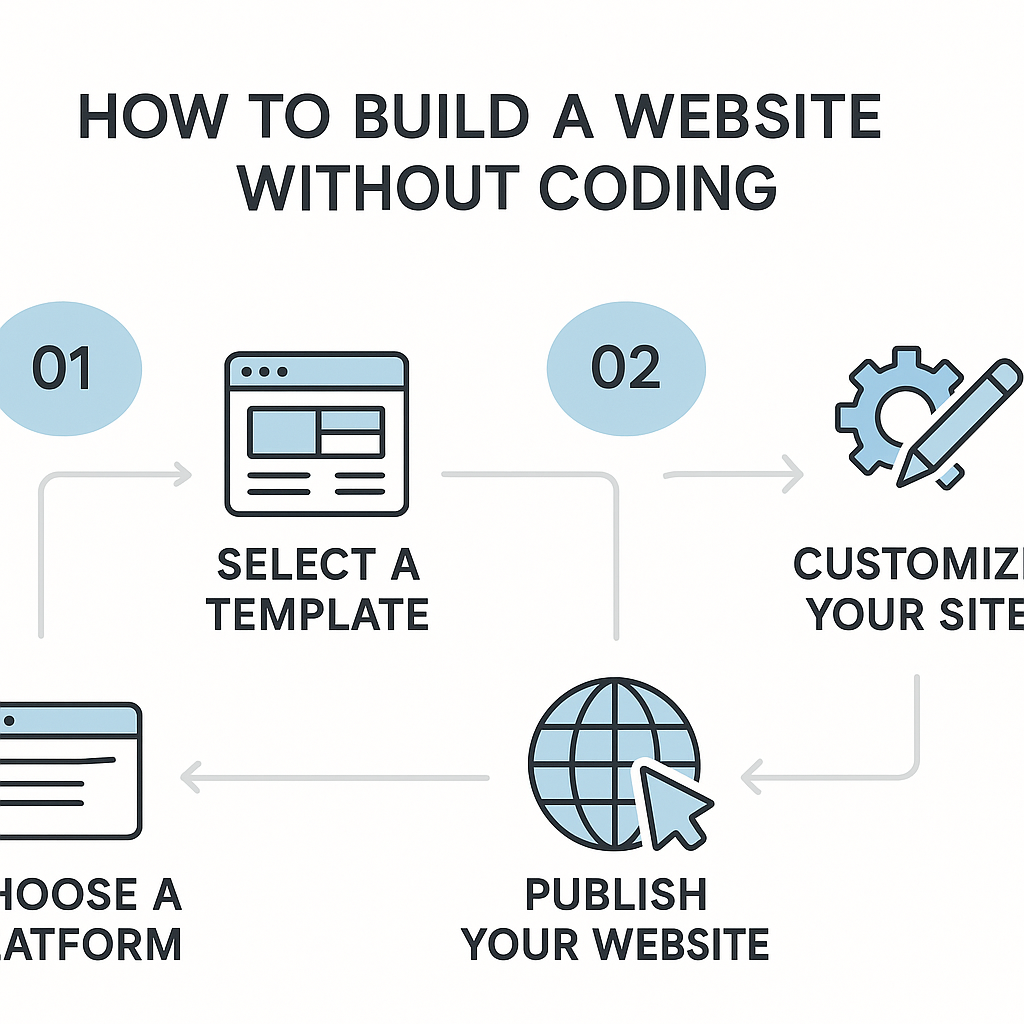
How to Build a Website without Coding
Learning how to build a website without coding is one of the most empowering digital skills a person can develop today, and the good news is that it is far more accessible than most people assume. Whether you are a small business owner who wants an online presence, a freelancer showcasing your portfolio, a community organiser running a local group, or simply someone with an idea you want to share with the world, building a website no longer requires you to understand programming languages like HTML, CSS, or JavaScript. The tools available today have genuinely changed the landscape of web creation, putting capabilities that once belonged exclusively to professional developers directly into the hands of everyday people. In this guide, you will learn what no-code website building actually means, how the technology behind it works, how to plan and structure your website, how to choose the right type of tool for your specific purpose, how to handle the essential elements like design and content, and what realistic expectations you should have going in. Every section is designed to give you practical, usable knowledge — not vague encouragement — so that by the end you have a genuine understanding of what it takes to get a working website online.
—
What Is No-Code Website Building and How Does It Work?
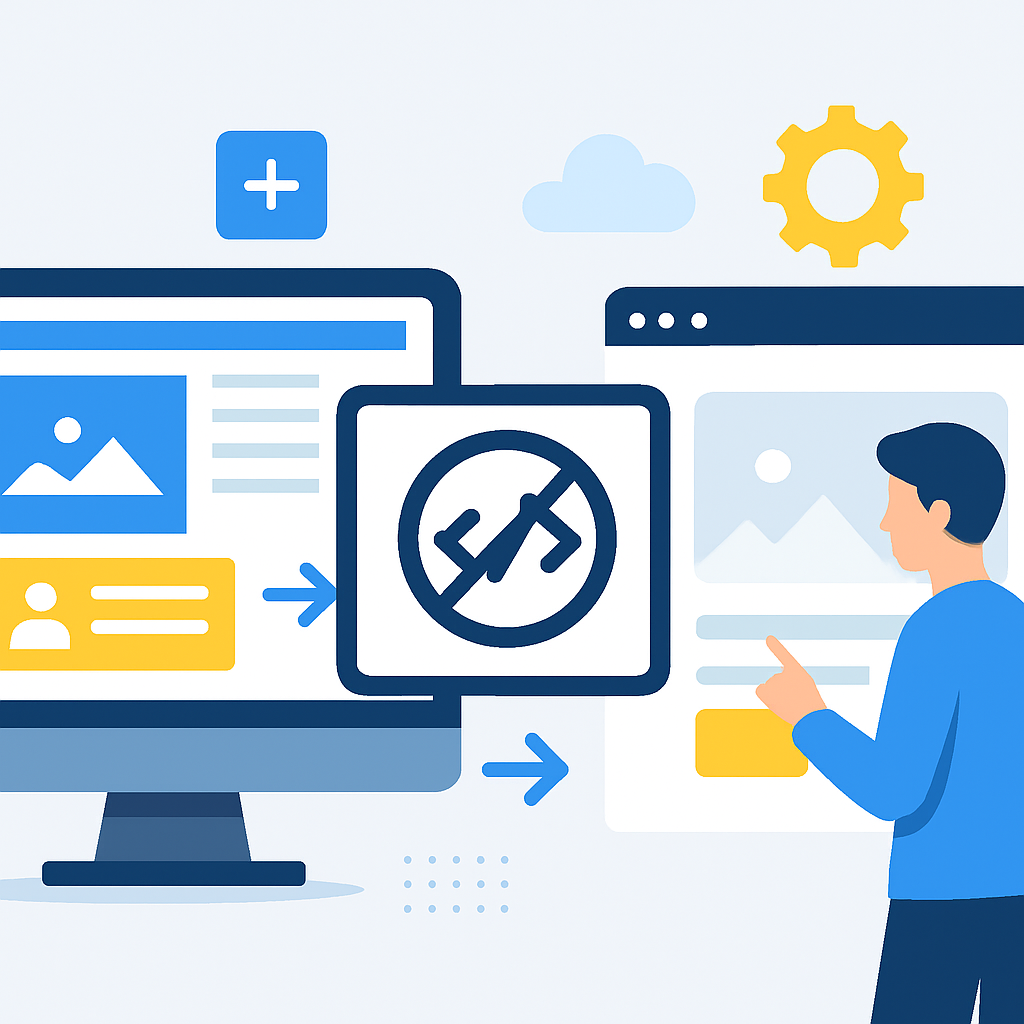
No-code website building refers to the process of creating a fully functional website using visual, graphical interfaces rather than writing lines of programming code. The best way to understand it is through an analogy: think of the difference between building a house from raw lumber versus using a prefabricated modular system where the walls, floors, and roof sections are already manufactured and you simply assemble them according to your chosen layout. You are still building something real and structurally sound — you are just not cutting timber yourself.
The technology that makes this possible is called a visual editor or drag-and-drop builder. Behind the scenes, these platforms do generate real code — HTML for structure, CSS for styling, JavaScript for interactivity — but they generate it automatically in response to your visual decisions. When you move a text block to the left side of a page, the platform writes the appropriate CSS positioning rules without you ever seeing them. When you add a contact form, it configures the necessary scripts to collect and send that data.
A concrete example helps here. Imagine someone named Maria who runs a small pottery studio. She wants a website that shows her work, tells visitors about her classes, and includes a form to book a session. Maria has no programming background whatsoever. Using a no-code builder, she can select a layout template designed for creative businesses, upload photos of her pottery, type in her class schedule, and connect a booking form — all by clicking, dragging, and typing. The finished website is fully real, loads in browsers around the world, and can be found through search engines. The platform handled all the code generation in the background.
This works because modern web platforms have essentially abstracted the technical layer away from the user-facing layer. You interact with a design interface; the software translates your design choices into functional web technology. This is not a shortcut or a compromise — it is a genuinely different pathway to the same destination.
—
Planning Your Website Before You Build Anything
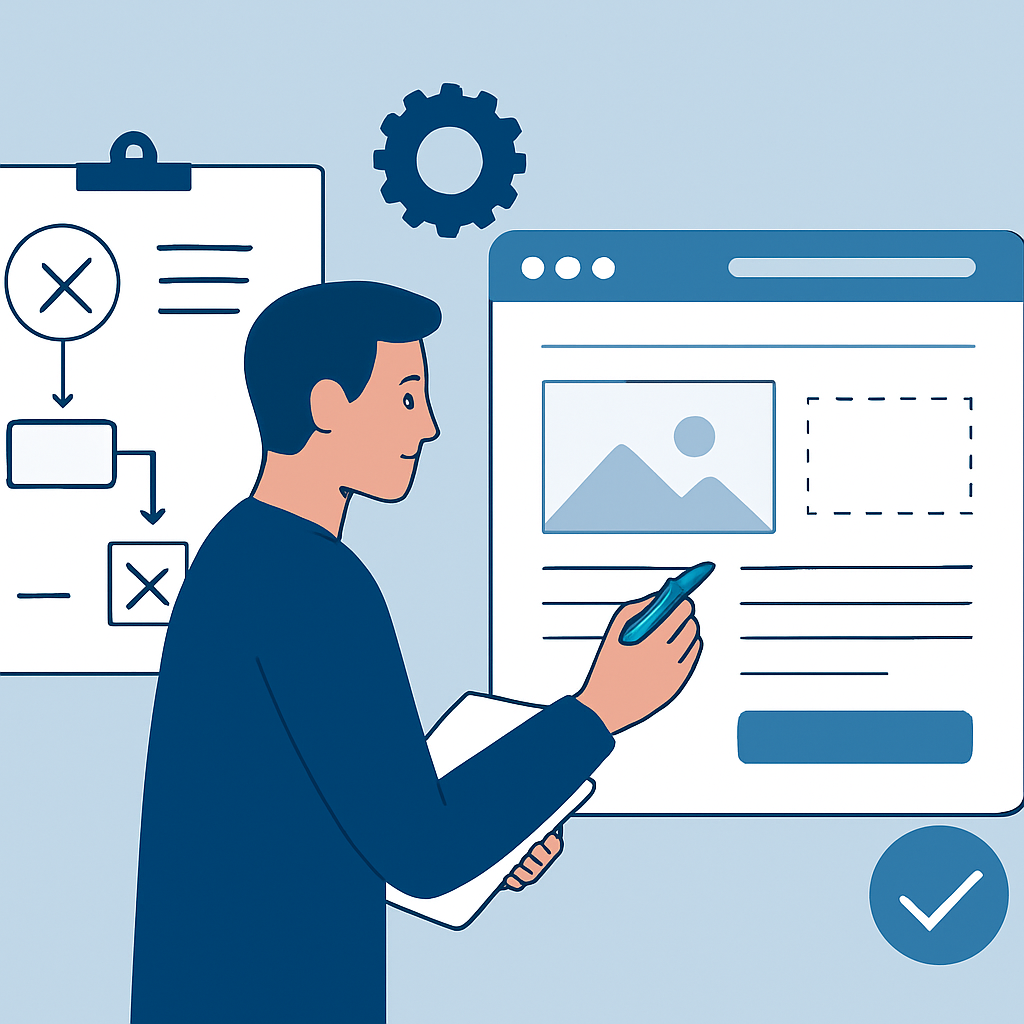
One of the most important and most overlooked aspects of building a website without coding is the planning phase that happens before you open any tool at all. Many beginners make the mistake of jumping straight into a builder, picking a template that looks attractive, and then struggling to fit their actual content into it. This leads to frustration, a disorganised site, and a lot of wasted time.
Good planning starts with a clear answer to three questions: Who is this website for? What do they need to find or do? What do I need to communicate?
Consider a real example. James is a personal trainer who wants a website to attract new clients. If he starts building without planning, he might create a visually impressive homepage but forget to include a clear way for people to contact him, or he might bury his pricing information three clicks deep where nobody finds it. If he plans first, he maps out his pages: a homepage explaining what he offers, a services page with clear pricing, a short about page so visitors feel they know him, and a contact page with a booking form. He decides that every page needs a visible button that leads to booking. That structure decision — made on paper or in a simple document — guides every choice he makes inside the builder.
Planning also involves gathering your content before you start designing. This means writing your text, collecting your photos, and having your logo ready. No-code builders are excellent at arranging and presenting content, but they cannot create it for you. The projects that look polished and professional are almost always ones where the creator invested time in writing clear, specific copy and sourcing high-quality images.
—
Choosing the Right Type of No-Code Tool for Your Purpose
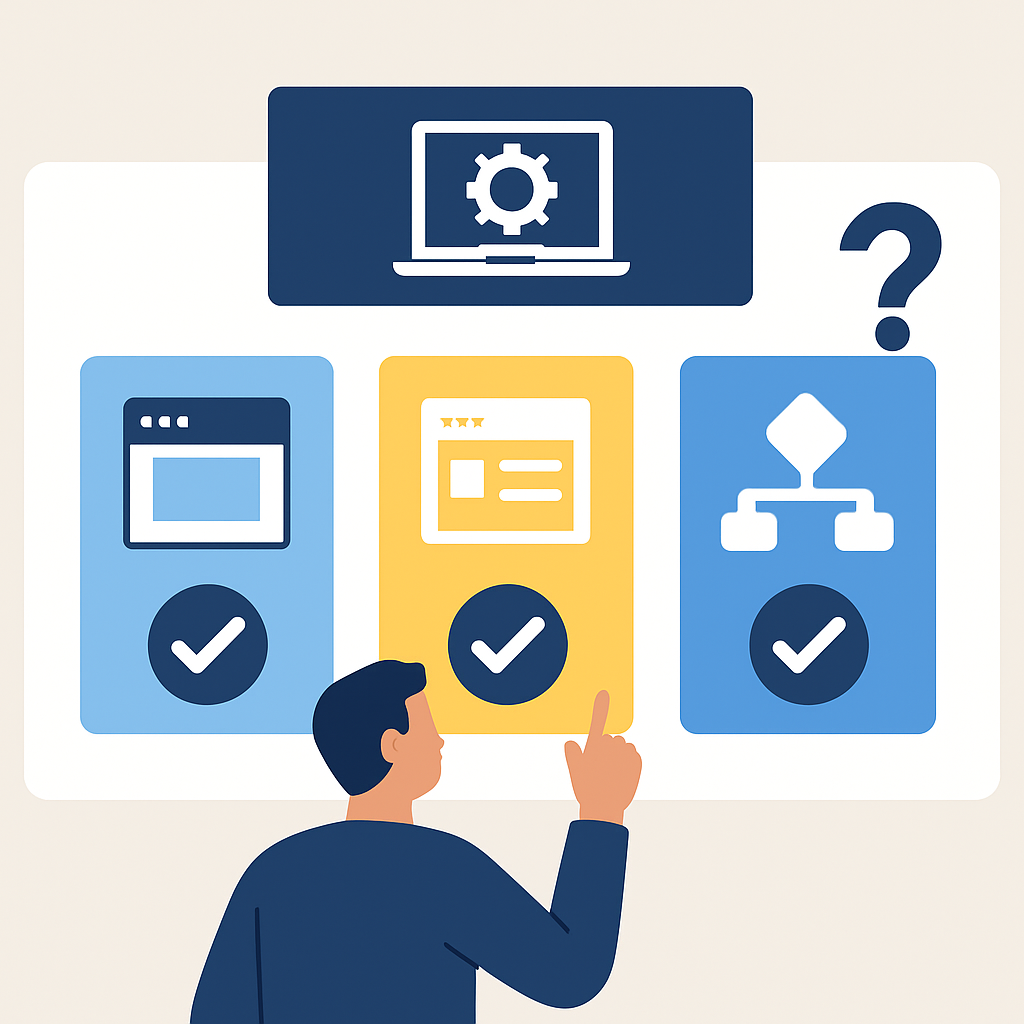
Not all no-code website builders work the same way or serve the same purposes, and understanding the key distinctions helps you make a more informed choice rather than picking randomly or based solely on name recognition.
There are broadly three categories of no-code web building tools, each suited to different goals.
All-in-one hosted website builders are platforms where everything — design, hosting, domain management, and publishing — happens within a single system. You create an account, choose a template, build your site, and publish it, all without leaving the platform. These are ideal for beginners because the technical infrastructure is entirely managed for you. A photography portfolio, a restaurant website, or a personal blog built this way can be live within a day with no server knowledge required.
Content Management Systems with visual builders represent a middle path. WordPress, for example, is technically a CMS that originally required coding knowledge, but modern versions combined with block-based editors and visual page builder plugins have made it highly accessible to non-coders. This approach gives you more flexibility and ownership of your content in the long run, but it also introduces more moving parts — you will typically need to arrange your own hosting and manage things like software updates.
Specialised no-code platforms serve specific use cases. If you want to sell products, there are platforms built specifically around e-commerce with inventory management and payment processing built in. If you want to create an online course or membership community, there are platforms designed for exactly that structure. Using a tool matched to your specific goal saves enormous time compared to trying to adapt a general-purpose builder.
A practical example: Sophie wants to sell handmade candles online. Using a general personal website builder might give her a beautiful site but weak selling tools. Using a platform specifically built for small e-commerce businesses gives her product listings, checkout flows, shipping calculators, and tax settings — all without coding — because the tool was built around that exact need.
—
Designing Your Website: Layout, Visual Consistency, and User Experience
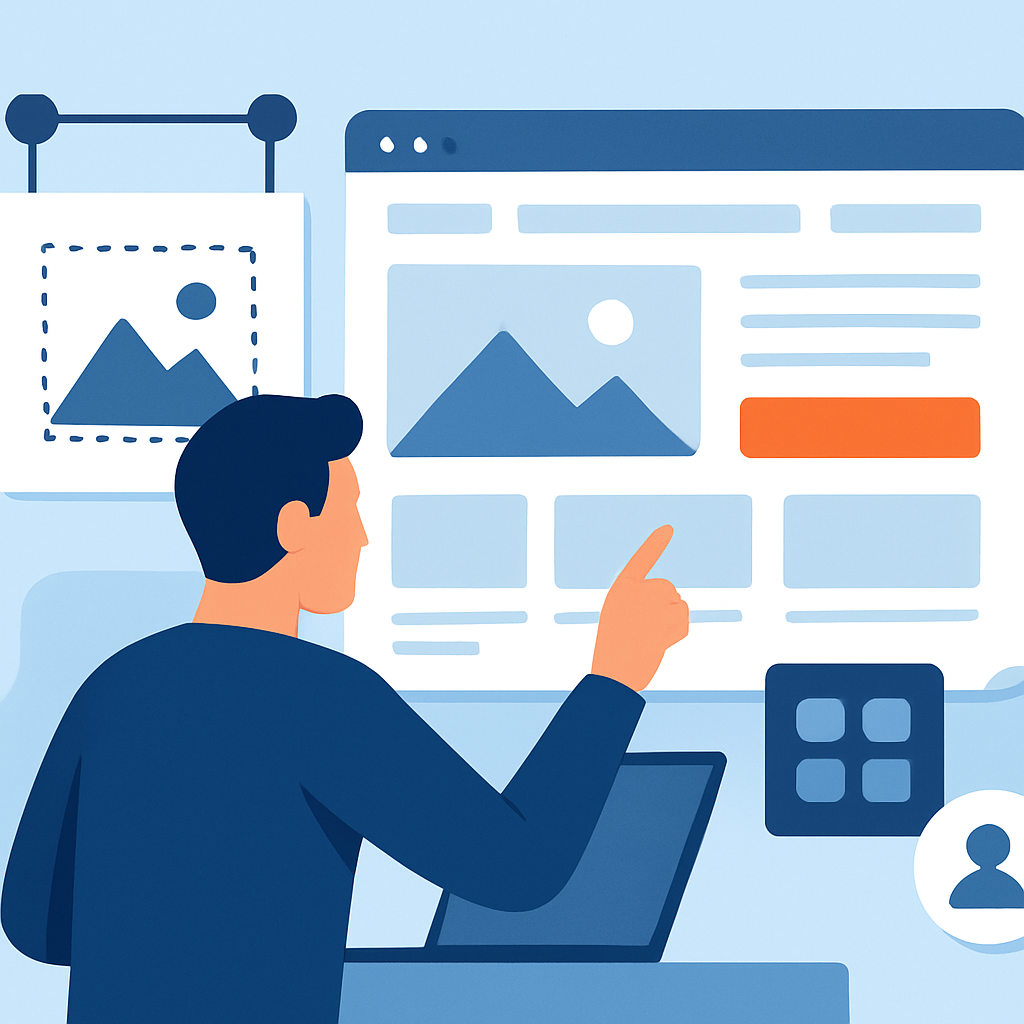
Once you have chosen your tool and gathered your content, the design phase begins. This is where most people feel simultaneously excited and overwhelmed, because the creative possibilities can feel limitless. The key to managing this is to understand that good web design is not about making things complicated — it is about making things clear.
Start with a template that is structurally close to what you need, not just visually appealing. Templates in no-code builders are pre-built layouts that you customise. Choosing one that already has the right number of pages and the right general structure (say, a services-based business template if you offer a service) means you are adjusting rather than rebuilding from scratch.
Visual consistency is one of the most important design principles for a non-designer to internalize. This means using the same two or three fonts throughout your site, sticking to a colour palette of two or three complementary colours, and keeping your spacing consistent. Most no-code builders let you set these as global styles so they apply automatically across every page — this single feature prevents sites from looking cluttered and amateur.
User experience means thinking about your visitor’s journey rather than your own preferences. Where does someone’s eye land when they arrive on your homepage? Can they find your contact information within two clicks? Does the site load quickly on a mobile phone? These factors affect whether people stay on your site or leave immediately.
A real-world illustration: Consider two small bakeries with websites. The first has a gorgeous banner image but no visible address, no phone number above the fold, and a menu buried in a dropdown. The second has a clean, modest design but displays its address, hours, and phone number prominently within the first screen of content. The second site will almost certainly convert more visitors into customers — not because it looks better, but because it is easier to use.
—
Benefits and Limitations of Building a Website Without Coding
Understanding the genuine advantages and real drawbacks of no-code website building helps you set realistic expectations and make better decisions about how to approach your project.
Benefits
- Accessibility for non-technical people: The most obvious benefit is that you do not need programming knowledge. This removes what has historically been the biggest barrier to having a website, opening up the web to millions of people who would otherwise depend entirely on hiring a developer.
- Speed of building and launching: A basic website can genuinely be created and published in a single day using modern no-code tools. For a developer building from scratch, the same result might take weeks.
- Lower upfront cost: No-code platforms typically involve a monthly or annual subscription fee rather than the project-based fees charged by professional web developers, which can run into thousands of dollars or pounds for a custom site.
- Ongoing independence: Once your site is built, you can update content, change images, add pages, and adjust your layout entirely on your own. You are not dependent on a developer for routine changes.
- Built-in support and community: Most major no-code platforms offer tutorials, help centres, video guides, and user communities, meaning help is readily available when you run into a problem.
Limitations
- Customisation ceiling: No-code tools have limits. If you need very specific functionality that the platform does not natively support — a custom database interaction, an unusual animation, a uniquely complex layout — you will hit a wall without coding knowledge or additional plugins.
- Platform dependency: When you build on a hosted no-code platform, your site exists within that company’s infrastructure. If the platform changes its pricing, modifies its features, or ceases to operate, you may face significant disruption.
- Performance constraints: Some no-code builders generate heavier code than a hand-crafted site, which can affect loading speed — an important factor both for user experience and for how search engines rank your site.
- Scalability limits: For very large, complex projects — a major e-commerce operation with thousands of products, for instance — no-code solutions may eventually become insufficient, requiring a transition to custom development.
- Template similarity: Because many people use the same platforms and templates, there is a risk your site may look similar to many others unless you invest effort in customisation.
—
Frequently Asked Questions
Do I need to buy a domain name separately, or is it included?
Most no-code website builders provide a free subdomain when you first create your site — something like yourname.builderplatform.com — which is functional but looks less professional. To have your own domain name, such as yourname.com, you typically need to either purchase one through the platform itself or buy it from a separate domain registrar and connect it. Many platforms include a free custom domain for the first year on paid plans. Connecting a domain you already own to a no-code builder is usually a straightforward process that involves changing a couple of settings in your domain registrar account, with step-by-step guides provided by the builder.
Can a website built without coding actually rank on Google?
Yes, absolutely — a website built with a no-code tool can rank well in search engine results, provided you give attention to the fundamentals of search engine optimisation. This means writing content that genuinely addresses what your audience is searching for, using descriptive page titles and headings, ensuring your site loads quickly on mobile devices, and earning links from other websites over time. Most no-code platforms provide SEO settings where you can enter page titles, meta descriptions, and image alt text without any coding. The platform itself does not determine your ranking; your content quality and technical health do.
What happens if I want to add features that the builder does not offer by default?
This is a real limitation worth understanding. Most no-code builders allow you to extend functionality through built-in integrations or third-party tools. For example, you might embed a scheduling tool from one service into a website built on another platform simply by pasting an embed code — a single line of text provided by the scheduling service, which does not require understanding code. Many builders also have their own app marketplaces where you can add features like live chat, email marketing signup forms, or advanced analytics. Where these options are insufficient, some builders allow you to insert custom code snippets if you have access to that knowledge, or you can hire a developer for that specific addition while managing the rest yourself.
Is it possible to build a website without paying anything?
Many no-code platforms offer genuine free tiers that allow you to build and publish a functional website at no cost. The tradeoffs on free plans typically include the platform’s branding appearing on your site, using the platform’s subdomain rather than your own domain name, limited storage for images and files, and fewer design or feature options. For a personal project, a hobby site, or an initial prototype, a free plan is often perfectly adequate. For a business or professional context, a paid plan is usually worth the investment for the increased credibility and expanded capabilities it provides.
How long does it realistically take to build a basic website without coding?
For a simple website — a homepage, an about page, a services or portfolio page, and a contact page — a realistic timeline for a complete beginner is between one and three days of focused work. This includes time spent planning content, choosing a template, customising the design, writing and uploading your text and images, configuring basic settings, and checking that everything looks correct on both desktop and mobile screens. The process does not need to feel rushed; many people build incrementally over a week or two. The important thing to understand is that you do not need your site to be perfect before publishing — a simple, clear, functional site is far more valuable than a complex one that never launches because you kept waiting until it was ready.
Can I migrate my website to a different platform later if I outgrow the one I started with?
This is possible but comes with nuances. Your content — the text, images, and files you created — can almost always be exported and reused. However, the design and structure of your site is typically tied to the platform you built it on and does not transfer directly to another system. Migrating a website usually means rebuilding the structure in the new environment and importing your content, rather than a simple one-click transfer. This is one reason that choosing a platform aligned with your long-term goals from the beginning saves considerable effort. That said, starting on a simpler platform and migrating later is a reasonable and common path, particularly for people whose needs grow significantly over time.
—
Conclusion
Building a website without coding is genuinely achievable for anyone willing to invest time in planning, learning the tools, and iterating on their work. The key takeaways from this guide are worth holding onto: the technology available today truly does handle the code generation for you, meaning the barrier is not technical ability but rather thoughtful preparation and clear communication of what you want to say online. The most successful no-code websites are not the ones built by people with the most design flair — they are built by people who knew their audience, planned their content structure carefully, chose a tool matched to their actual purpose, and focused on clarity over complexity.
Start small, publish something real, and improve it over time. The website you launch today does not need to be your final version — it needs to be useful and honest about what you offer. As you gain familiarity with the tool you have chosen, you will find that changes and improvements become faster and more intuitive. The web is genuinely open to you without needing to write a single line of code, and the best time to begin is as soon as you have a clear sense of what you want to share.