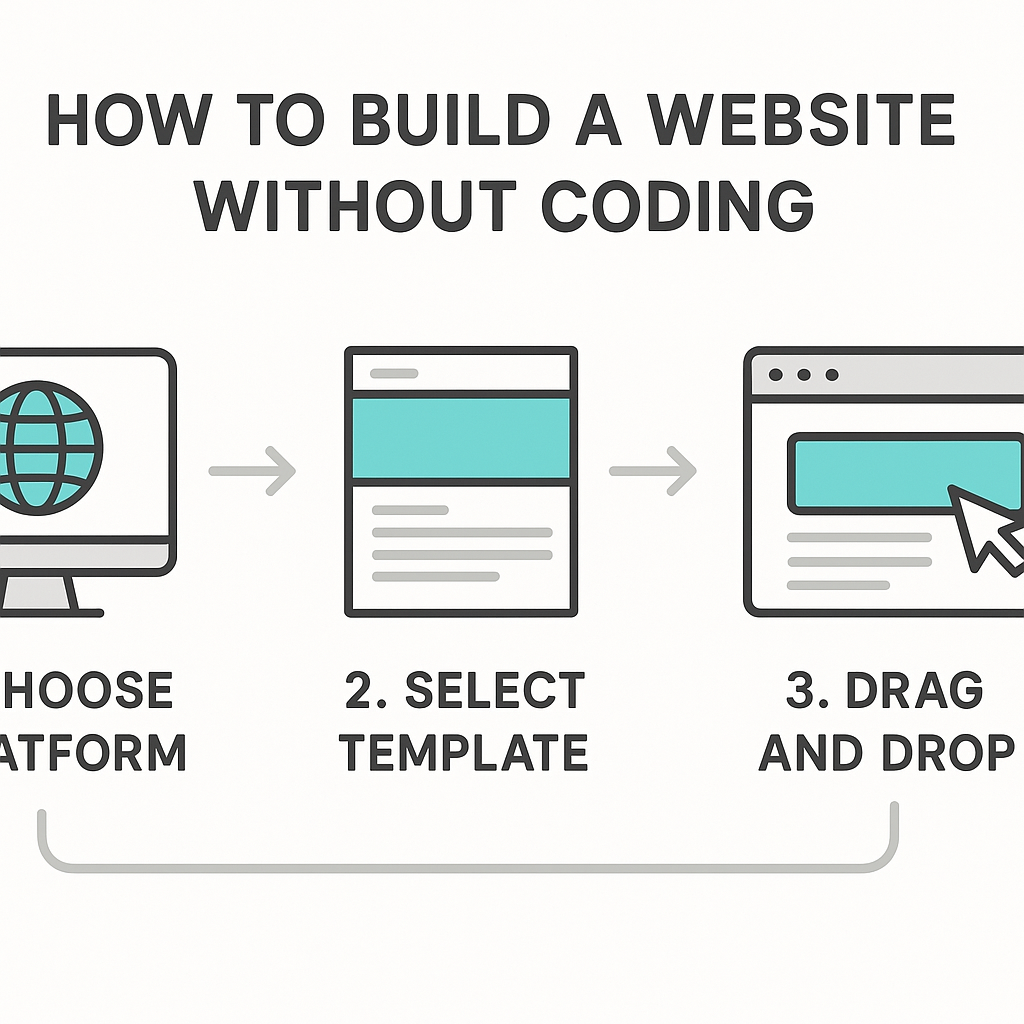
How to Build a Website without Coding
Learning how to build a website without coding is one of the most valuable digital skills you can develop today, and the good news is that it has never been more accessible to complete beginners. Whether you want to create a personal portfolio, start a small business online, launch a blog, or set up a community page for a local group, you no longer need to understand HTML, CSS, or JavaScript to get something professional online. A decade ago, building a website meant hiring a developer or spending months learning programming languages. Today, thanks to the evolution of visual website-building tools, anyone with a basic understanding of a computer and an idea of what they want can publish a fully functional website in a matter of hours or even less.
This guide will walk you through exactly how the process works — not just the tools involved, but the reasoning behind each step, what choices you will face, and how to make smart decisions that serve your goals. You will learn what no-code website building actually means, how to plan and design your site, how to handle the technical requirements like domains and hosting, and how to make your site findable on search engines. By the end, you will have a clear, practical path forward regardless of your starting point.
—
What Is Building a Website without Coding, and How Does It Work?
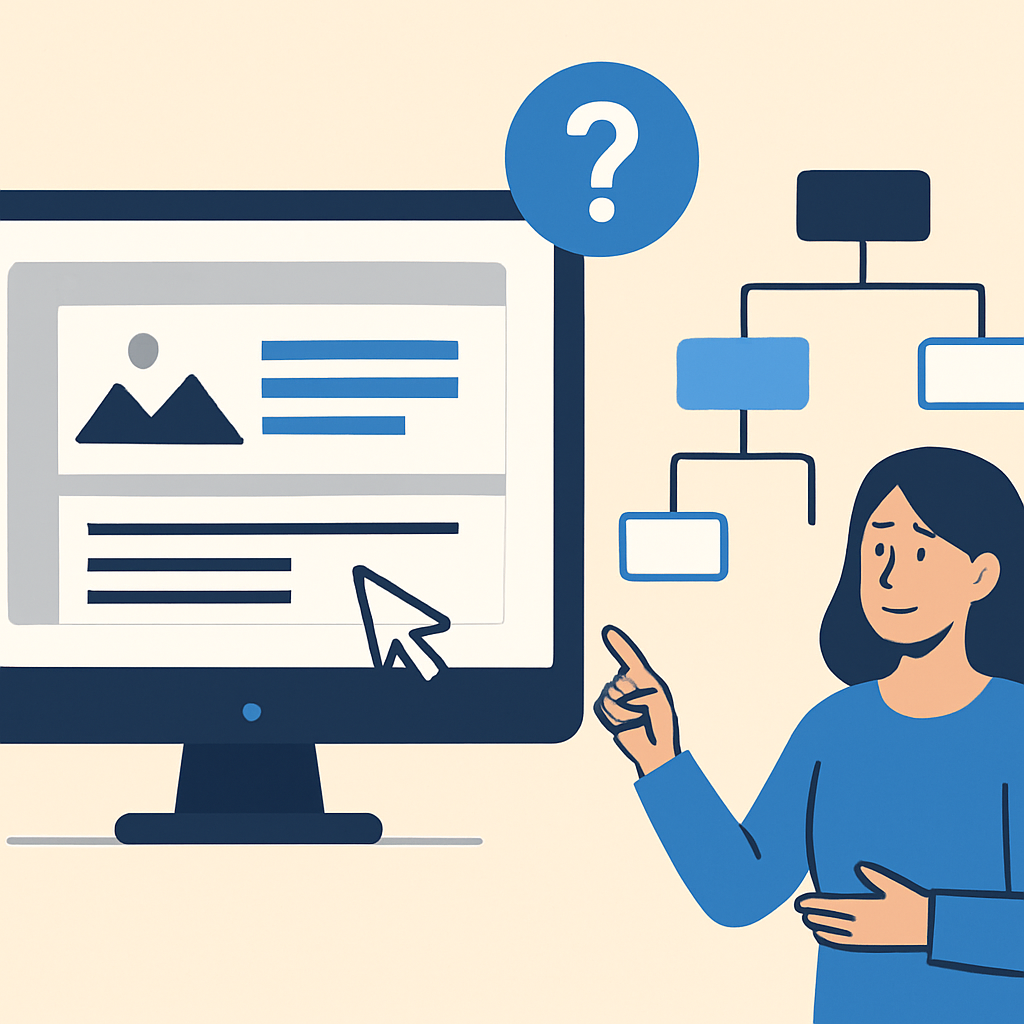
Building a website without coding refers to the process of creating and publishing a website using visual, drag-and-drop tools or template-based platforms that generate the underlying code automatically on your behalf. You never see the HTML or CSS that makes up the page — instead, you interact with a visual interface where you can click on elements, move them around, type content directly onto the page, and customise colours and fonts from a menu.
Think of it like the difference between building a piece of furniture from raw lumber and buying flat-pack furniture from a store. With raw lumber, you need to know how to cut, join, and finish wood. With flat-pack furniture, the structure is already designed — you simply follow the assembly instructions and personalise it to your space. No-code website builders work the same way. The “lumber” is the code, and the builder handles all of that in the background. You are focused entirely on the design and the content.
The reason this works is that modern website builders use what are called templates — pre-built page layouts that have already been coded by professional developers. When you choose a template and customise it, the platform updates the underlying code in real time without you ever needing to touch it. For example, if you run a small bakery and want a website, you might choose a food-and-hospitality template, replace the placeholder photos with your own, update the menu text, and add your contact details. The result looks custom-built even though all the technical structure was handled for you.
—
Choosing the Right Platform for Your Website
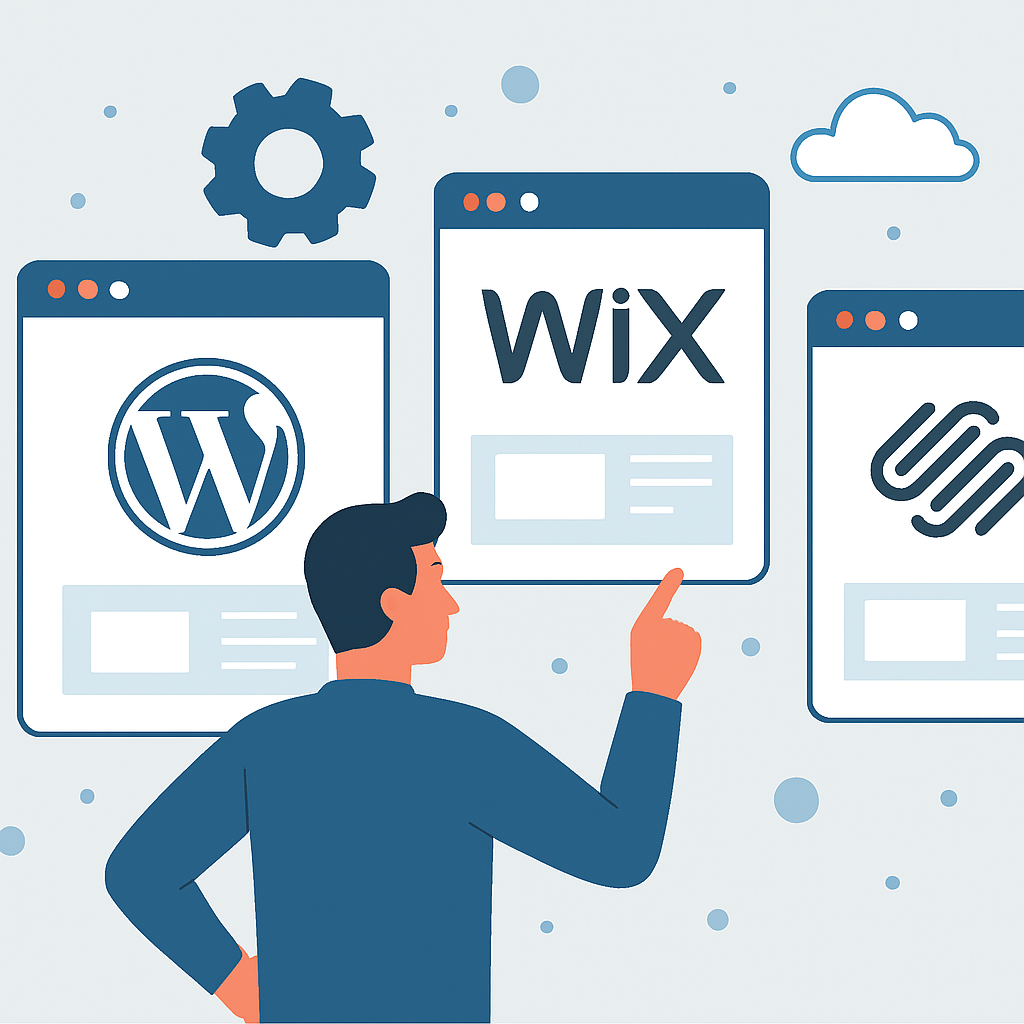
One of the first and most important decisions you will make when learning how to build a website without coding is choosing which platform to use. Different platforms suit different needs, so understanding what each type is designed for helps you avoid rebuilding your site later.
There are broadly two categories of no-code website tools. The first is hosted website builders, where everything — the software, the hosting, and the domain management — is bundled together in one place. You sign up, choose a template, and start building immediately. These are ideal for beginners because there is no separate technical setup required. A photographer, for instance, who wants to display a portfolio and accept client enquiries can get a clean, visual site running in an afternoon using this type of tool.
The second category is content management systems (CMS) combined with visual page builder plugins. WordPress.org is the most well-known example. It is free software that you install on a web hosting account, and you can use visual page builder tools alongside it to build your pages without writing code. This approach gives you significantly more flexibility and control, but it does require a small amount of setup — specifically, purchasing hosting, installing WordPress, and configuring the basic settings. The trade-off is worthwhile for anyone who wants to grow a more sophisticated website over time, such as a news blog, a membership site, or an online store with many products.
The key question to ask is: what is the long-term purpose of your website? A simple personal blog or a one-page business site is perfectly served by a hosted builder. A complex e-commerce store or a content-heavy site with many user types might benefit from the greater flexibility of a CMS.
—
Designing Your Website: Layout, Pages, and Content Structure
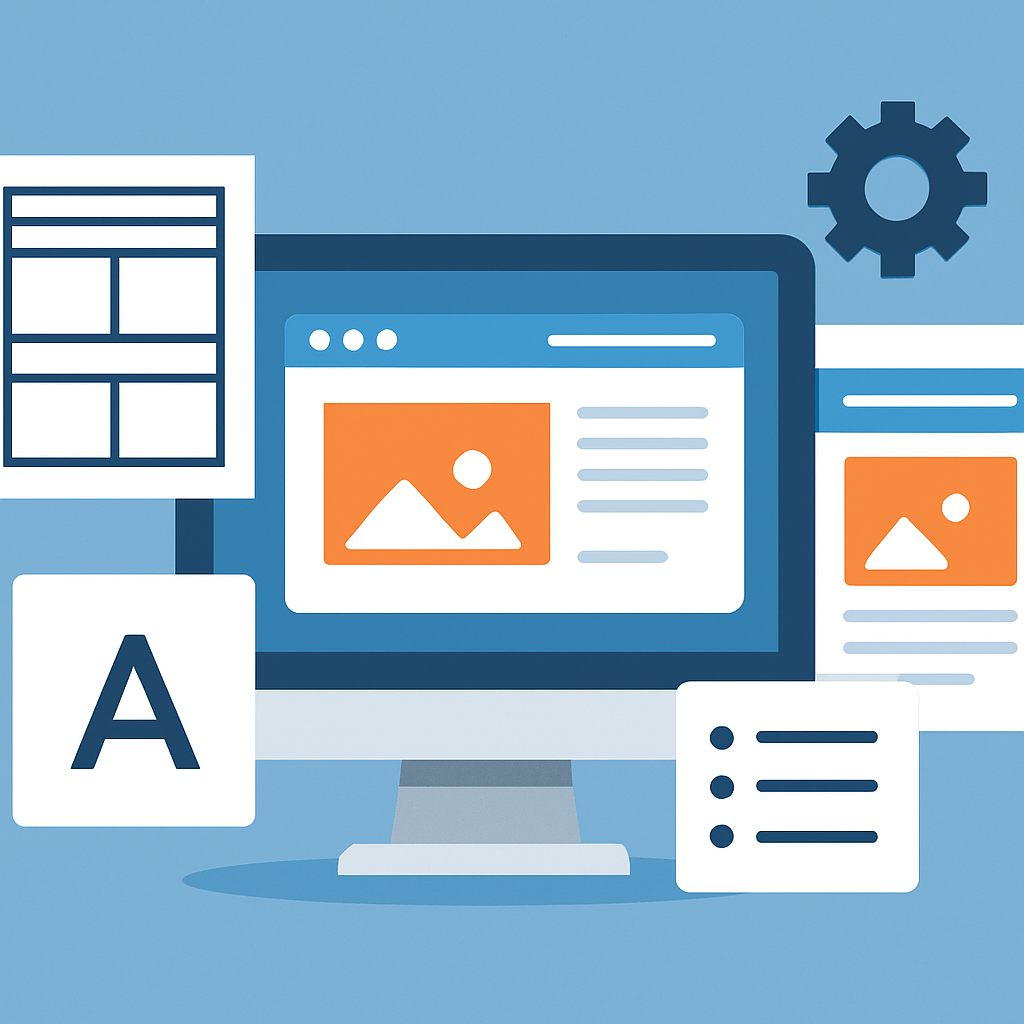
Design is often where beginners feel most uncertain, but the process becomes much clearer when you approach it systematically. Designing a website without coding is fundamentally about decisions — what pages your site needs, what each page should communicate, and how visitors should move through it.
Start by mapping out your pages before you open any building tool. Almost every website needs, at minimum, a home page, an about page, a contact page, and at least one page that covers your main content or offering. A local fitness instructor, for example, would likely need a home page that explains who they are and what they offer, a services page listing their classes, a page with pricing, a testimonials or results page, and a contact form. Writing this list down before you begin saves significant time and prevents you from designing a home page in isolation and then wondering what comes next.
When you are inside a website builder, you will be working with a template that already has this structure suggested for you. Your job is to replace placeholder content with your own. Focus on clarity over cleverness — the best website designs are ones where a visitor can immediately understand what the site is about and what they are supposed to do next. This is called a clear user journey. Every page should have a logical next step for the visitor, whether that is reading more, filling in a contact form, or viewing a portfolio piece.
Pay attention to consistency: use the same fonts, the same two or three colours, and the same general spacing throughout the site. Most website builders have global style settings that let you set these once and apply them everywhere, so you do not have to manually format every single page.
—
Setting Up Your Domain and Getting Your Site Online
Once your design is taking shape, you will need to address the two technical elements that make a website genuinely accessible on the internet: a domain name and web hosting. Understanding what these are removes a lot of the mystery that stops beginners from completing their sites.
A domain name is simply the address people type into their browser to find your site, such as www.yourbusiness.com. It is essentially a human-readable label that points to where your website files are stored. You register a domain name through a domain registrar, and it is typically renewed on an annual basis. Choosing a domain name is worth thinking about carefully — it should be short, easy to spell, and relevant to your topic or brand. A freelance graphic designer might register something like www.janesmith-design.com.
Web hosting is the service that stores your website’s files on a server and makes them accessible to anyone who visits your domain. If you are using a hosted website builder, hosting is already included in your subscription — you do not need to set it up separately. If you are using WordPress, you will need to purchase hosting from a hosting provider, install WordPress through your hosting account’s control panel (most hosts now offer one-click installation), and then connect your domain to your hosting account by updating what are called nameservers — a process that typically takes only a few minutes to configure, even if it can take up to 24 hours to fully propagate across the internet.
For a concrete example, imagine someone setting up a website for a small dog-grooming business. They register the domain www.happypawsgrooming.com, sign up for a shared hosting plan, install WordPress with one click, connect their domain, and then use a visual page builder to design the site. The entire technical setup — from registering the domain to having a live, editable website — can reasonably be completed in one morning.
—
Making Your Website Findable with Basic SEO
Having a website is only useful if people can find it. Search engine optimisation, or SEO, is the practice of making your site visible in search engine results like Google, and there are several straightforward SEO fundamentals you can apply without any technical knowledge.
The first step is making sure each page on your site has a clear and descriptive page title and meta description. The page title is what appears as the clickable link in search results, and the meta description is the short paragraph of text beneath it. Most website builders and WordPress SEO plugins allow you to write these manually for each page. For example, a home baker selling custom cakes in Bristol should write a page title like “Custom Celebration Cakes in Bristol | Sarah’s Bakery” rather than just “Home”. This immediately tells Google and potential visitors exactly what the page is about and where the business is located.
The second fundamental is using your natural language throughout your content. If people searching for your type of business would type “affordable wedding photography in Manchester,” then those words should appear naturally in your website’s text — in headings, in paragraphs, in image descriptions (called alt text). You are not trying to trick search engines; you are simply making it clear what your site is about.
The third step is making sure your site loads reasonably quickly and works well on mobile phones. Search engines prioritise sites that perform well on mobile devices because most people now browse on phones. Most modern website builders produce mobile-responsive templates by default, but it is worth previewing your site in mobile view and checking that all the text is legible and all the buttons are easy to tap.
Finally, creating a Google Search Console account and submitting your website’s sitemap (a file that lists all your pages, which most builders generate automatically) helps Google discover and index your content faster. This is a free service and a highly worthwhile step for anyone serious about their site being found.
—
Benefits and Limitations of Building a Website without Coding
Understanding what no-code website building does and does not offer helps you set realistic expectations and make the most of what these tools provide.
Benefits
- Low barrier to entry. You do not need any prior technical knowledge to get started. Someone with basic computer literacy — enough to send an email and use a word processor — has all the skills needed to begin building.
- Speed of development. A simple site that might take a developer days or weeks to build from scratch can be completed in hours using a template-based builder. This is particularly valuable for small businesses that need an online presence quickly.
- Cost-effectiveness. Hiring a web developer for a custom-built site can cost hundreds or thousands of pounds or dollars. No-code tools often run on affordable monthly subscriptions, making professional-looking websites accessible to individuals and small businesses with limited budgets.
- Ongoing control. Once your site is built, you can update it yourself — adding new blog posts, updating prices, uploading new photos — without needing to pay a developer every time something changes.
- Integrated features. Most platforms bundle in tools for contact forms, image galleries, basic e-commerce, and analytics, meaning you do not need to cobble together separate services for every function.
Limitations
- Design constraints. No-code builders work within pre-defined structures, which means there are limits to how unique your design can be. If you have a very specific or unconventional design vision, you may eventually hit the ceiling of what the tool allows.
- Performance trade-offs. Some hosted builders produce websites that load more slowly than hand-coded sites, particularly as you add more content and features. This can affect user experience and search rankings over time.
- Platform dependency. When you build on a hosted platform, your site exists within that company’s system. If the company changes its pricing, discontinues features, or shuts down, your site is affected. This is less of an issue with self-hosted solutions like WordPress.
- Scaling complexity. For very large or highly specialised websites — such as a platform with custom user accounts, complex databases, or unique interactive features — no-code tools can become limiting, and some coding or developer involvement may eventually be necessary.
- Learning curve on features. While the basic building blocks are easy, advanced features like setting up automated email sequences, integrating third-party software, or managing an extensive product catalogue still require time and effort to learn.
—
Frequently Asked Questions
Do I need to pay for a domain name and hosting even if I use a free website builder?
Many hosted website builders offer a free plan that includes hosting and a subdomain — meaning your address will look something like yourusername.builder-platform.com rather than www.yourbusiness.com. This is fine for experimenting, but for any serious or professional purpose, registering your own domain name is strongly advisable. It looks more credible, is easier to remember, and gives you ownership of your address regardless of which platform you use. Domain names typically cost between £10 and £20 per year, which is a modest investment for a significant professional advantage.
How long does it actually take to build a website without coding?
The honest answer depends on the complexity of the site and how much of your content — text, photos, logo — is already prepared. A simple one-to-five-page website using a template can realistically be built in a single day if you have your content ready. The most time-consuming part is usually writing the copy (the text on each page) and sourcing or editing images. If you spend an afternoon gathering your content before you start building, the actual construction of the site can go very quickly. Larger sites with many pages, an online shop, or a blog with existing articles will naturally take longer.
Is a website I build without coding actually professional-looking?
Yes, absolutely — and this surprises many beginners. Modern website templates are designed by professional designers and follow current web design standards. The quality of your site depends far more on the quality of your content, your photos, and your writing than on whether the site was custom-coded. Many well-known brands, consultants, and creative professionals use no-code tools for their websites and produce results that are indistinguishable from custom-built sites to the average visitor. The key is to avoid cluttering the page, maintain visual consistency, and use high-quality images.
Can I add an online shop to a website built without coding?
Yes. Most major website builders include e-commerce functionality either built-in or as an add-on feature. You can add products, set up a shopping cart, configure payment options (such as credit card and PayPal), and manage orders all through the visual interface. If you are using WordPress, there is a widely used e-commerce plugin called WooCommerce that is free and integrates seamlessly, allowing you to set up a functional online store without writing any code. The no-code e-commerce experience has matured significantly and is genuinely capable of supporting small to medium-sized shops.
What happens if I want to move my website to a different platform later?
This is a practical concern worth thinking about early. If you are on a hosted website builder, moving your site to a different platform typically means rebuilding it from scratch on the new platform, because the design files are locked within the original system. Your domain name, however, is portable — you simply point it to the new platform. If you use WordPress from the beginning, you have more flexibility because WordPress is an open platform and your content and files can be migrated more easily. The general advice is to choose your platform with your long-term needs in mind, and to ensure that whatever you create, you keep copies of all your content, images, and text saved separately on your own computer.
Do I need to know anything about security and backups?
This is an area that many beginners overlook, but it is genuinely important. With hosted website builders, security and backups are largely managed by the platform — it is one of the conveniences of paying for a service. With self-hosted WordPress, you take on more responsibility. You should choose a reputable hosting provider that includes daily backups and an SSL certificate (the security feature that gives your site a padlock icon and an https address). You should also keep WordPress and any plugins updated, as outdated software is the most common cause of security vulnerabilities. Many hosting providers offer automated backups and security scanning as part of their plans, which significantly reduces the manual effort involved.
—
Conclusion
Building a website without coding is not just possible for beginners — it is genuinely practical, affordable, and capable of producing professional results. The key takeaways from this guide are straightforward: choose a platform that matches your long-term goals, plan your pages and content before you start building, take the time to set up a proper domain and understand how hosting works, apply basic SEO principles from the start, and be realistic about both the strengths and the limitations of no-code tools.
The most common mistake beginners make is waiting until they feel “ready” or until everything is perfect before publishing. Your first version of a website does not need to be flawless — it needs to exist. You can improve and expand it over time. The process of building it teaches you more than any guide can, because you will encounter real decisions and real constraints that sharpen your understanding quickly.
If you are starting from zero today, the most practical first step is simply to open one of the major website builder platforms, choose a template that feels close to what you need, and start replacing the placeholder content with your own. Progress built on action is always more valuable than plans built on hesitation. Your website is the foundation of your digital presence, and now you have the knowledge to start building it.