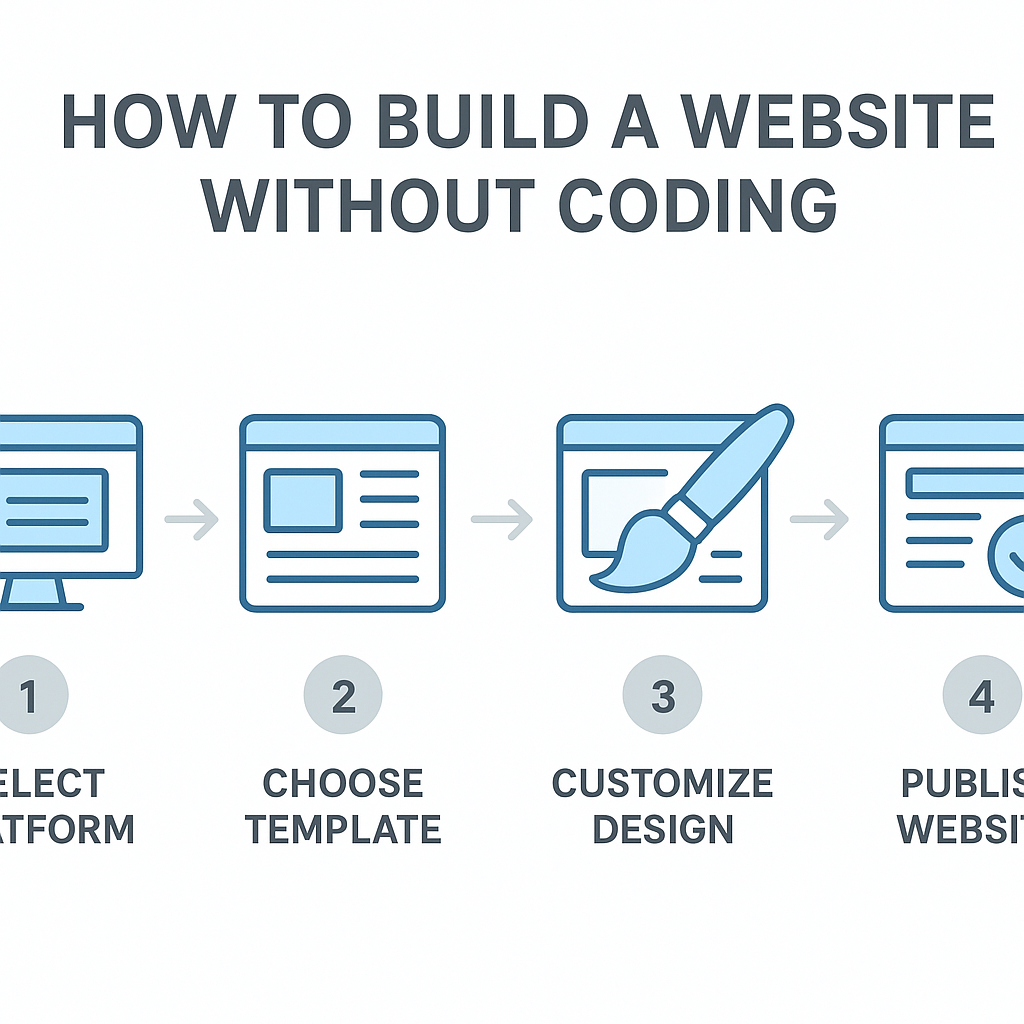
How to Build a Website without Coding
Learning how to build a website without coding is one of the most empowering digital skills you can develop today — and the good news is that it has never been more accessible. Just a decade ago, creating a website meant writing lines of HTML, wrestling with CSS stylesheets, and understanding how servers work. Today, you can design and publish a fully functional website in an afternoon without touching a single line of code. Whether you are a small business owner trying to establish an online presence, a freelancer wanting to showcase your portfolio, a blogger with ideas to share, or a community organiser building a hub for your group, the tools available to you right now make website creation genuinely achievable for anyone. In this guide, you will learn exactly how no-code website building works, what your main options look like in practice, how to plan and design your site effectively, how to handle essential tasks like setting up pages and connecting a domain name, and what limitations you should honestly expect along the way. By the end, you will have a clear, practical roadmap to get your website live.
—
What Is No-Code Website Building and How Does It Work?
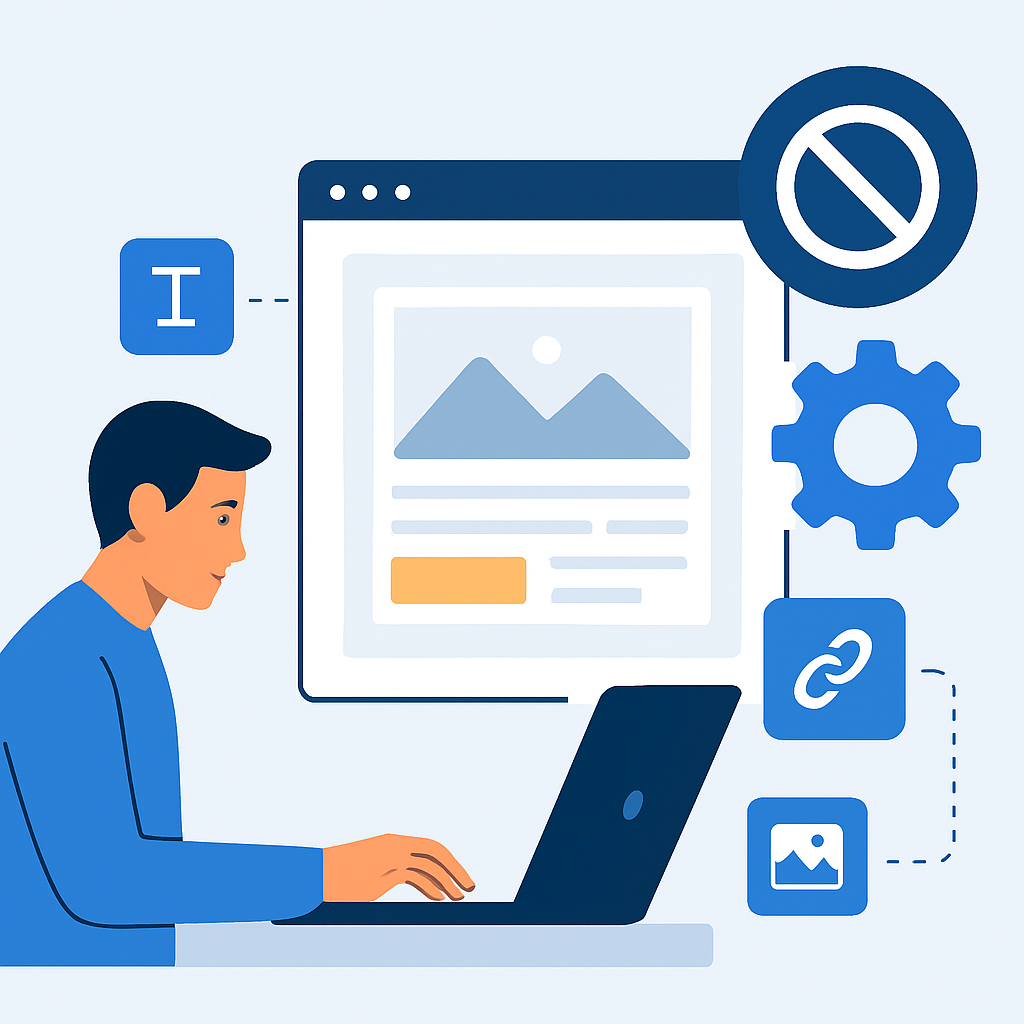
No-code website building is the process of creating a website using visual, drag-and-drop tools rather than writing source code manually. Think of it like the difference between building a house from raw timber and bricks versus assembling a prefabricated home from well-engineered modular components. You still make meaningful decisions about the layout, the design, the content, and the function — you just do not have to manufacture every individual piece yourself.
Under the hood, these platforms generate HTML, CSS, and sometimes JavaScript automatically based on the choices you make in the visual editor. When you drag an image block to the centre of your page, the platform writes the positioning code for you. When you choose a colour from a palette, it updates the relevant stylesheet values without you needing to know what a stylesheet is. The software handles the technical translation between your design decisions and the actual code that browsers read.
A concrete example makes this clearer. Imagine you are a local photographer named Sarah who wants an online portfolio. Before no-code tools existed, Sarah would have needed to hire a web developer or spend months learning HTML and CSS. Today, Sarah can open a platform like Squarespace or Wix, choose a photography template that already has a clean gallery layout, upload her images, type in her contact details, and publish her site — all in a single evening. The page she ends up with is built on proper, functional web code, but Sarah never had to write any of it herself.
This works because modern no-code platforms separate the structure and content layer (what you see and what it says) from the code layer (how that is technically expressed). Your job is to manage the first layer. The platform manages the second.
—
Choosing the Right Type of No-Code Website Builder
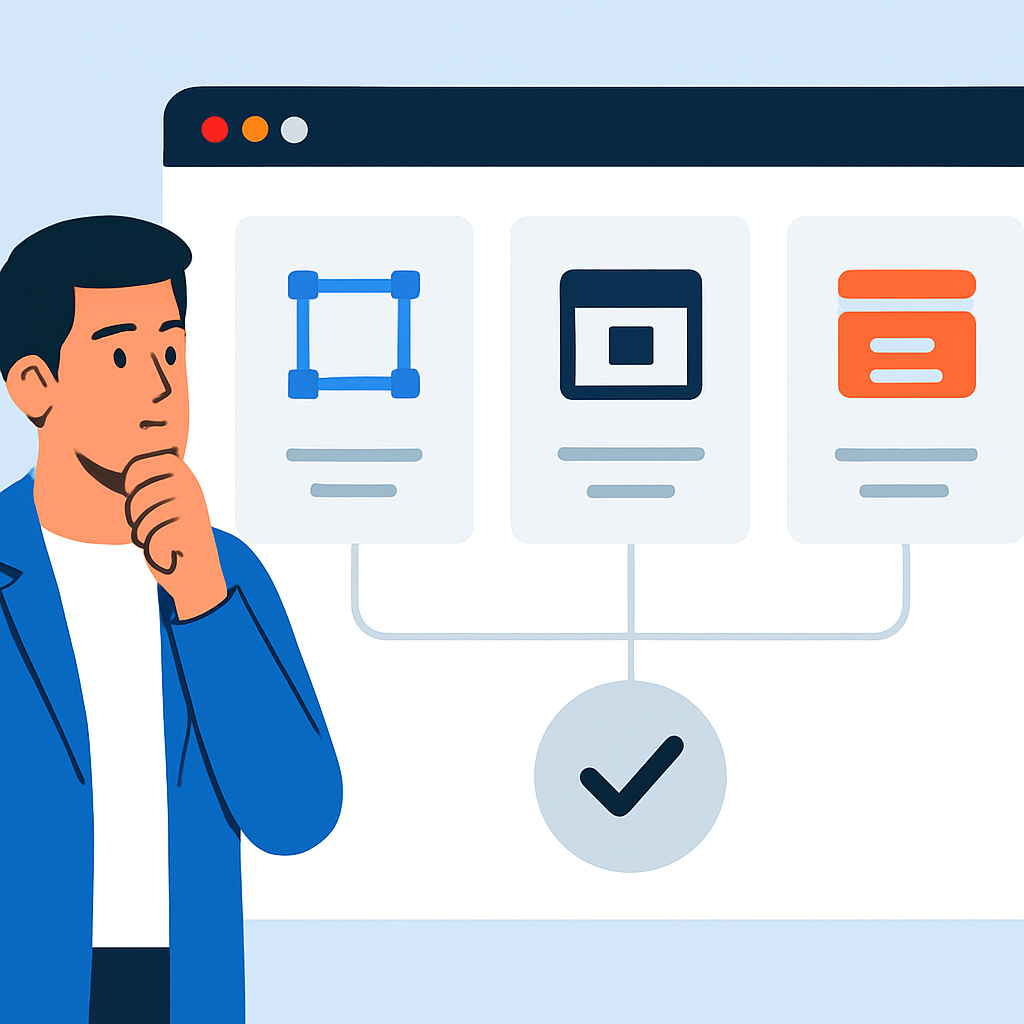
Not all no-code website builders are the same, and choosing the right one for your needs is an important first step. There are broadly three categories worth understanding.
Template-based drag-and-drop builders are the most popular starting point for beginners. Platforms in this space give you a library of professionally designed templates — pre-built page layouts for different industries and purposes — and let you customise them by clicking on elements and editing them directly. The editing interface is intuitive because it mirrors how you already interact with documents and design tools. These builders handle hosting, security updates, and technical maintenance for you.
Content Management Systems (CMS) with visual editors represent a slightly more flexible but also slightly more complex option. WordPress, for example, is technically a CMS, but with a modern page builder plugin installed, it behaves very similarly to a drag-and-drop builder. The difference is that you have more granular control over things like custom post types, plugins, and advanced SEO settings. This option is well-suited to bloggers, news sites, or anyone who expects to publish a large volume of content regularly.
Purpose-specific builders are tailored to a specific kind of website. If you want to open an online store, there are builders designed specifically around product catalogues, shopping carts, and payment processing. If you want to create an online course or membership community, there are dedicated platforms for that too.
A practical example: Marcus is opening a small bakery and needs a simple website with a homepage, a menu page, a photo gallery, and a contact form. A template-based builder is ideal for him — the setup is fast, everything is visually managed, and he does not need complex functionality. On the other hand, if Marcus later wanted to add an online ordering system where customers could pay for custom cakes in advance, he would benefit from a builder that has built-in e-commerce functionality.
—
Planning Your Website Before You Build
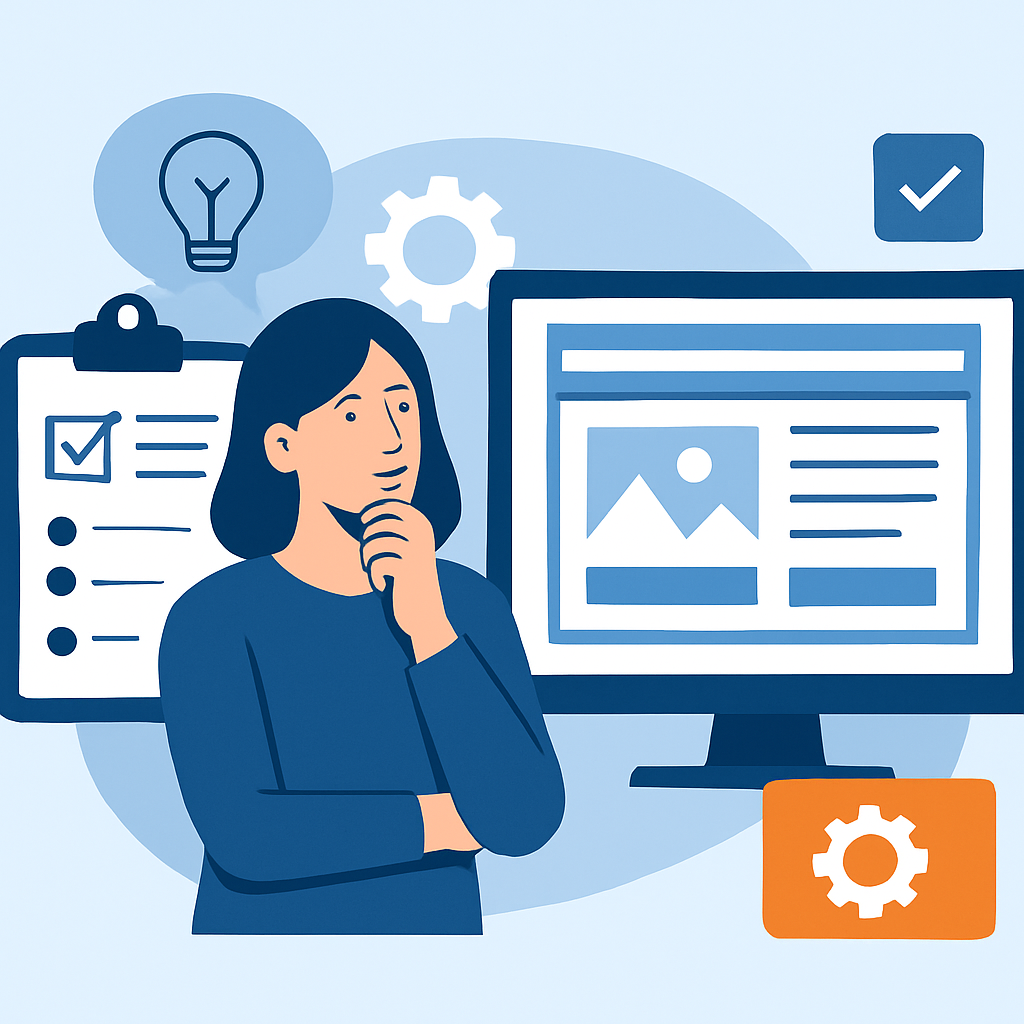
One of the most common mistakes beginners make is jumping straight into the builder without a clear plan. A few hours of preparation before you touch any tool will save you enormous frustration later.
Start by defining your website’s purpose. Ask yourself: what do I want visitors to do when they arrive? Sign up for a newsletter? Call a phone number? Buy a product? Browse your work? Your answer shapes everything about your site’s structure and design.
Next, sketch out your page structure. Most websites need only a handful of pages to start. A typical small business site might include: a Home page, an About page, a Services or Products page, a Gallery or Portfolio page, and a Contact page. Write these down before you open any builder. This is called your site map.
Then gather your content before you begin building. This means writing your main text, collecting your images, and preparing any other media you plan to use. Nothing slows down the building process like stopping every five minutes to write copy or search for photos. If you do not have professional photos yet, high-quality free image libraries are widely available online and are perfectly appropriate for a new site.
Consider also your audience. A website for teenagers promoting a youth sports club should feel energetic and visual. A website for a law firm should feel professional and trustworthy. Your design choices — colours, fonts, tone of voice — should be guided by who you are trying to reach.
A real-world scenario: Elena is launching a freelance graphic design business. Before building her site, she spends one afternoon writing three paragraphs about herself and her services, selecting twelve of her strongest portfolio pieces, choosing two or three fonts she finds clean and professional, and picking a colour palette of navy, white, and warm gold. When she finally opens her website builder, she moves through the setup quickly because all her decisions are already made. Her site looks coherent and intentional rather than rushed.
—
Designing Your Pages and Publishing Your Site
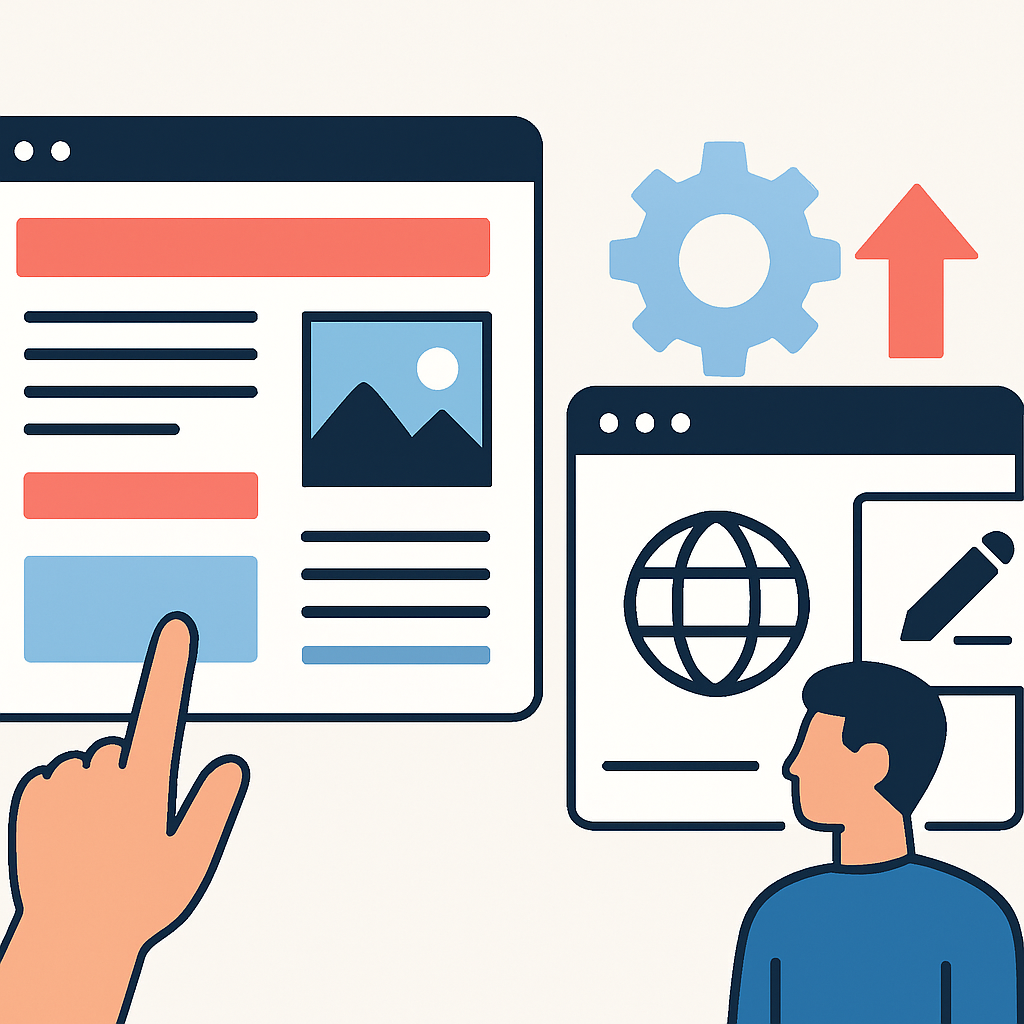
With a plan in hand, the actual building process becomes much more straightforward. Here is how to approach it in practice.
Start with a template that is close to your vision. Do not try to build from a blank canvas if you are new to this. Templates give you a structural starting point — working page layouts, balanced spacing, readable typography — that would take an experienced designer hours to replicate from scratch. Choose a template that broadly fits your industry or style, even if the colours and images are completely different from what you need. You will replace all of that.
Customise systematically. Work through your site section by section rather than jumping around. Replace placeholder text with your real copy. Swap template images for your own photos. Update colours and fonts in the global style settings so that changes apply consistently across all pages at once, rather than having to update each page individually.
Build your navigation menu. This is the set of links — typically displayed across the top of your site — that helps visitors move between pages. Keep it simple and logical. Stick to your core pages and avoid burying important content in complex dropdown menus.
Set up a contact form. Even the most basic website benefits from a contact form. Most no-code builders include a form tool as a standard feature. Drag a form block onto your Contact page, set it to send submissions to your email address, and test it by submitting a message yourself before you publish.
Connect your domain name. A domain name is your website’s address — for example, www.elenasdesign.com. Most website builders allow you to purchase a domain directly through their platform, or you can buy one from a separate domain registrar and point it to your builder. Follow your platform’s specific instructions for this step, as the process varies slightly by provider. Once connected, your site moves from a generic platform URL to your own professional address.
Preview and test before you publish. Use your builder’s preview mode to check how your site looks on both desktop and mobile devices. More than half of all web traffic now comes from smartphones, so a site that only looks good on a large screen is already working against you. Check that all your links work, all your images load, and your contact form sends correctly.
Then hit publish. Your site is live.
—
Benefits and Limitations of Building a Website without Coding
Benefits
- Accessibility for non-technical people. You do not need any background in web development, programming, or graphic design to produce a professional-looking result. The learning curve is genuinely manageable for most adults within a few hours.
- Speed of deployment. A coded website built from scratch can take weeks or months. A no-code site can go from idea to published in a single day, which is enormously valuable for small businesses or individuals who need an online presence quickly.
- Built-in hosting and maintenance. Most no-code platforms handle server hosting, security certificates (the padlock in the browser address bar), and software updates automatically. You do not have to think about these technical layers.
- Templates provide design quality. Professional designers create the templates you work from, meaning your site benefits from considered layout principles, readable typography, and visual balance that would otherwise require significant design expertise.
- Ongoing ease of updates. Because everything is managed visually, updating your content — changing a photo, adding a new page, updating your pricing — is something you can do yourself at any time without needing technical help.
Limitations
- Customisation has a ceiling. No-code tools give you control within a defined set of options. If you need highly specific functionality — a custom booking system with complex conditional logic, for example — you may find the builder cannot accommodate it without either a workaround or the addition of third-party integrations.
- Platform dependency. Your website lives within someone else’s infrastructure. If the platform changes its pricing, discontinues a feature, or shuts down, you may need to migrate your site elsewhere. This is a real risk worth acknowledging, even if it is not a common occurrence.
- Performance constraints. No-code sites sometimes carry more code overhead than a hand-coded site optimised by an experienced developer. For most small websites this makes no practical difference, but for very large sites with heavy traffic, performance considerations can become relevant.
- Ongoing subscription costs. Most no-code platforms charge a monthly or annual fee. Over several years, these costs can add up, whereas a self-hosted coded site may have lower long-term costs depending on your technical capacity.
- SEO has limits in some builders. While most reputable builders support the fundamental elements of search engine optimisation — page titles, meta descriptions, image alt text — some offer less flexibility than a fully coded site or a more advanced CMS when it comes to detailed technical SEO work.
—
Frequently Asked Questions
Do I need any technical skills at all to build a website without coding?
No prior technical skills are required to build a basic website using a modern no-code builder. The tools are designed with complete beginners in mind, and the core actions — dragging elements, typing text, uploading images, clicking to customise — are the same intuitive interactions you already use on a daily basis with software on your phone or computer. That said, investing a small amount of time in familiarising yourself with your chosen platform through its tutorial materials will make the process significantly smoother. Most platforms offer free guided tours or introductory videos that take less than an hour to complete and will orient you to the key tools available.
Will my no-code website look professional?
Yes, a no-code website can absolutely look professional — provided you use a well-designed template, invest real effort in your written content, and use quality images. The template itself is often designed by professional web designers, so your structural and typographic foundations are strong from the start. What tends to make no-code sites look amateur is not the platform itself but the content choices: low-resolution images, inconsistent fonts applied manually to individual elements, cluttered navigation menus, or walls of text with no visual breathing room. Apply basic content discipline and the result will look credibly professional to the vast majority of visitors.
How long does it actually take to build a no-code website?
For a simple five-page website — homepage, about page, services page, portfolio or gallery, and contact page — a focused beginner with all their content already prepared can realistically build and publish a clean site in four to eight hours spread over one or two days. The timeline lengthens considerably if you have not yet gathered your images, written your copy, or decided on your site’s structure before you start. The most time-consuming part for most people is not the technical building process itself but making content and design decisions on the fly. Prepare your materials first and the building stage moves quickly.
Can I sell products through a website built without coding?
Yes, many no-code website builders include built-in e-commerce functionality that allows you to list products, manage inventory, accept payments through secure payment processors, and handle order notifications — all without writing any code. Some platforms offer e-commerce as part of their standard plans, while others require an upgrade to a higher-tier subscription to unlock selling features. It is worth checking whether a platform supports the specific things you need — such as digital product delivery, subscription billing, or local currency processing — before committing to it for a commercial purpose.
What happens to my website if the platform I use shuts down or I want to switch?
This is an important question that deserves an honest answer. Most template-based no-code builders do not give you full ownership of the underlying code they generate, which means that if you decide to leave the platform, you typically cannot export your site and move it directly to another host as-is. You would generally need to rebuild the site on a new platform. This is a meaningful consideration for long-term planning. One practical approach is to keep copies of all your written content and images saved locally, so that if you ever need to move, you have your core materials at hand. Platforms based on open-source CMS software tend to offer more portability than fully proprietary builders.
Is a no-code website good enough for SEO (search engine optimisation)?
For most small websites, a no-code builder provides sufficient SEO capability to compete effectively in search results, particularly in local or niche markets. The fundamentals — setting descriptive page titles, writing unique meta descriptions, using meaningful image alt text, creating logical URL structures, and producing genuinely useful content — are available in most reputable builders and are the factors that matter most in practice. Where no-code builders sometimes fall short is in advanced technical SEO, such as deeply customised structured data markup or precise control over site rendering. For a local business, a personal brand, or a small blog, these advanced concerns are unlikely to be significant. For a large commercial site competing at scale, they may eventually warrant attention.
—
Conclusion
Building a website without coding is no longer a compromise or a shortcut — it is a genuinely viable approach for the vast majority of personal, professional, and small business websites. The tools available today are sophisticated enough to produce results that look and function professionally, while remaining accessible to anyone willing to invest a few hours of focused effort.
The most important takeaways are these: choose a builder that matches your actual needs rather than picking based on name recognition alone; do your planning work before you touch the builder; gather and prepare your content in advance; use a quality template as your starting point and customise it with care; and test thoroughly before publishing. Understand that no-code building has real limitations — particularly around deep customisation and long-term platform dependency — but recognise that for most use cases, those limitations will never become practical obstacles.
Your website does not need to be perfect before it goes live. A clear, honest, well-organised site that is published today is infinitely more useful than an endlessly refined one that never launches. Start with the essentials, publish it, and improve it over time as you learn what your visitors actually need. The act of building teaches you more than any amount of reading about it ever will.