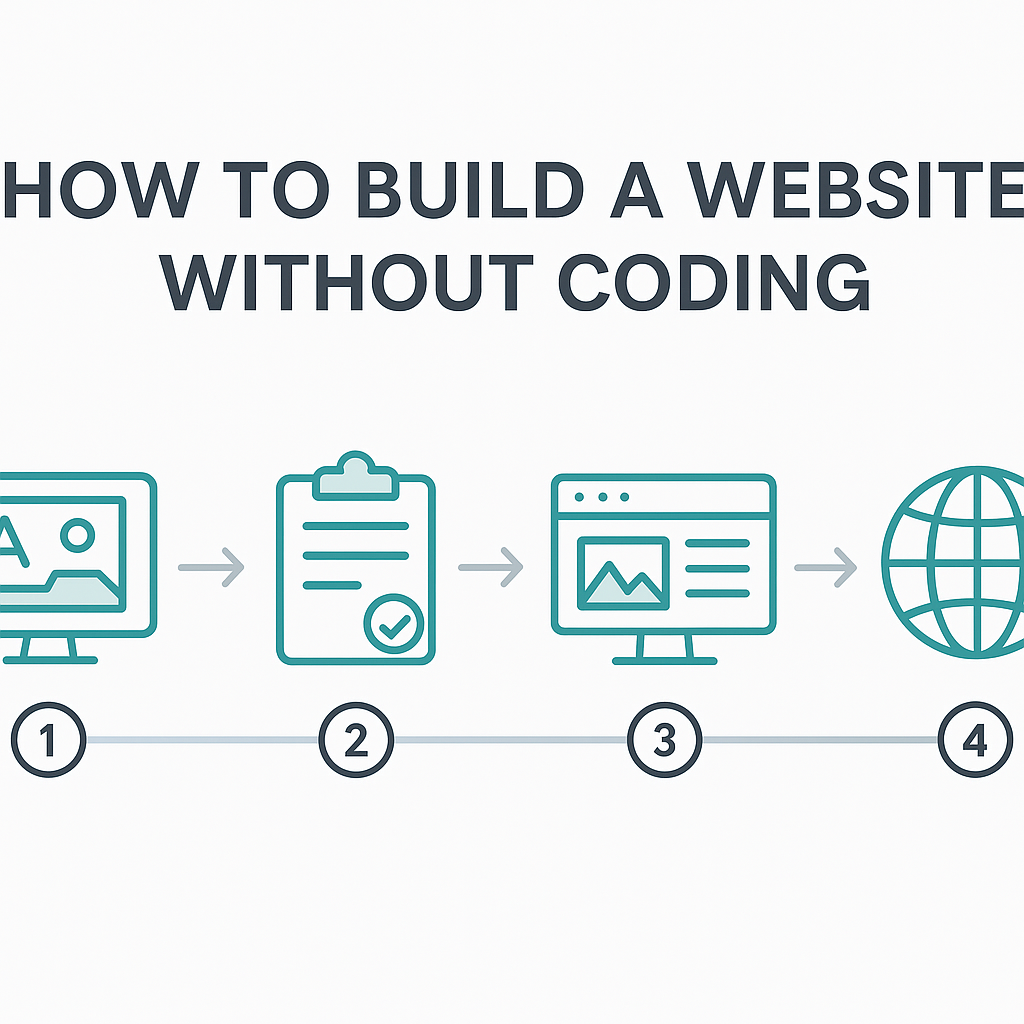
How to Build a Website without Coding 2025
If you’ve been searching for how to build a website without coding 2025, you’re in the right place — and you’re not alone. Millions of people around the world are launching websites every single day without writing a single line of HTML, CSS, or JavaScript. Whether you’re a small business owner who wants an online presence, a freelancer looking to showcase your portfolio, a hobbyist sharing a passion project, or a nonprofit trying to reach supporters, the barrier to building a professional-looking website has never been lower. In 2025, the tools available to everyday people are extraordinarily powerful, intuitive, and accessible. This guide will walk you through exactly how the process works — from understanding the technology behind no-code website building, to choosing the right type of tool for your needs, to designing your pages, connecting your domain, and launching a site that looks like it was made by a professional developer. You don’t need a computer science degree. You don’t need to hire an expensive agency. You just need a clear plan, the right guidance, and a little patience. Let’s build something.
—
What Is No-Code Website Building and How Does It Work?
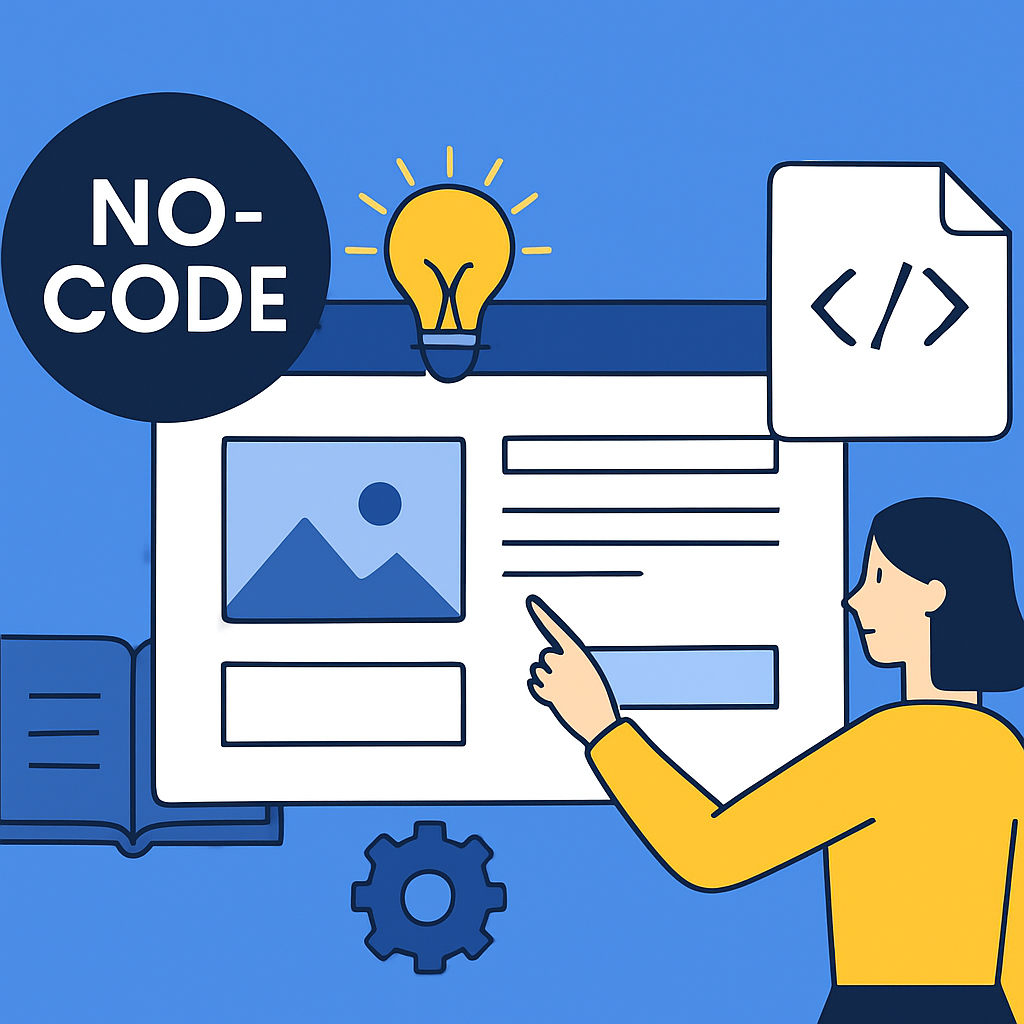
No-code website building is the process of creating a fully functional website using visual, drag-and-drop tools instead of manually writing programming code. Think of it like the difference between building furniture from raw lumber versus assembling a flat-pack bookshelf from a kit. The end result — a sturdy, usable bookshelf — is essentially the same, but one approach requires years of carpentry training while the other just needs you to follow clear instructions with the right tools in hand.
Under the hood, no-code website builders do generate code — HTML, CSS, and sometimes JavaScript — but they do it automatically, in real time, as you make design decisions visually. When you drag a text block onto a page, select a colour, or resize an image, the platform translates your choices into clean code instantly without you ever seeing it. This is sometimes called “abstraction” — the complexity is hidden from the user so they can focus entirely on the creative and structural decisions.
These platforms are built around a concept called WYSIWYG, which stands for “What You See Is What You Get.” The editing interface shows you almost exactly how your site will look to visitors, so you’re always working with a live preview. A real-world example of this approach in action is a yoga instructor named Maria who runs classes in her local community. With no technical background whatsoever, she built a website in an afternoon that includes a homepage, a class schedule, a contact form, and an online booking system — all using a visual editor. Her site looks clean, loads quickly on mobile phones, and is connected to her own domain name. No developer was involved.
Understanding how these tools work gives you confidence that what you build is real and professional. The code generated in the background is legitimate, the websites are indexed by search engines like Google, and they can handle everything from simple blog posts to e-commerce storefronts.
—
Choosing the Right Type of No-Code Website Builder for Your Needs
Not all no-code website builders are the same, and picking the right type for your specific goal is one of the most important early decisions you’ll make. In 2025, the landscape falls into a few broad categories, each suited to different use cases.
Template-based builders are the most beginner-friendly option. You start by selecting a pre-designed template — a complete visual layout — and then customise the text, images, colours, and fonts to suit your brand or purpose. These platforms are ideal for people who want a polished result quickly and don’t need pixel-perfect control over every design element. For example, a local bakery owner who wants to display their menu, hours, and location might find a food-industry template that already has the structure they need. They simply swap out the photos for their own, update the text, and they’re done.
Drag-and-drop freeform builders offer more design freedom. Instead of working within the constraints of a template, you can place any element — images, videos, buttons, text blocks, maps — anywhere on the page you like. This gives you more creative control but also requires more time and design decision-making. These are well-suited to designers, artists, and creative professionals who want their site to feel truly unique.
CMS-integrated builders combine visual editing with a powerful content management system. This is useful when your site will have lots of regularly updated content, like a blog, news publication, or online magazine. You can design the structure once and then update content through a simple dashboard without touching the design layer again.
E-commerce-focused builders are designed specifically for selling products or services online. They include built-in tools for product catalogues, shopping carts, payment processing, inventory management, and order tracking. A handmade jewellery seller on an online marketplace, for instance, might graduate to their own website using one of these platforms to avoid paying commission fees and to build a more professional brand identity.
The right choice depends on what your website needs to do. Define your goal first — inform visitors, sell products, showcase work, collect bookings — and then choose the builder type that matches it.
—
Designing Your Website: Pages, Layout, and Visual Identity
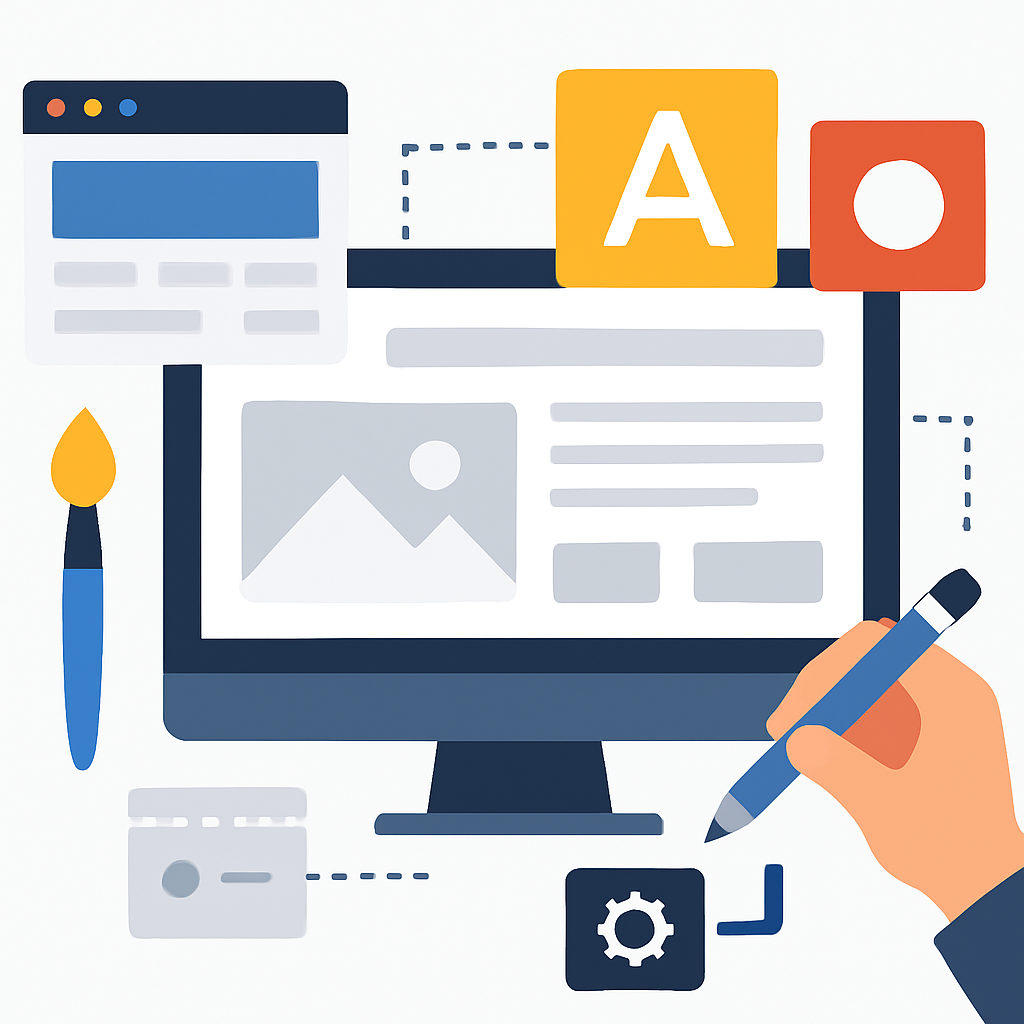
Once you’ve chosen your platform, the design phase begins — and this is where many beginners feel both excited and overwhelmed. The good news is that modern no-code tools guide you through this process in a structured way, and you don’t need to be a graphic designer to achieve great results.
Start by planning the pages your website needs. Most websites share a common set of pages: a Homepage (your first impression), an About page (who you are and what you do), a Services or Products page (what you offer), and a Contact page (how people can reach you). Some sites also include a Blog, a Portfolio, a FAQ page, or an Events calendar. Mapping this out on paper before you touch the builder saves a lot of time and confusion later.
Your visual identity is made up of a few core elements: your colour palette, your typography (fonts), and your imagery. Many no-code builders include a global style or “brand kit” feature where you set these once and they apply consistently across your entire site. For example, if your brand colours are navy blue and warm gold, you set those in the brand kit and every button, heading, and accent across every page will use those colours automatically.
When it comes to layout, think in terms of sections and hierarchy. Each page is made up of vertical sections — a hero section at the top (often a large image with a headline), followed by content sections, and a footer at the bottom. Within each section, you arrange elements in a logical reading order. Visitors’ eyes naturally travel from top to bottom and left to right, so your most important information should always appear higher up the page.
A practical example: imagine you’re building a portfolio site as a freelance photographer. Your homepage hero section might feature one of your best landscape photos, full-width, with your name and a short tagline overlaid in clean white text. Below that, a grid of your best images serves as a visual introduction to your work. A “Book a Session” button appears prominently. Further down, a short bio and testimonials from past clients build trust. This hierarchy — stunning visual first, then evidence of your work, then social proof, then a clear action — is a well-established design pattern that works across almost any industry.
—
Connecting a Domain Name and Publishing Your Website
Building your website is one step; making it accessible to the world is another. In 2025, this process is much simpler than it used to be, but it’s still worth understanding what’s involved so you don’t feel lost when you get there.
A domain name is your website’s address on the internet — something like www.marysphotography.com or www.thecornerbakery.co.uk. Domain names are registered through domain registrars, which are companies that manage the reservation of internet domain names. Many no-code website builders include a domain name with their paid plans, or make it straightforward to connect a domain you’ve purchased separately. Domain names typically cost between $10 and $20 per year for common extensions like .com or .co.uk.
Web hosting is the service that stores your website’s files and makes them available online 24/7. With most no-code website builders, hosting is bundled into the platform — you don’t need to set up a separate hosting account, manage servers, or worry about technical infrastructure. This is one of the biggest advantages of using an all-in-one builder: the hosting, security certificates (HTTPS), and technical maintenance are handled for you.
Once you’re happy with your design and content, publishing is usually as simple as clicking a “Publish” or “Launch” button. Your site becomes live at your domain address almost immediately. After publishing, it’s important to check how your site looks on different devices — especially smartphones, since a large majority of web traffic in 2025 comes from mobile users. Most builders include a mobile preview mode so you can spot and fix any layout issues before going live.
A real scenario: Tom is a personal trainer who spent two weeks carefully designing his website, but forgot to check the mobile version before publishing. On his laptop, the site looked great. On his phone, the hero image was cropped awkwardly and the contact button was cut off the screen. He noticed this on the day he shared the link with clients. Fortunately, his builder’s mobile editor let him fix the issues within an hour. The lesson: always preview on mobile before hitting publish.
—
Making Your Website Discoverable with Basic SEO
Building a website is only valuable if people can actually find it. Search Engine Optimisation — commonly known as SEO — is the practice of making your website more visible in search engine results like Google. In 2025, basic SEO is well within reach for non-technical website owners, and most no-code builders include built-in tools to help you get started.
SEO works on several levels. At the most basic level, search engines send automated programs called “crawlers” across the internet to read and catalogue websites. They look at the words on your pages, the titles and descriptions you set, the structure of your content, and how quickly your site loads, among many other signals. Based on this information, they decide how relevant your site is to different search queries and where to rank it in the results.
Here are the fundamental SEO steps every beginner should take when building their site:
Write a unique page title and meta description for each page. These are the text snippets that appear in Google search results. Your homepage title might be “Maria’s Yoga Classes — Beginners and Intermediate | Leeds” — descriptive, location-specific, and clear. Your meta description is a 1–2 sentence summary of what the page offers.
Use headings logically. Your page should have one H1 heading (the main title), followed by H2 subheadings for major sections, and H3s for sub-points within those sections. This structure helps search engines understand the content hierarchy.
Write naturally for humans, not robots. Include the words and phrases your audience would naturally type into a search engine, but don’t stuff them in artificially. A yoga teacher’s About page might naturally include phrases like “yoga classes for beginners,” “mindfulness in Leeds,” and “certified yoga instructor” just by describing what she does honestly and clearly.
Add descriptive alt text to images. Alt text is a short written description of each image on your site. It helps search engines understand what an image shows, and it also makes your site more accessible to people using screen readers.
Ensure your site loads quickly. Use compressed images (most builders do this automatically), avoid excessive animations, and don’t embed too many third-party scripts. A slow website ranks lower in search results and frustrates visitors.
A real example of SEO in action: a small independent bookshop in Edinburgh built their website using a no-code builder. They wrote careful page titles that mentioned their location and specialities (“Independent Bookshop Edinburgh — Rare and Second-Hand Books”), and they wrote detailed descriptions for their main categories of books. Within three months, their site began appearing on the first page of Google when local residents searched for “used bookshops Edinburgh.” The owner credited the basic SEO work done during the build as the primary driver of their online discovery.
—
Benefits and Limitations of Building a Website without Coding
Understanding both the advantages and the genuine limitations of the no-code approach will help you make informed decisions and set realistic expectations.
Benefits
- Accessible to complete beginners. You do not need any prior technical knowledge. The learning curve is measured in hours or days, not months or years. Most platforms offer guided setup wizards and tutorial videos to get you started.
- Significantly lower cost. Hiring a professional web developer to build a custom website can cost anywhere from a few hundred to several thousand dollars. No-code builders typically cost between $10 and $50 per month for a fully featured plan, making them realistic for individuals, small businesses, and nonprofits with limited budgets.
- Fast to build and launch. A basic website can be live within a day, and a polished, multi-page site can often be completed within a week of part-time work. This speed is invaluable when you need to establish an online presence quickly.
- Easy to maintain and update. Once your site is live, making changes — updating your menu, adding a new blog post, changing your opening hours — takes minutes rather than requiring a developer to be called in. You remain in full control.
- Built-in hosting, security, and maintenance. The platform handles server upkeep, software updates, and SSL security certificates. You don’t need to think about the technical infrastructure running in the background.
Limitations
- Design customisation has a ceiling. While modern builders are flexible, you may eventually encounter design elements you want that simply aren’t possible without touching code. For highly specialised or complex visual experiences, a developer will still produce a superior result.
- Platform dependency. Your website lives within the builder’s ecosystem. If that platform changes its pricing, discontinues a feature, or shuts down, your site may be affected. This is a real risk worth understanding before you invest significant time in any one platform.
- Limited scalability for complex web applications. If your website needs to eventually become a complex web application — say, a social network, a marketplace with user accounts, or a heavily customised e-commerce experience — no-code builders may not be able to accommodate the technical requirements as you scale.
- Performance can vary. Some builders produce heavier, slower-loading websites than custom-coded sites because of the additional software layers involved. While this is improving, it’s worth checking your site’s loading speed after publishing.
- Template similarities. Because many users draw from the same template library, some no-code websites can look similar to one another. Standing out visually requires deliberate customisation effort.
—
Frequently Asked Questions
Do I need to pay for a website builder to get a professional result?
Many no-code website builders offer free plans, but these typically come with limitations — such as the builder’s branding displayed on your site, a subdomain address (like yourname.wixsite.com instead of yourname.com), and restricted features. For a genuinely professional result — one with your own custom domain, no third-party branding, and access to e-commerce or booking tools — a paid plan is usually necessary. Paid plans in 2025 typically range from $10 to $50 per month, which is a modest investment compared to the cost of professional web development. For most personal projects and small businesses, starting on a free plan to learn the tool and then upgrading when you’re ready is a sensible approach.
How long does it realistically take to build a website without coding?
The timeline varies depending on how many pages you need, how much content you already have prepared, and how decisive you are about design choices. A simple one-page website or a basic portfolio can be built and published in a single afternoon. A five-to-eight-page business website with a blog, contact form, and some customisation typically takes one to two weeks of part-time work — perhaps a couple of hours per evening. The biggest time investment is usually in gathering and writing your content (text and images), not in using the builder itself. Having your text, photos, and logo ready before you start will dramatically speed up the process.
Will my website be found on Google if I build it with a no-code tool?
Yes, websites built with no-code tools are fully indexed by Google and other search engines, provided you’ve set them up correctly. The key steps are making sure your site isn’t set to “private” or “coming soon” mode after you launch, submitting your sitemap to Google Search Console (a free tool from Google), and completing the basic on-page SEO steps described earlier in this guide. That said, ranking highly in search results takes time and ongoing effort — it’s normal for a brand-new website to take several months before it begins appearing prominently in search results, regardless of how it was built.
Can I sell products on a website I build without coding?
Absolutely. Many no-code website builders include fully integrated e-commerce functionality, allowing you to list products, accept payments via credit card and digital wallets, manage orders, track inventory, and send automatic order confirmation emails. You can sell physical products, digital downloads (like ebooks, templates, or music), or services (like coaching sessions or online courses). Some platforms charge a small transaction fee on top of payment processor fees, so it’s worth reading the pricing details carefully before committing to a platform for an e-commerce project.
What happens to my website if I stop paying for the builder subscription?
This depends on the specific platform. Most no-code builders will downgrade your site to a free plan if you stop paying, which typically means your custom domain is disconnected, the builder’s branding reappears, and some features are disabled — but your content usually isn’t deleted immediately. Some platforms give you a grace period of 30 to 60 days to download your content or reactivate your subscription before anything is removed. It’s important to read the platform’s terms regarding data export and what happens at cancellation before you begin building, especially if you plan to invest significant time in the project. Regularly backing up your content — keeping copies of your text, images, and design decisions — is a good practice regardless of which platform you use.
Is it possible to start with a no-code builder and move to a coded website later?
Yes, and this is a common and sensible progression. Many people and businesses start with a no-code builder to establish their presence quickly, validate their idea, and begin attracting an audience. As their needs grow more complex — or as they generate enough revenue to invest in custom development — they transition to a professionally coded website. The main consideration is that most no-code builders don’t allow you to export clean, editable code, so the transition typically involves rebuilding the site rather than migrating it directly. However, your domain name, your content, your brand identity, and your audience all transfer with you seamlessly, so the effort of rebuilding on a new platform is usually worthwhile when the time comes.
—
Conclusion
Building a website without coding in 2025 is not just possible — it’s genuinely straightforward for anyone willing to invest a little time in learning the tools. The key takeaways from this guide are: understand how no-code builders work (they generate real, legitimate code on your behalf); choose the right type of builder for your specific goal; plan your pages and visual identity before you start designing; connect your own domain and test your site on mobile before publishing; and complete the basic SEO steps so your site can be found. Understand both the real advantages — low cost, fast launch, ease of maintenance — and the genuine limitations — platform dependency, design ceilings, and scalability constraints — so you can make informed decisions as your site grows.
The most important thing you can do right now is simply start. Pick one platform, select a template or blank canvas, and build your first page. You will learn more in thirty minutes of hands-on exploration than in hours of passive reading. Your website doesn’t need to be perfect on day one — it needs to exist, represent you honestly, and give visitors a reason to trust you. From there, you can refine, expand, and improve over time. The tools are ready. The knowledge is here. All that’s left is to build.