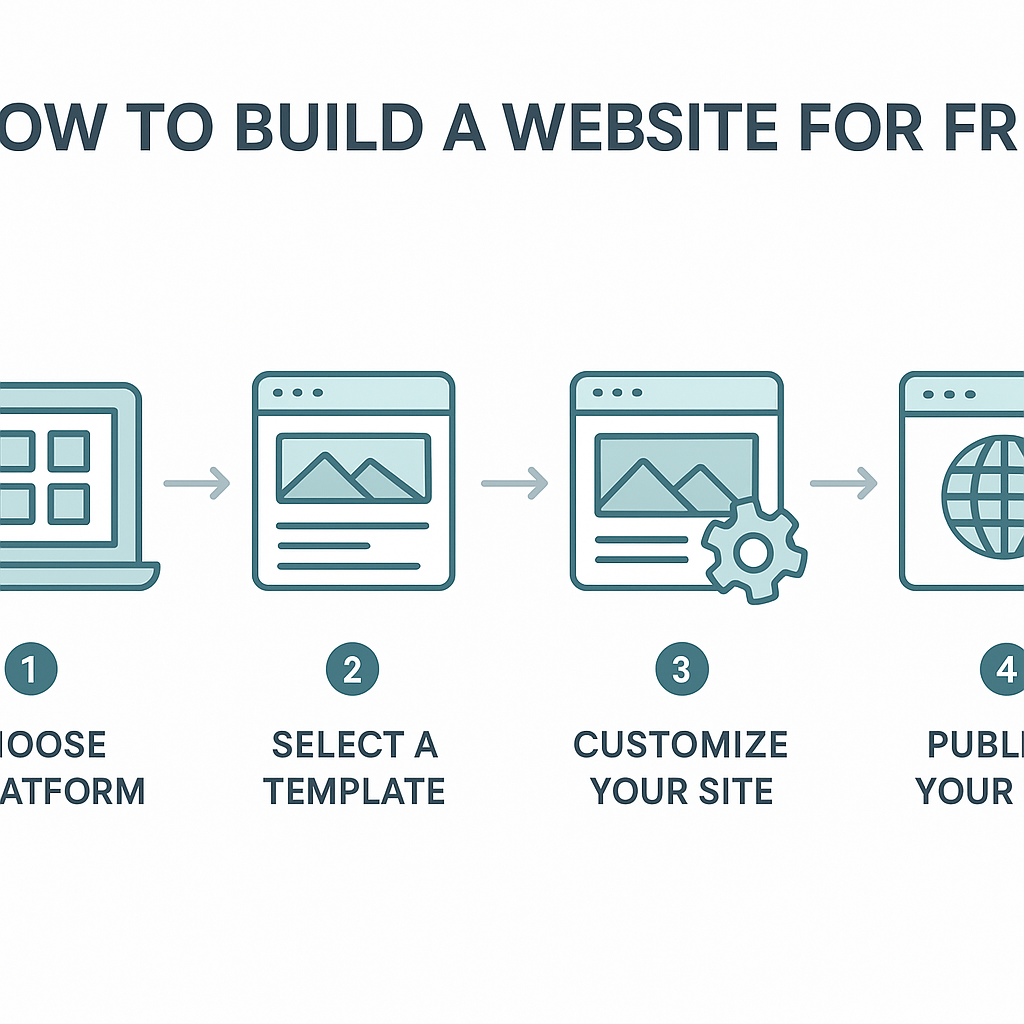
How to Build a Website for Free
Learning how to build a website for free is one of the most practical digital skills you can develop today, whether you want to share your photography, promote a small business, start a blog, or create a portfolio to showcase your work. For most of human history, having a presence on the internet required hiring a developer, understanding code, and paying for hosting and domain registration. That barrier has largely disappeared. Today, a person with no technical background whatsoever can go from zero to a fully functional, publicly accessible website in a single afternoon — at absolutely no cost. This guide will walk you through exactly how that process works, from understanding what a website actually is and how it gets delivered to your screen, to choosing the right free platform for your needs, designing your pages, publishing your content, and understanding the honest trade-offs that come with the free route. By the time you finish reading, you will have a clear, realistic picture of what is possible and a concrete path forward to get started.
—
What Is a Website and How Does It Work?
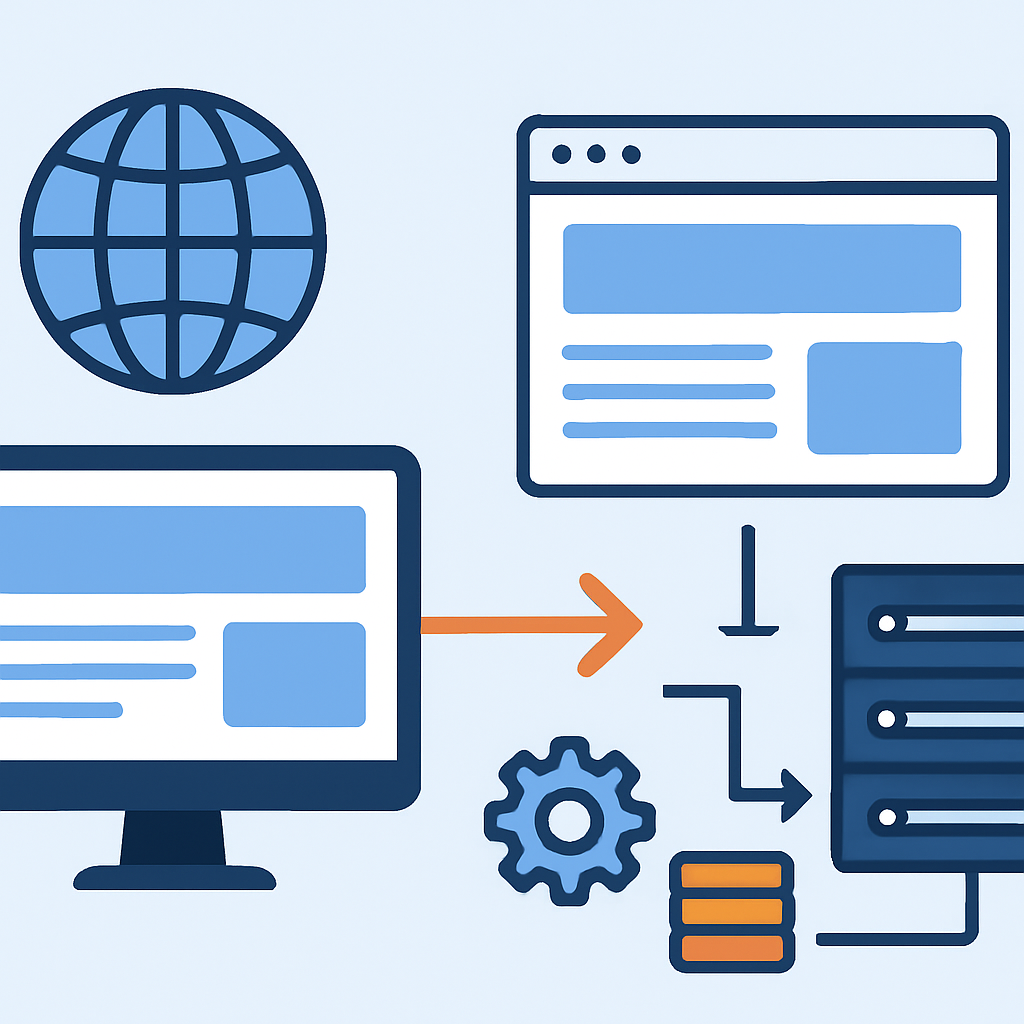
A website is essentially a collection of files — text, images, code, and media — stored on a computer that is permanently connected to the internet. That computer is called a web server. When you type a web address (like www.example.com) into your browser, your browser sends a request across the internet to that server, which then sends the relevant files back to your device. Your browser reads those files and displays them as the formatted page you see on screen.
Think of it like a library. The server is the library building. Each website is a book on the shelf. Your browser is the person walking in, finding the book, and reading it. The web address (or URL) is the call number that tells you exactly where to find that specific book.
Historically, building a website meant writing those files by hand using languages like HTML (which structures content), CSS (which controls visual appearance), and JavaScript (which adds interactivity). You would then need to rent server space from a hosting company and pay to register a domain name. This process required technical knowledge and ongoing costs.
Free website builders change this equation entirely. Platforms such as WordPress.com, Wix, Weebly, and Google Sites handle all of the server infrastructure, the code generation, and even give you a free subdomain address (something like yourname.wixsite.com). You interact with a visual editor — dragging and dropping elements, typing your text, uploading images — and the platform quietly generates the underlying code for you. It is the difference between building a house from raw materials and moving into a furnished apartment. The apartment may have some limitations, but it is immediately livable.
—
Choosing the Right Free Platform for Your Goals
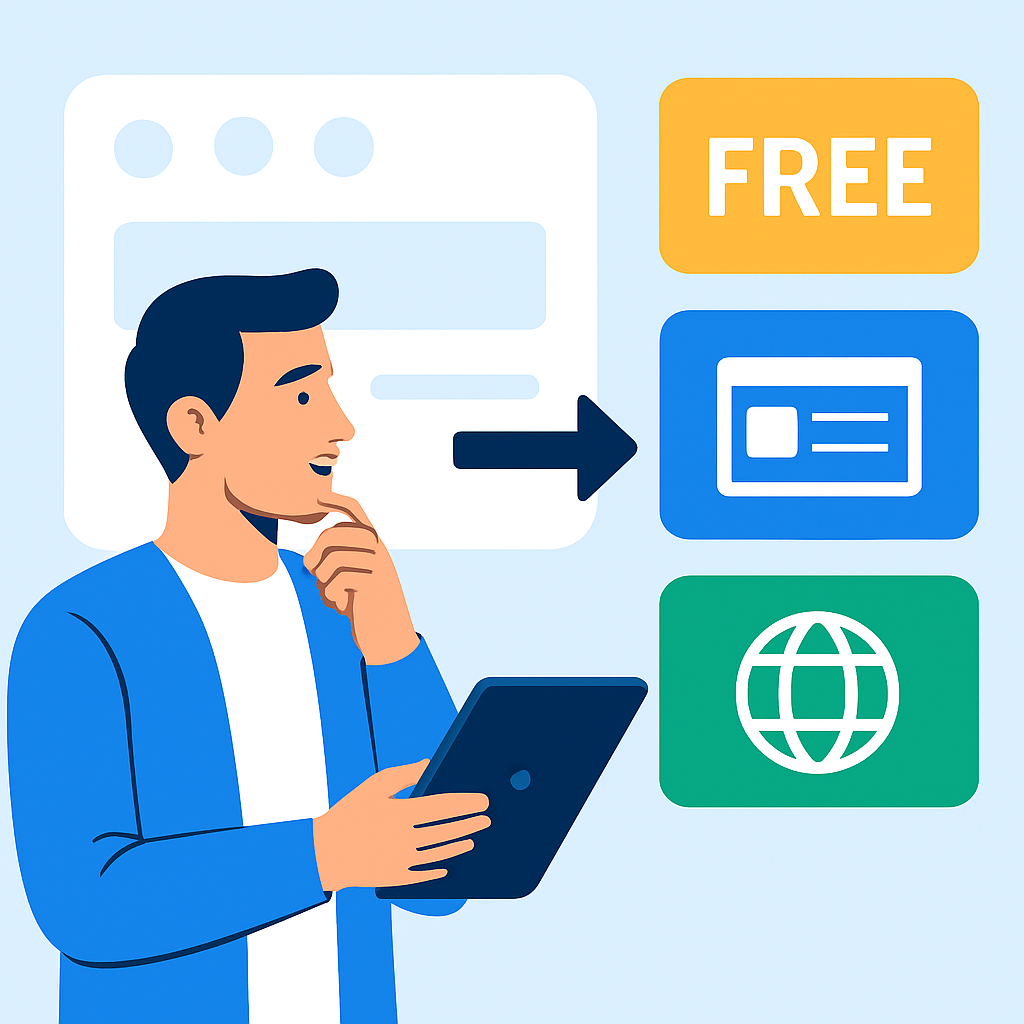
Not all free website platforms work the same way, and the best choice depends on what you are trying to accomplish. Understanding the differences before you start will save you from having to rebuild your site later.
Google Sites is the simplest option available. It is built directly into Google’s suite of tools, which means if you already have a Gmail or Google account, you can access it immediately at sites.google.com. It is ideal for internal team pages, simple informational sites, school projects, or personal landing pages. The design options are deliberately limited, which makes it easy to use but constrains creativity. A teacher who wants to create a class resource page for parents, for example, could build it in Google Sites within an hour without any frustration.
WordPress.com (distinct from WordPress.org, which requires self-hosting) is the best option for anyone who wants to start a blog or content-heavy website. The free plan includes a solid library of themes — pre-designed visual templates — and a genuinely powerful content editor. A travel blogger documenting trips across Southeast Asia, for instance, could publish well-formatted posts with photos, categories, and a searchable archive entirely for free.
Wix offers the most design flexibility of the major free platforms. Its drag-and-drop editor lets you place elements almost anywhere on the page, giving you greater visual control. It suits creative professionals like photographers, artists, and designers who want their site to feel distinctive. A freelance graphic designer creating an online portfolio would find Wix’s visual freedom particularly useful.
Weebly sits between Google Sites and Wix in terms of complexity — straightforward enough for beginners but with enough customisation to produce professional-looking results. It is often recommended for people who want a simple small business presence online.
The key point is that you should identify your primary purpose first, then match it to the platform best suited for that purpose.
—
Designing Your Website: Structure, Pages, and Content
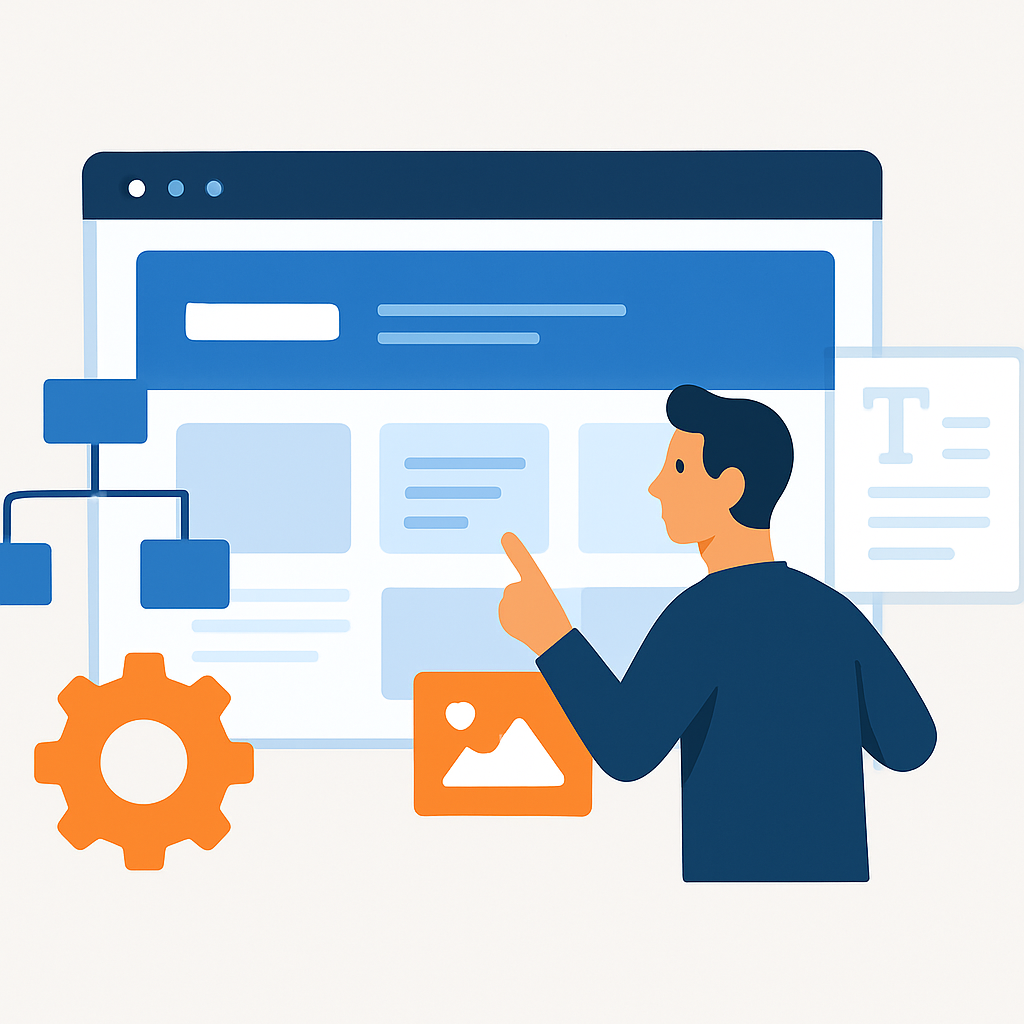
Once you have chosen a platform and created a free account, the next step is designing your website — and this is where many beginners feel overwhelmed. Breaking the process into smaller decisions makes it manageable.
Start with a template. Every major free platform offers a library of pre-built templates, which are complete visual designs you can customise with your own content. Templates are designed by professionals and are already mobile-responsive, meaning they automatically adjust to look good on phones and tablets. You do not need to design from scratch. Choose a template that roughly matches the purpose of your site — a photography template for a portfolio, a blog template for written content — and then adapt it to your needs.
Plan your pages before you start building. Most websites follow a predictable structure that visitors already understand. A basic site typically includes a Home page (which introduces who you are and what the site is about), an About page (your background or story), a Contact page (with a form or email address), and one or two topic-specific pages relevant to your purpose. A home baker selling through social media, for example, might create a simple site with a Home page showing photos of their work, an About page describing their baking journey, a Menu page listing their offerings, and a Contact page for orders.
Write your content before you start customising. Many people get stuck endlessly adjusting fonts and colours while leaving placeholder text in place. A more effective approach is to write your actual text first — even in a basic document — so that you are filling the template with real content from the beginning. This helps you see how the design actually works for your specific material.
Use images thoughtfully. Free platforms allow you to upload your own images, and many also include access to free stock photo libraries. Images dramatically affect the quality and professionalism of a site. A plain page of text feels far less engaging than the same content accompanied by a relevant, well-composed photograph.
—
Publishing and Sharing Your Free Website
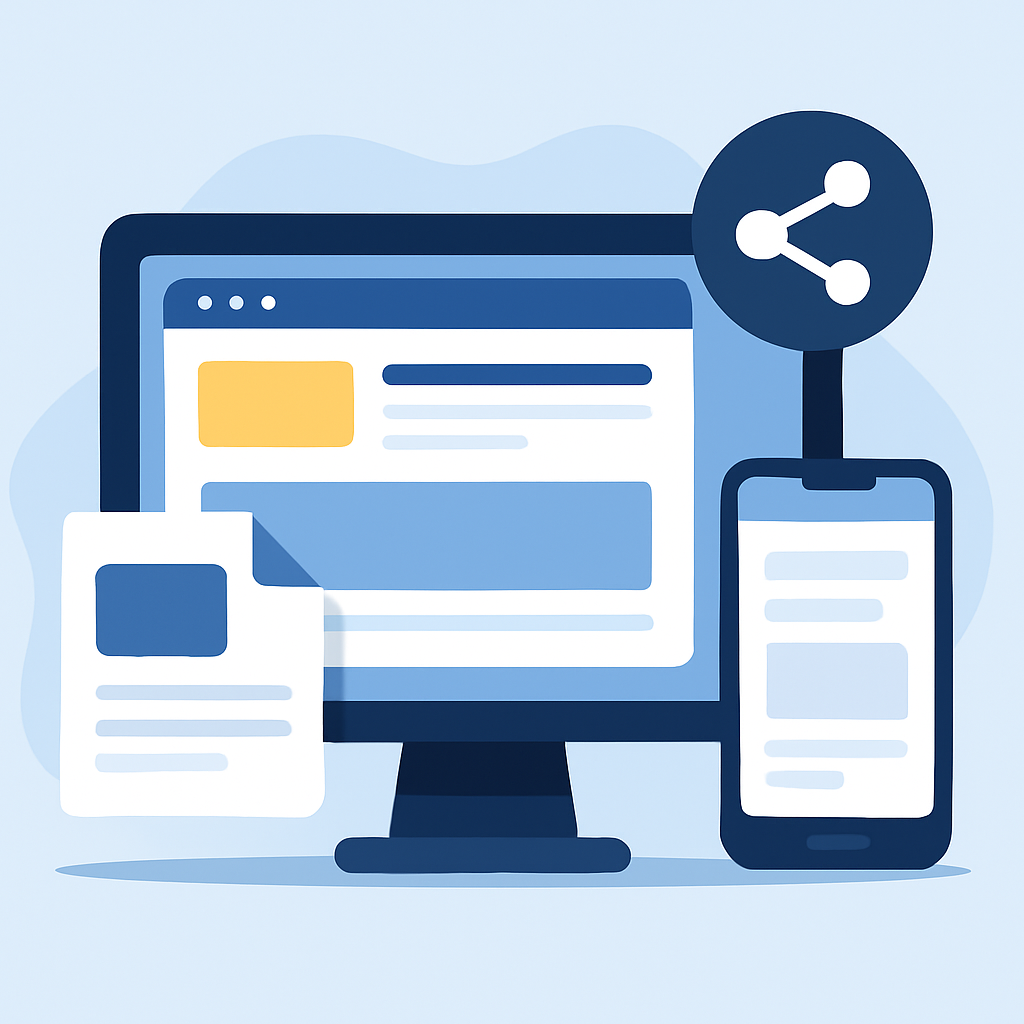
Publishing a website on a free platform is one of the simplest parts of the entire process. Unlike traditional web hosting, which requires configuring servers and uploading files via specialist software, free platforms reduce publishing to a single button click. Once you are satisfied with your design and content, you simply hit “Publish” (or an equivalent), and your site becomes live and accessible to anyone in the world with an internet connection.
Your published website will have a free subdomain address. On Wix, this looks like username.wixsite.com/sitename. On WordPress.com, it appears as yourname.wordpress.com. On Google Sites, it takes the form of a long Google URL. These addresses work perfectly well and are shareable on social media, in email signatures, or on business cards.
A real-world example: a yoga instructor in her first year of teaching built a free Wix site to share her class schedule and contact details. She added the link to her Instagram bio and began receiving booking enquiries within her first week. She spent nothing and had a functioning professional presence online. The free subdomain address was slightly long, but her students had no difficulty using it.
One practical step after publishing is to test your site on multiple devices. Open it on a desktop computer, then on a smartphone, and check that all pages load correctly, images appear as expected, and any contact forms or links actually work. It is also worth asking a friend or family member to visit the site and tell you their honest first impression. Fresh eyes often catch layout issues or unclear navigation that you have become blind to after hours of editing.
—
Benefits and Limitations of Building a Website for Free
Building a website at no cost is genuinely powerful, but it comes with real constraints that are worth understanding honestly before you begin.
Benefits
- Zero financial risk. You can experiment, learn, and build without committing any money. This makes free platforms an excellent way to develop your skills and test whether maintaining a website is something you actually enjoy.
- No technical knowledge required. Visual drag-and-drop editors and pre-built templates mean that design and code literacy are unnecessary. A retiree writing a memoir, a teenager launching a fan blog, and a restaurant owner posting their menu can all succeed without any specialist training.
- Professional-looking results are achievable. Modern free templates are well-designed and mobile-responsive. A site built on a free platform does not automatically look amateurish — effort and good content matter far more than which tier of a platform you are using.
- Instant publishing and global reach. Your site is live immediately after publishing and accessible from anywhere in the world. There is no waiting period, no server setup, and no approval process.
- Ongoing maintenance is handled for you. The platform manages security updates, server uptime, and technical infrastructure. You do not need to think about any of that.
Limitations
- Branding constraints. Free plans display the platform’s branding on your site — a Wix banner at the bottom of the page, or a WordPress.com badge. This can make a site feel less polished in professional contexts.
- Subdomain addresses instead of custom domains. A free site address like
yourname.wixsite.comis functional but less memorable and less professional thanyourname.com. Custom domain names require a paid upgrade on virtually all platforms. - Limited storage and bandwidth. Free plans restrict how much media you can upload and how much traffic your site can handle before performance degrades. For a small personal site, these limits are rarely a problem. For a growing business or high-traffic blog, they become a real constraint.
- Restricted features. Advanced functionality — e-commerce, email marketing integration, advanced analytics, removing ads — is typically locked behind paid tiers. You can do a great deal for free, but the ceiling is real.
- Platform dependency. If the platform shuts down, changes its free terms, or significantly alters its interface, your site is affected. You do not own the infrastructure in the way you would with self-hosted solutions.
—
Frequently Asked Questions
Do I need to know how to code to build a free website?
No, you do not need any coding knowledge to build a website using the free platforms available today. Tools like Wix, WordPress.com, Google Sites, and Weebly are specifically designed so that all formatting, layout, and functionality is controlled through visual editors. You click, drag, type, and upload — the platform writes the underlying code automatically. Many people have built fully functional websites after watching a single short tutorial-for-beginners-ew4n90) video. That said, a basic familiarity with how HTML works can help you troubleshoot edge cases, and some platforms do allow optional custom code for users who want it.
Will my free website show up on Google?
Yes, it is possible for a free website to appear in Google search results, but it is not guaranteed and it takes time. Google indexes websites by crawling the internet with automated programs. Most free platforms allow Google to index your site by default. However, ranking well in search results — a process known as Search Engine Optimisation, or SEO — depends on factors like the quality of your content, how often you update it, how many other sites link to yours, and how well your pages are structured. A brand new site with thin content will not appear at the top of search results immediately. Regularly publishing useful, relevant content is the most effective long-term strategy.
Can I use a free website for a business?
Yes, and many small businesses do exactly this, especially in the early stages. A free website can display your business information, hours, services, contact details, and photographs perfectly well. The main practical limitations are the subdomain address (which looks less authoritative than a custom domain) and the platform branding on the page. For many local businesses — a dog groomer, a music teacher, a market stall trader — a free website is entirely sufficient. As the business grows and a more polished, fully branded presence becomes important, upgrading to a paid plan or self-hosted solution becomes worth considering.
How long does it take to build a free website?
A basic website with three to five pages can realistically be built in an afternoon — somewhere between two and five hours for a complete beginner. The time varies based on how much content you have ready, how decisive you are about design choices, and how complex you want the site to be. The setup and template selection usually take under half an hour. Writing and entering your content takes the longest. If you arrive at the platform with your text already written and your images already prepared, the building process itself is surprisingly quick.
What happens to my website if I stop paying — or if I never paid?
If you built your site on a free plan and never upgraded, nothing changes when you continue using it for free. Your site stays live as long as the platform continues to offer free hosting and you comply with their terms of service. If you upgraded to a paid plan at some point and then let it lapse back to free, your site typically reverts to the free tier — meaning paid features are removed, the platform’s branding may reappear, and any custom domain you registered through the platform may stop pointing to your site. The exact consequences depend on the specific platform’s policies, so it is worth reading those terms carefully before upgrading if you are unsure about long-term commitment.
Is a free website actually secure?
Reputable free platforms — Wix, WordPress.com, Google Sites, Weebly — maintain strong security infrastructure. They handle SSL certificates (the technology that makes web addresses start with https:// rather than http://), which encrypts the connection between your site and its visitors. This is important especially if your site has any forms where people submit their details. The platforms also manage security patches and server-level protections. From a visitor’s perspective, a well-maintained free website is no less secure than many paid ones. Your main responsibility is to use a strong password for your account and to keep your login credentials private.
—
Conclusion
Building a website for free is genuinely accessible to anyone willing to spend a few hours learning a new tool. The core process is straightforward: choose a platform that fits your purpose, select a template, add your content and images, and publish with a single click. The free options available today — from the simplicity of Google Sites to the creative flexibility of Wix to the blogging depth of WordPress.com — cover a wide range of needs and produce results that would have required a professional developer just fifteen years ago.
The limitations of free plans are real but manageable, particularly for personal projects, early-stage businesses, and anyone still figuring out what they want their web presence to look like. You are not locked in permanently. Many people start on a free plan, learn what they need, and upgrade or migrate when their needs outgrow the free tier.
The most important step is simply to start. Choose your platform, open an account, and begin. Your first website does not need to be perfect — it needs to exist. Every adjustment and improvement you make after that point is a lesson learned at no cost. The internet is large enough and free enough that there is no good reason to wait.