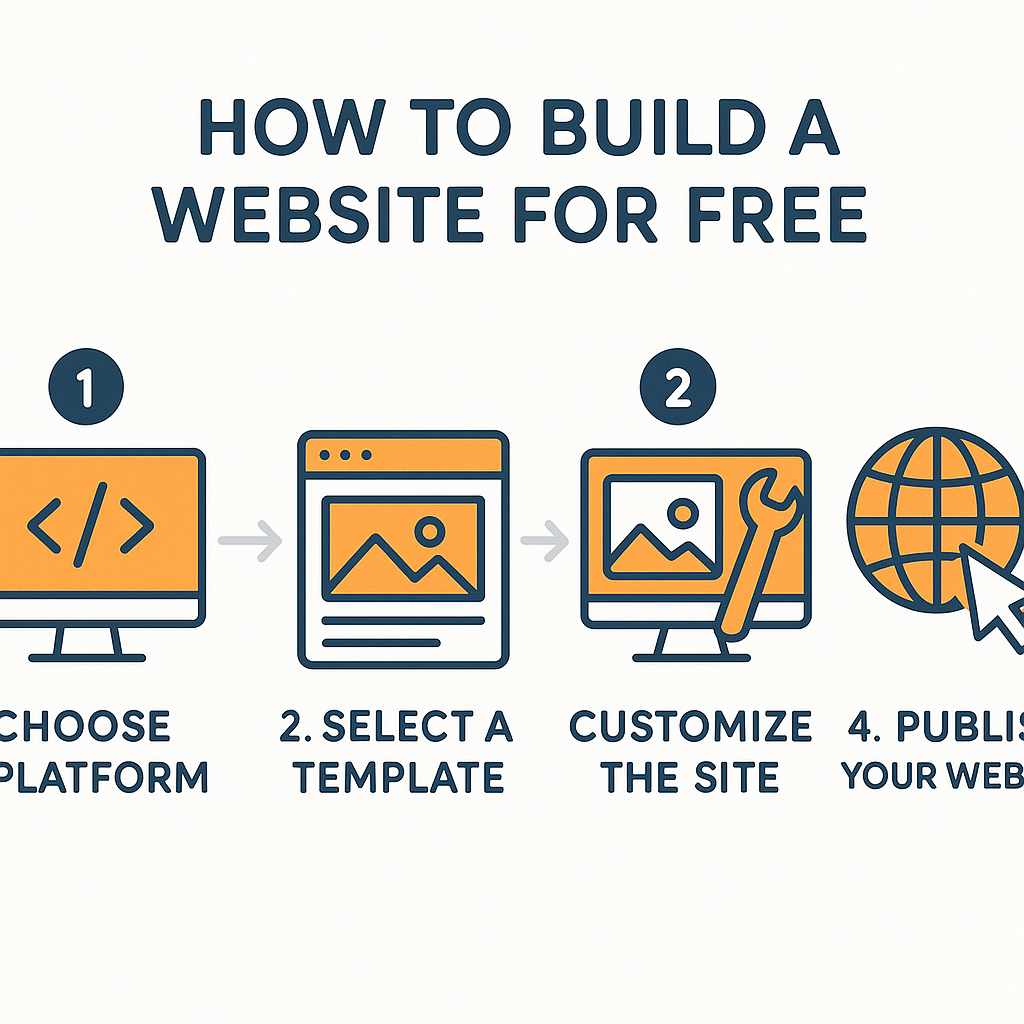
How to Build a Website for Free
Learning how to build a website for free is one of the most practical digital skills you can develop today, whether you are a small business owner, a student, a freelancer, or simply someone who wants to share their ideas with the world. A decade ago, creating a website required hiring a developer, buying server space, and writing code. Today, that barrier has largely disappeared. Free tools, platforms, and hosting services have made it genuinely possible for anyone with an internet connection and a few hours of patience to publish a functional, professional-looking website at no cost. But “free” comes with important nuances. Some platforms give you a great deal of creative freedom; others restrict customisation, display their own advertising on your site, or nudge you toward paid upgrades. Understanding how the process works — from choosing a platform to publishing your first page — is what separates a website that actually achieves something from one that never gets finished. In this guide, you will learn exactly how to build a website for free, what tools are available, how each part of the process works, and what honest trade-offs you should expect along the way. By the end, you will have a clear, practical path forward regardless of your technical background.
What Is a Free Website Builder and How Does It Work?
A free website builder is a software platform that lets you create, design, and publish web pages without needing to write code or pay for separate web hosting. Think of it like a word processor for the internet. Just as Microsoft Word lets you arrange text, images, and headings on a document without you needing to understand typography software, a website builder lets you drag and drop elements onto a page without you needing to understand HTML, CSS, or server management.
Here is how the process works at a technical level, in plain terms. When you build a website, you are essentially creating a collection of files — text, images, layout instructions — that a web server stores and delivers to visitors when they type your web address into a browser. Normally, you would need to rent server space (web hosting) and manually upload those files. Free website builders collapse this into a single product. They provide you with the design tools and host your site on their own servers, covering the cost by either showing advertisements on your pages, offering premium upgrades, or both.
A real-world example helps make this concrete. Imagine someone named Maria who runs a small pottery workshop and wants an online presence so customers can see her work and contact her. She does not know any coding and has a zero-pound budget. She signs up for a free account on a platform like Wix or Google Sites, picks a template that looks like an art portfolio, replaces the placeholder images with photos of her own pottery, writes her contact information, and clicks publish. Within an hour or two, Maria has a live website accessible to anyone in the world. The platform handled the server, the security certificate, and the delivery of her pages. She handled the content and design choices. That division of labour is the core of how free website builders work.
Choosing the Right Free Platform for Your Needs
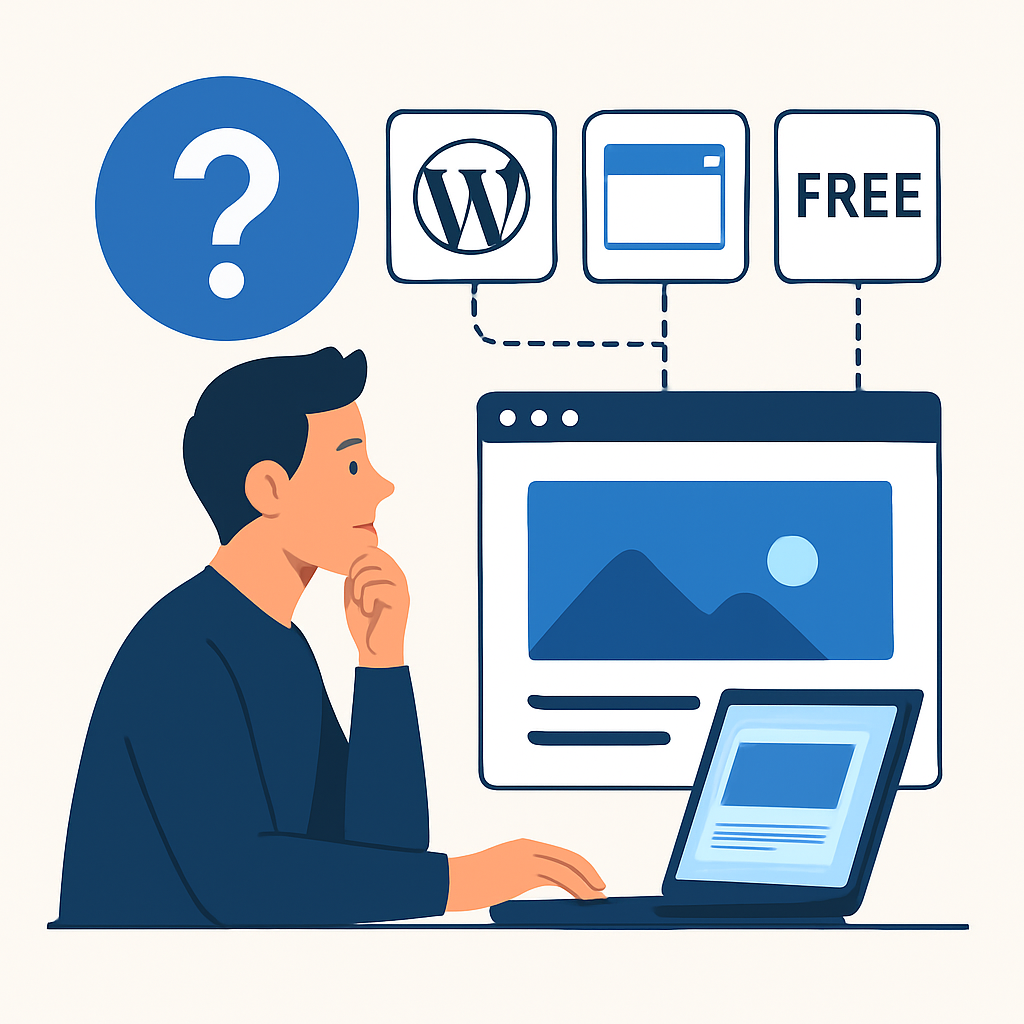
Not all free website builders are the same, and choosing the right one for your situation is probably the single most important decision you will make. The platform you choose determines how much design flexibility you have, what your web address will look like, and what limitations you will encounter as your site grows.
There are several broadly different types of free website builders worth understanding. General-purpose drag-and-drop builders, such as Wix, Weebly, and Google Sites, are designed for people who want visual control without any coding. You see your page as you build it, move elements around freely, and can have something publishable within an afternoon. The trade-off is that on a free plan, your web address will typically include the platform’s name — for example, something like yourname.wixsite.com/pottery rather than yourpottery.com. This is a meaningful limitation if you want your site to look professional.
Content management systems like WordPress.com (not to be confused with WordPress.org, which requires separate hosting) offer more depth and flexibility, particularly for blogs and content-heavy sites. A blogger writing about travel might choose WordPress.com because it has strong tools for organising posts, managing categories, and building an audience over time. The free tier allows a functional site, though again with a subdomain and some restrictions on installing custom plugins.
For simple, clean pages — such as a portfolio, a personal bio, or a small business landing page — Google Sites is worth considering specifically because it is genuinely free with no advertising, integrates easily with other Google tools like Google Drive and Google Forms, and gives you a straightforward, uncluttered result. It lacks the design sophistication of other builders, but for many use cases, that simplicity is an advantage rather than a drawback.
The practical advice here is to think about your primary purpose before signing up anywhere. A portfolio needs visual impact. A blog needs good content organisation. A community page might need a form or event listing. Match the platform’s strengths to your actual goal.
Designing Your Website: Layout, Content, and Visual Choices
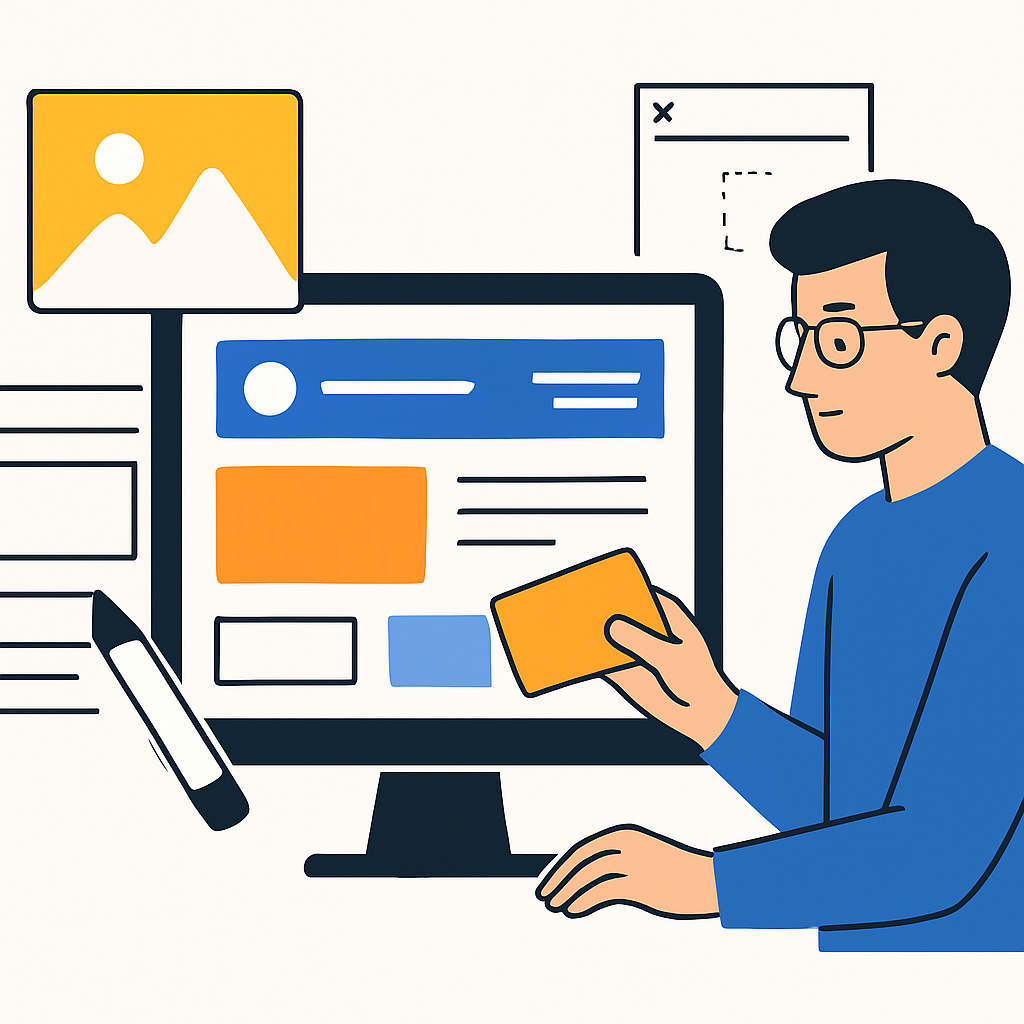
Once you have chosen a platform, the next stage is designing your website — and this is where many beginners feel uncertain. Good design does not require artistic talent. It requires understanding a small number of principles that work reliably across almost every type of website.
Start with a template. Every major free platform offers pre-designed templates, which are professionally designed starting points you can customise. Templates handle the difficult work of visual hierarchy — they ensure your headlines are larger than your body text, your navigation is easy to find, and your pages feel balanced. You should choose a template that already resembles what you want to achieve, because fighting against a template’s structure is frustrating and time-consuming.
Consider a real scenario: James is a secondary school teacher who wants to build a simple website to share resources with his students. He chooses Google Sites, selects a clean educational template, and then focuses entirely on the content — uploading worksheets, writing weekly announcements, and adding links to useful external resources. Because the template has already established good layout habits, James’s site looks orderly and professional even though he made no conscious design decisions. This is the genuine power of using a template: it transfers the design judgment of professionals to someone with no design background.
When adding your own content, follow these principles. Use high-quality images — if you do not have your own, free image libraries such as Unsplash or Pexels offer professional photographs at no cost and with no copyright concerns. Keep your text concise on each page; web visitors scan rather than read, so short paragraphs and clear headings serve them better than long essays. Make sure your contact information is easy to find, ideally on every page or in a dedicated Contact section. And test your site on a mobile phone before publishing, because the majority of web visitors today use mobile devices, and most platforms offer a mobile preview mode for exactly this purpose.
Publishing and Getting Your Website Seen
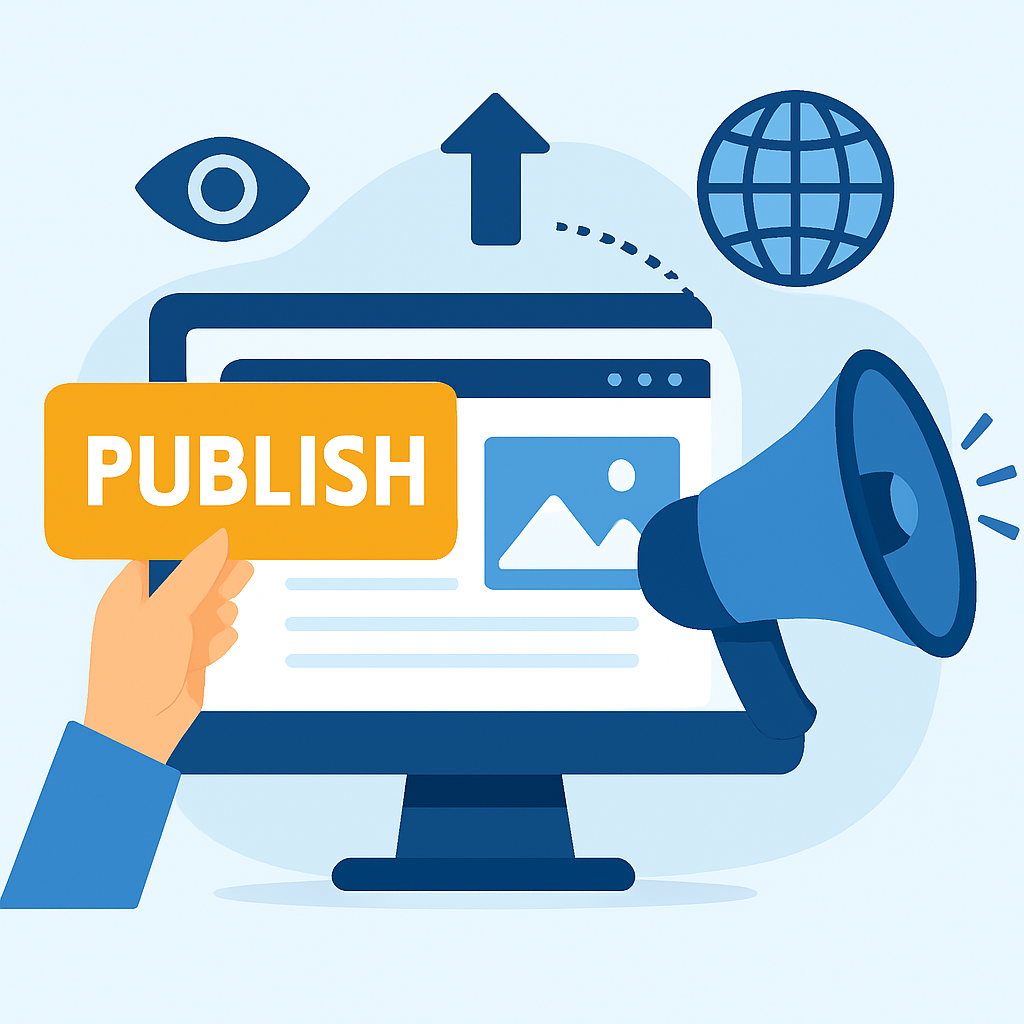
Building your website is only half the journey. Publishing it — making it live on the internet — and then helping people find it are equally important steps that beginners often underestimate.
Publishing on a free platform is usually as simple as clicking a “Publish” button. The platform assigns you a web address (your URL), and your site becomes accessible immediately. At this point, you should test every page by visiting the site yourself as a stranger would — click every link, check every image loads, and read your text fresh to catch any errors.
Once published, consider how visitors will find your site. Search engines like Google do index free websites, but new sites take time to appear in search results — sometimes weeks. You can speed this process up by submitting your website’s URL directly to Google Search Console, which is a free tool that tells Google your site exists and invites it to be crawled. Fill in your site’s title and description carefully, as these are what appear in search results when someone finds your page.
For many people, search engines are not the only or even the primary source of visitors. Sharing your site’s link on social media, including it in your email signature, or printing it on business cards are all effective ways to drive early traffic. A real example: a freelance graphic designer named Priya published her portfolio on a free Wix plan, added her site’s URL to her LinkedIn profile, and within two weeks had received three enquiries from people who had found her work through LinkedIn searches. The quality of her portfolio content did the work; the free platform simply gave it a home.
One technical step worth taking on any platform that supports it is enabling or verifying an SSL certificate. SSL is what makes your web address begin with https:// rather than http://, and it signals to visitors and search engines alike that your site is secure. Most free platforms handle this automatically, but it is worth confirming in your site settings.
Benefits and Limitations of Building a Website for Free
Understanding the genuine advantages and real drawbacks of free website building helps you set realistic expectations and avoid disappointment later.
Benefits
- Zero financial cost to start. You can create and publish a complete website without spending a single penny, making it genuinely accessible to individuals and small organisations with no budget.
- No technical skills required. Modern free platforms are built for beginners. You do not need to learn coding, server management, or graphic design to produce something functional and presentable.
- Fast to launch. A basic free website can realistically be live within a few hours of starting, which is particularly valuable when you need an online presence quickly.
- Safe environment for learning. Building a free site is an excellent way to understand how websites work before investing money in a domain name, premium hosting, or professional design.
- Ongoing maintenance is handled for you. The platform manages server updates, security patches, and uptime, so you do not need any technical knowledge to keep your site running.
Limitations
- Branded subdomain addresses. On most free plans, your URL will include the platform’s name (e.g.,
yoursite.wixsite.com), which can appear less professional than a custom domain and may reduce trust with visitors. - Platform advertising. Many free tiers display the platform’s own advertisements on your website, which you cannot control and which may distract or annoy your visitors.
- Limited storage and bandwidth. Free plans typically cap how much content you can upload and how many visitors your site can receive before performance degrades or the platform restricts access.
- Restricted features. Advanced features — custom email addresses, e-commerce tools, premium templates, detailed analytics — are almost always locked behind paid plans.
- Platform dependency. If the free platform shuts down, changes its terms, or removes its free tier, your website could disappear. You have limited control over the infrastructure your site depends on.
- SEO constraints. Free plans sometimes limit your ability to customise meta titles, descriptions, and other SEO settings, which can reduce how visible your site is in search results.
Frequently Asked Questions
Can I use my own domain name (like www.myname.com) with a free website?
Most free website builder plans do not include a custom domain name — instead, they give you a subdomain that includes the platform’s name. However, if you purchase a domain name separately (typically costing around £10–£15 per year from a domain registrar), many platforms allow you to connect it to your free site through a process called domain mapping. Some platforms include this as a paid upgrade feature, so it is worth checking the specific platform’s terms. If having a professional domain name is important to you, it may be worth budgeting for that one cost even if you keep everything else free.
Will my free website appear on Google?
Yes, free websites can and do appear in Google search results, but it takes time. Google needs to discover and index your site first, which can take anywhere from a few days to several weeks for a brand new site. You can speed this up by submitting your URL to Google Search Console. Beyond indexing, how well your site ranks for specific searches depends on the quality and relevance of your content, how other sites link to you, and technical factors like page speed. Free platforms sometimes limit some of these technical SEO options, so managing expectations about search visibility is important.
Is it really completely free, or are there hidden costs?
Building and publishing a basic website on platforms like Google Sites, Wix (free tier), or WordPress.com (free tier) genuinely costs nothing. However, “free” typically comes with the trade-offs already discussed — subdomain URLs, platform advertising, and restricted features. The hidden costs are not always financial; they are sometimes in the form of limitations that eventually push you toward a paid upgrade if your needs grow. If you want a professional email address (like hello@yoursite.com), a custom domain, or e-commerce capability, those will involve costs. Being clear about what you need now versus what you might need later helps you make an informed decision from the start.
How long does it take to build a free website?
For a simple site — a few pages covering who you are, what you do, and how to contact you — most people with no prior experience can have something live within two to four hours. This assumes you already have your images and text ready before you start building. If you need to write content, gather photos, and make design decisions simultaneously, it might take longer. More complex sites with multiple sections, a blog, or a portfolio gallery might take a full weekend of focused work. The learning curve on most modern platforms is genuinely gentle, and most offer tutorials or guided setup processes that significantly reduce the time needed.
What happens to my website if I decide to upgrade or switch platforms later?
This is an important question that many beginners overlook. If you upgrade to a paid plan on the same platform, your content and design typically transfer seamlessly. If you want to move your website to a completely different platform — say, from Wix to a self-hosted WordPress site — the process is more complicated. Most free platforms do not allow you to export your design or pages in a format that another platform can directly import. You would likely need to rebuild your site on the new platform, copying your content manually. This is one reason why thinking about your long-term needs before committing to a platform is worthwhile, even if everything feels temporary at the start.
Conclusion
Building a website for free is not only possible — it is genuinely practical for a wide range of purposes, from personal portfolios and community pages to small business presences and hobby blogs. The key takeaways from this guide are straightforward: choose a platform that fits your specific purpose, use a template rather than starting from scratch, focus your energy on high-quality content, and publish sooner rather than spending weeks perfecting every detail. Understand the real limitations of free plans — the subdomain URL, the potential for platform advertising, the restricted features — and decide consciously whether those trade-offs are acceptable for your situation.
The most important next step is simply to start. Sign up for a free account on a platform that seems to match your needs, spend an hour exploring its tools, and build a rough first version of your site. A real, imperfect website that is live and visible is infinitely more valuable than a perfect website that remains unfinished. As your needs grow and your confidence builds, you can always refine, expand, or migrate your site. The skills and understanding you gain by building your first free website are the foundation for everything that comes after.