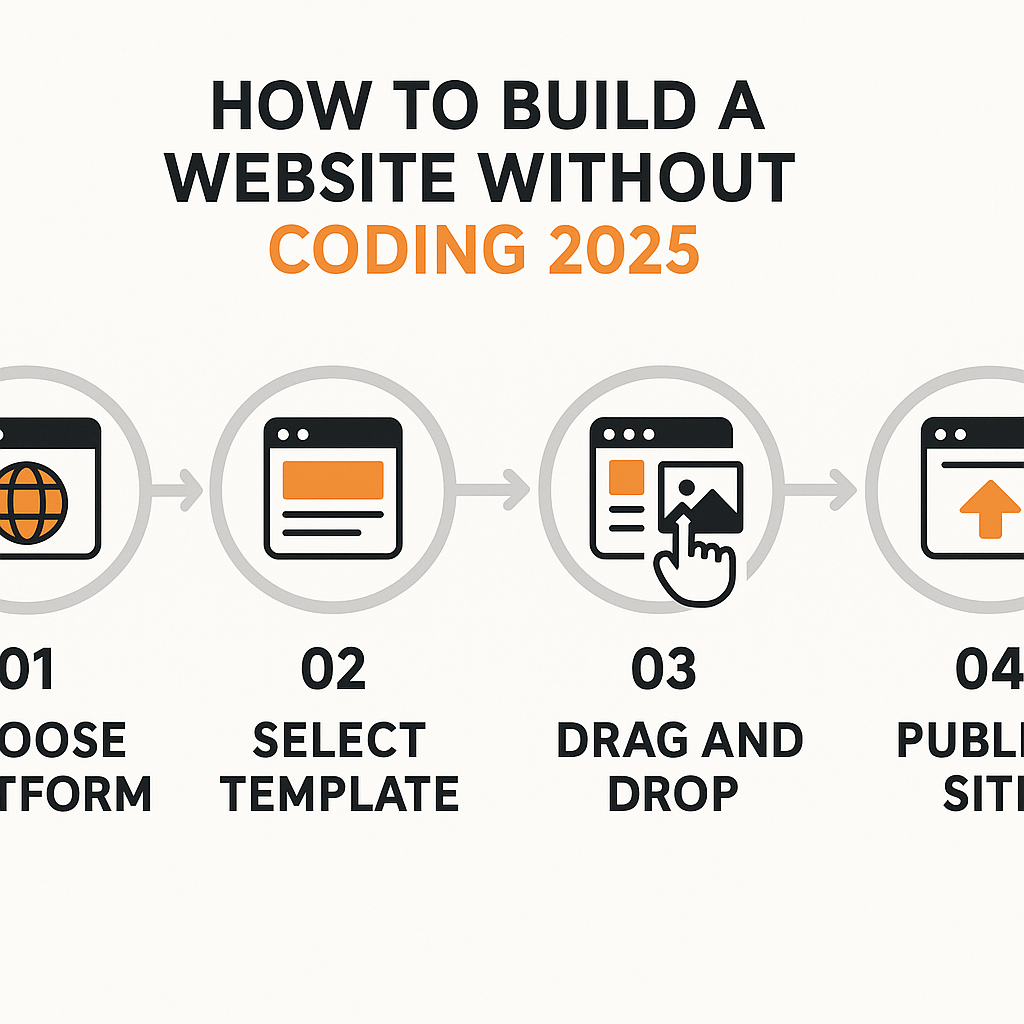
If you’ve ever searched for how to build a website without coding 2025, you’re part of a rapidly growing group of people who want an online presence without needing to learn HTML, CSS, or JavaScript. Whether you’re a small business owner, a freelancer, a blogger, a nonprofit coordinator, or simply someone with a passion project to share with the world, building a website has never been more accessible. Just a decade ago, creating a professional-looking website without technical skills meant hiring a developer — often at significant cost. Today, that’s simply no longer the case. A wide ecosystem of no-code tools, drag-and-drop editors, and AI-assisted design platforms has made it possible for virtually anyone to publish a functional, attractive, and even sophisticated website in a matter of hours. This guide will walk you through everything you need to understand about building a website without writing a single line of code — from how the technology works behind the scenes, to choosing your approach, designing your pages, connecting a domain name, and making sure your site actually reaches the people you want to reach. By the end, you’ll have a solid, practical foundation to get started with confidence.
—
What Is No-Code Website Building and How Does It Work?
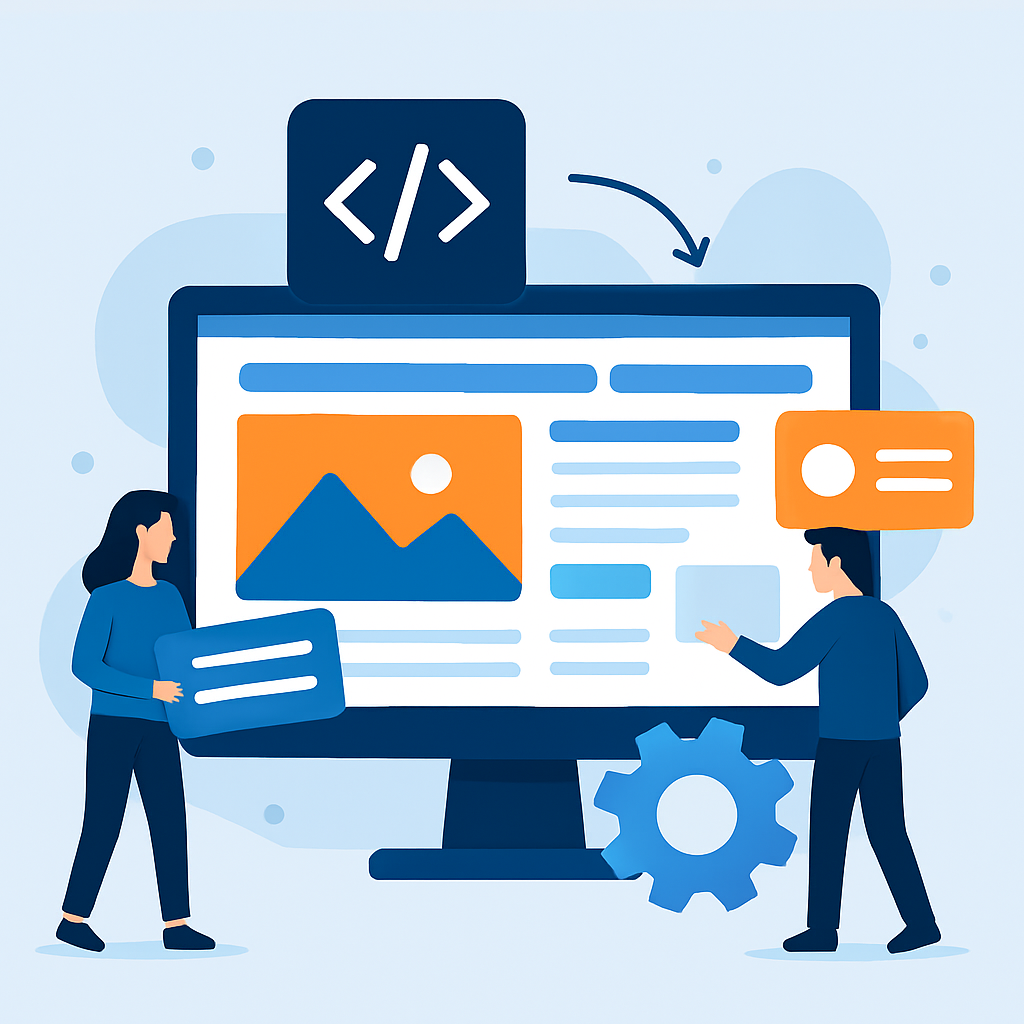
No-code website building refers to the process of creating a fully functional website using visual, point-and-click interfaces rather than writing source code manually. Think of it like the difference between building furniture from raw timber versus assembling flat-pack furniture from a kit. With flat-pack furniture, all the structural engineering has already been done — you just arrange the pieces according to your vision. No-code platforms work on a similar principle: software engineers and designers have built the underlying logic, templates, and components; you simply configure and arrange them to suit your needs.
Under the hood, these platforms still generate real HTML, CSS, and JavaScript — the same code a developer would write by hand. The difference is that you never have to see or touch that code. When you drag a button element onto a page and change its colour to blue, the platform automatically updates the code on your behalf. This abstraction layer is what makes no-code building possible.
The ecosystem in 2025 includes several distinct types of tools. Website builders like Wix, Squarespace, and Weebly offer all-in-one environments where hosting, design, and publishing happen in a single dashboard. Content Management Systems (CMS) like WordPress.com (not to be confused with self-hosted WordPress.org) provide more flexibility and a vast library of plugins. AI-powered builders — a category that has expanded enormously since 2023 — can generate entire page layouts based on a few sentences you type as a prompt. Platforms like Framer and Webflow sit in a slightly more advanced category, offering more design control without requiring code knowledge for most tasks.
A real-world example: a local yoga instructor wants a website to display her class schedule, accept bookings, and share blog posts about wellness. She has no coding background. Using a no-code builder, she selects a template designed for fitness professionals, replaces the placeholder images with her own photos, updates the text, connects a booking plugin, and publishes the site — all within a single afternoon. The site works on mobile devices, loads quickly, and looks professionally designed. That is the practical power of no-code website building in 2025.
—
Choosing the Right Starting Point for Your Website
One of the most important decisions you’ll make is choosing the right type of no-code tool for your specific goal. Not every platform is suited to every purpose, and selecting the wrong one early can mean rebuilding later — which costs time and sometimes money.
Start by asking yourself one fundamental question: What do I actually need this website to do? The answer will guide you more reliably than any feature list.
If you need a simple informational website — think a digital business card for a local plumber, a portfolio page for a photographer, or a landing page for a community event — a basic website builder with a clean template is all you need. These tools prioritise ease of use above all else, and you can be publishing within hours.
If you’re planning a blog that you want to grow over time, look for a platform with strong content management features. WordPress.com, for instance, has powered blogs for millions of writers and offers built-in tools for categories, tags, comments, and RSS feeds. A food blogger named Marcus, for example, might start with a free WordPress.com plan, write weekly recipe posts, and gradually upgrade his plan as his audience grows to add a custom domain and remove platform branding.
If you need an online store, you’ll want a platform with built-in e-commerce capabilities — the ability to list products, manage inventory, process payments, and handle shipping options. Many builders include basic e-commerce features, though dedicated e-commerce platforms often handle this more robustly.
If you’re building something more complex — a membership site, a directory, a job board, or a site with user logins — you’ll need a platform that supports third-party integrations or has an app/plugin marketplace. In 2025, many no-code platforms have partnered with automation tools and database platforms, meaning you can build surprisingly sophisticated functionality without any programming.
The key lesson here is that matching your tool to your goal saves you enormous frustration. Spending 30 minutes mapping out exactly what your site needs to do before you open any platform is time extremely well spent.
—
Designing Your Website: Templates, Layout, and Visual Identity
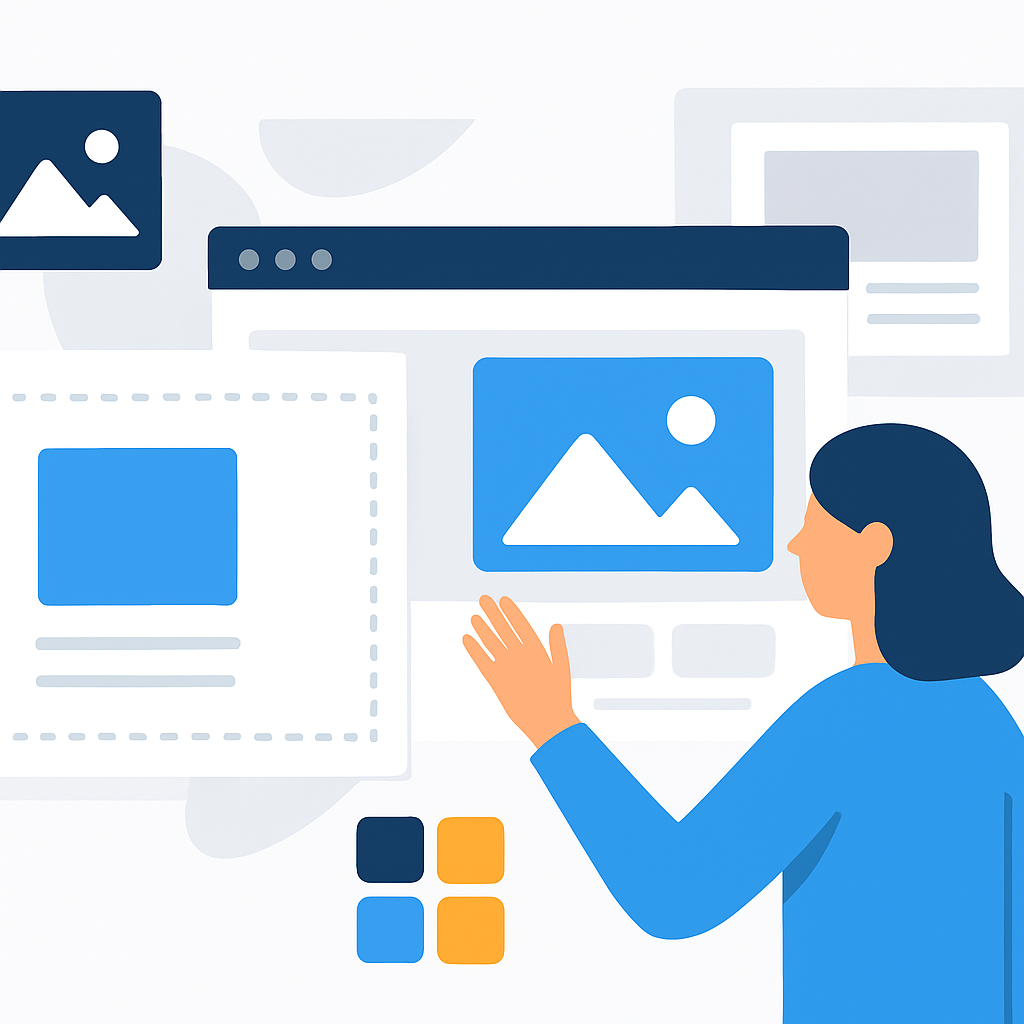
Once you’ve chosen your platform, the design phase begins — and this is where many beginners feel uncertain. The good news is that you don’t need to be a graphic designer to create a site that looks credible and professional. The templates and design systems built into modern no-code platforms do most of the heavy lifting.
Start with a template that fits your purpose. Most platforms organise their templates by category: business, portfolio, blog, restaurant, nonprofit, and so on. Choose one that closely matches your industry or content type, because the layout and structure will already be optimised for that use case. A restaurant template, for instance, will typically include a prominent menu section, a photo gallery for food images, a reservations call-to-action, and location/hours information — all arranged in the order that restaurant visitors typically expect.
Maintain visual consistency. One of the most common mistakes beginners make is mixing too many fonts, colours, and styles. Most builders provide a “theme” or “brand kit” setting where you can define your primary colour, secondary colour, and one or two fonts. Once set, these choices apply automatically throughout your site. If you’re building a site for a bakery called “Maple & Cream,” you might choose warm beige tones, a soft serif font for headings, and a simple sans-serif for body text. Applying these consistently gives your site a polished, intentional feel even without a designer’s eye.
Think in sections, not individual pixels. No-code builders work with sections or blocks — pre-built chunks of layout like a hero banner, a features grid, a testimonials row, or a contact form. Rather than trying to place every element individually, think about what sections your page needs and in what order. A typical homepage might include: a hero section with a headline and call-to-action, a brief about section, a services or products grid, a testimonials section, and a footer with contact details. Arranging these blocks is intuitive in most drag-and-drop interfaces.
Use your own images when possible. Stock photos are convenient, but real photos of your product, your space, or yourself create immediate trust and authenticity. If you don’t have professional photos yet, choose stock images that feel natural and unposed rather than overly corporate. Many no-code platforms include libraries of high-quality free stock images directly within the editor, which is a helpful starting point.
—
Publishing, Domains, and Getting Your Site Live
Designing your site is one thing — getting it live and accessible to the world is another. This phase involves a few technical concepts that are straightforward once you understand them.
Understanding domains. Your domain name is your website’s address — for example, www.maplecreambakery.com. When you use a no-code builder without a custom domain, your site typically gets a subdomain on the platform’s own domain, such as maplecreambakery.wixsite.com or maplecreambakery.squarespace.com. This works fine for testing, but for a professional appearance, you’ll want your own domain. Domains are typically purchased separately from a domain registrar (though many website builders now sell them directly) and cost anywhere from a few dollars to around $20 per year for common extensions like .com or .co.
Connecting your domain. Most no-code platforms walk you through this process with step-by-step instructions once you’ve purchased a domain. It usually involves logging into your domain registrar and updating two settings: the nameservers or DNS records, which tell the internet where to find your site. This can sound intimidating, but the platforms typically provide the exact values you need to copy and paste. Changes usually take between a few minutes and 24 hours to propagate worldwide.
Choosing a hosting plan. No-code builders typically include hosting as part of their subscription — you don’t need to set up a separate server. When you publish your site through the platform, it handles storing your files, serving them to visitors, and keeping the site online. Free plans usually come with platform-branded subdomains and limited features; paid plans unlock custom domains, more storage, e-commerce, and reduced or eliminated platform branding.
Before you hit publish, do a final check. Review every page on both desktop and mobile view. Make sure all links work. Check that your contact form actually sends messages (test it yourself). Confirm that your site’s title and description — the text that appears in search engine results — accurately describes your content. Most builders have a dedicated SEO settings panel where you can set these without any coding knowledge.
—
Benefits and Limitations of Building a Website Without Coding
Understanding what no-code website building does well — and where it falls short — will help you set realistic expectations and make smarter decisions as you grow.
Benefits
- Speed of launch: You can go from idea to live website in a single day without waiting on a developer’s schedule or budget. A small business that needs a site up before a seasonal promotion can make that happen independently.
- Low cost: Many no-code platforms have free tiers or affordable entry-level paid plans, dramatically reducing the financial barrier compared to hiring a developer, which can cost hundreds to thousands of dollars even for a simple site.
- Easy updates: Because you don’t rely on anyone else to change your content, you can update your opening hours, add a new blog post, or swap out a photo whenever you want — no technical intermediary needed.
- Built-in features: Modern no-code builders include SEO tools, mobile responsiveness, analytics integrations, form builders, and more as standard, saving you from having to configure these from scratch.
- AI assistance in 2025: AI-powered design suggestions, auto-generated layouts, and even copy-writing assistance built into some platforms mean that even decisions about layout and text can be guided by intelligent suggestions.
Limitations
- Design constraints: While templates and drag-and-drop tools are powerful, they do impose limits. Highly custom or unique design concepts may be difficult or impossible to achieve without touching code, particularly on simpler platforms.
- Performance ceilings: Sites built on shared no-code platforms may not match the loading speed or scalability of a custom-built site on dedicated infrastructure — though for most small-to-medium websites, this difference is negligible.
- Platform dependency: Your site lives on someone else’s platform. If the company raises prices, changes its features, or shuts down, you may need to migrate — and migration can be complex depending on how much content you’ve built.
- Limited advanced functionality: Features like complex user authentication flows, real-time database interactions, or highly specialised integrations may require workarounds or simply aren’t achievable in a pure no-code environment.
- Ongoing subscription costs: Unlike a one-time developer fee for a self-hosted site, no-code platforms typically charge monthly or annual subscriptions. Over several years, this can add up to a comparable or higher cost.
—
Frequently Asked Questions
Do I need any technical experience at all to build a website without coding in 2025?
No technical experience is required for the vast majority of no-code website builders available today. The interfaces are designed specifically for people without IT or programming backgrounds. You’ll need basic computer literacy — the ability to upload files, fill in forms, and navigate a web browser — but no knowledge of code, servers, or web infrastructure. In 2025, AI-assisted builders have pushed this even further, allowing users to describe what they want in plain language and receive a fully structured layout as a starting point.
How much does it cost to build a website without coding?
The cost varies significantly depending on what you need. Many platforms offer genuinely functional free plans with a platform-branded subdomain. If you want a custom domain name, expect to pay roughly $10–$20 per year for the domain itself. A basic paid platform plan for additional features — custom domain connection, more storage, no platform branding — typically costs between $10 and $25 per month, depending on the platform and the tier you choose. E-commerce plans with payment processing capabilities tend to cost more, often in the $25–$50 per month range.
Can a no-code website rank on Google search results?
Yes, a no-code website can absolutely rank in Google search results. Search engines index content regardless of whether it was built by hand or through a no-code platform. What matters to Google is the quality of your content, the relevance of your keywords, the speed and mobile-friendliness of your site, and the number of credible sites linking to yours. Most no-code builders include built-in SEO settings panels where you can set page titles, meta descriptions, image alt text, and URL structures — all of which contribute to search visibility. Consistently publishing helpful, original content on your site remains the most reliable long-term strategy for organic search rankings.
What is the difference between a website builder and WordPress?
A website builder is a fully hosted, all-in-one platform where hosting, design tools, and publishing are managed in one place, usually under a subscription model. WordPress comes in two flavours: WordPress.com is a hosted service similar to a website builder, while WordPress.org is a free, open-source software that you download and run on your own hosting server. Self-hosted WordPress (WordPress.org) offers far more flexibility and plugin options, but requires you to manage hosting, security updates, and backups yourself — a moderate technical overhead. For someone building a website without coding in 2025, WordPress.com or a dedicated website builder is usually the more practical starting point.
How long does it take to build a website without coding?
A simple informational website — a few pages covering who you are, what you offer, and how to contact you — can realistically be built and published in a single afternoon, sometimes in just two to four hours. A more complex site with a blog, an online store, multiple service pages, and custom branding might take several days or a couple of weekends to build properly, especially if you’re gathering and editing your own photos and writing original content for each page. The design and content creation phases typically take longer than the actual technical setup. Planning your content and gathering your assets before you open the builder significantly speeds up the process.
Can I switch platforms later if I outgrow my no-code builder?
Switching platforms is possible but can require significant effort, depending on how much content you’ve created. Text content — blog posts, product descriptions, page copy — can usually be exported or manually migrated. However, design layouts built within one platform’s editor typically do not transfer to another platform because each builder uses its own proprietary system. Images, files, and media can usually be downloaded and re-uploaded. If you think you’ll need to scale significantly in the future, it’s worth researching how data export works on any platform before you commit. Choosing a platform with good export options gives you more flexibility down the road.
—
Conclusion
Building a website without coding in 2025 is not just possible — for most people with straightforward goals, it’s the most practical and efficient path available. The tools at your disposal today are genuinely powerful, well-designed, and capable of producing professional results without requiring any technical background. The key to success lies in approaching the process thoughtfully: be clear about what your site needs to accomplish, choose a platform that matches those needs, maintain visual consistency throughout your design, and take the time to ensure your content is genuine and useful.
The no-code landscape will continue to evolve. AI-driven design assistance is becoming more sophisticated every year, making the process even more intuitive. But the fundamentals — good content, clear navigation, a reliable domain, and a design that serves your audience — remain constant regardless of the tools you use.
Your next step is simple: decide what your website is for, choose one platform to explore (just one — avoid platform paralysis), and spend an hour or two experimenting with a free plan before committing to anything. The best website is the one that gets built, and in 2025, there has never been a better time to build yours.