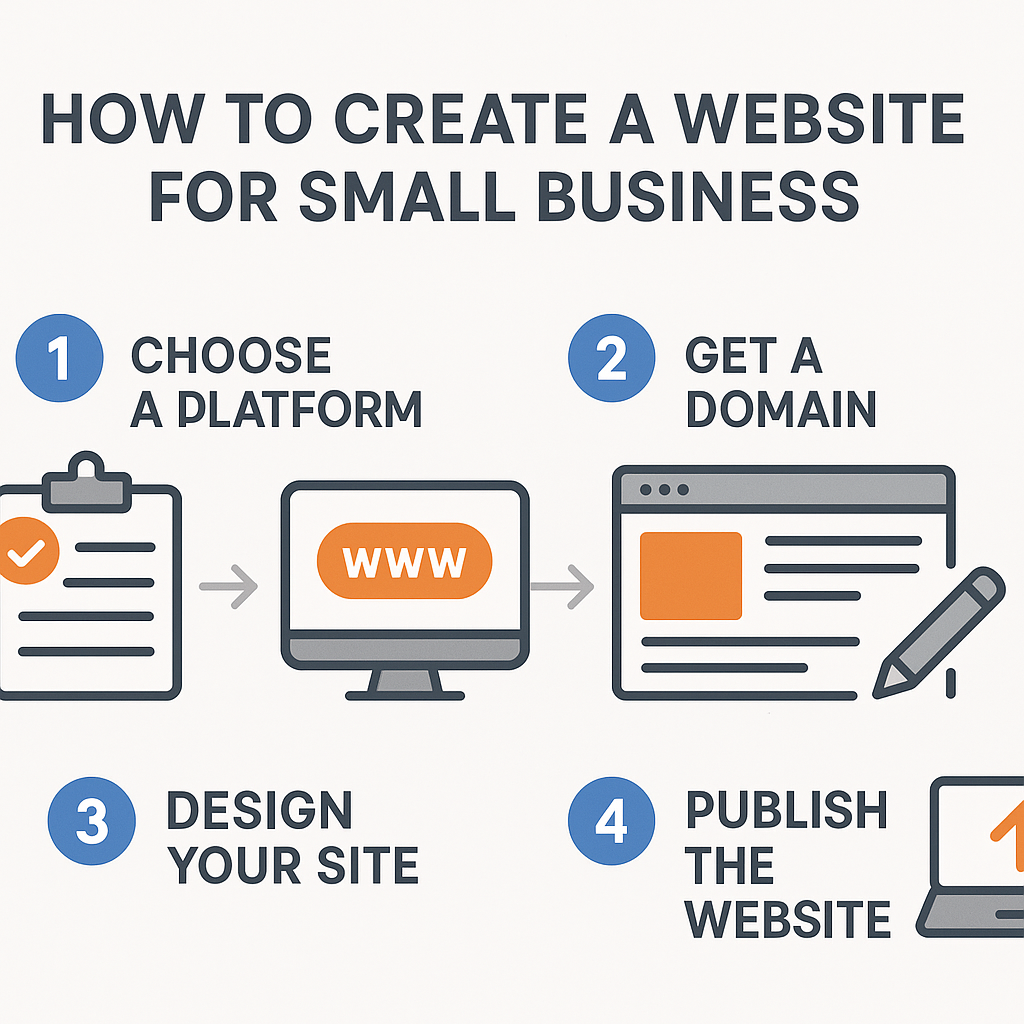
How to Create a Website for Small Business
Understanding how to create a website for small business is one of the most practical skills a modern business owner can develop. Whether you run a bakery, a landscaping service, a freelance consultancy, or a local hardware store, having a website gives your business a permanent, professional presence on the internet — one that works for you even while you’re sleeping. In a world where most customers search online before making a purchasing decision, not having a website can mean being invisible to potential clients who are actively looking for what you offer.
This guide is designed for people who are new to websites entirely. You don’t need to know how to write code, understand servers, or have any prior technical experience. What you do need is a clear understanding of the process from start to finish — and that is exactly what this article delivers. You’ll learn what a website actually is and how it functions, how to choose the right foundation for your site, how to plan and organise your content, and how to get your site published and found online. By the end, you’ll have a confident grasp of every stage involved in building a business website, along with practical examples that make each concept concrete and actionable.
—
What Is a Small Business Website and How Does It Work?
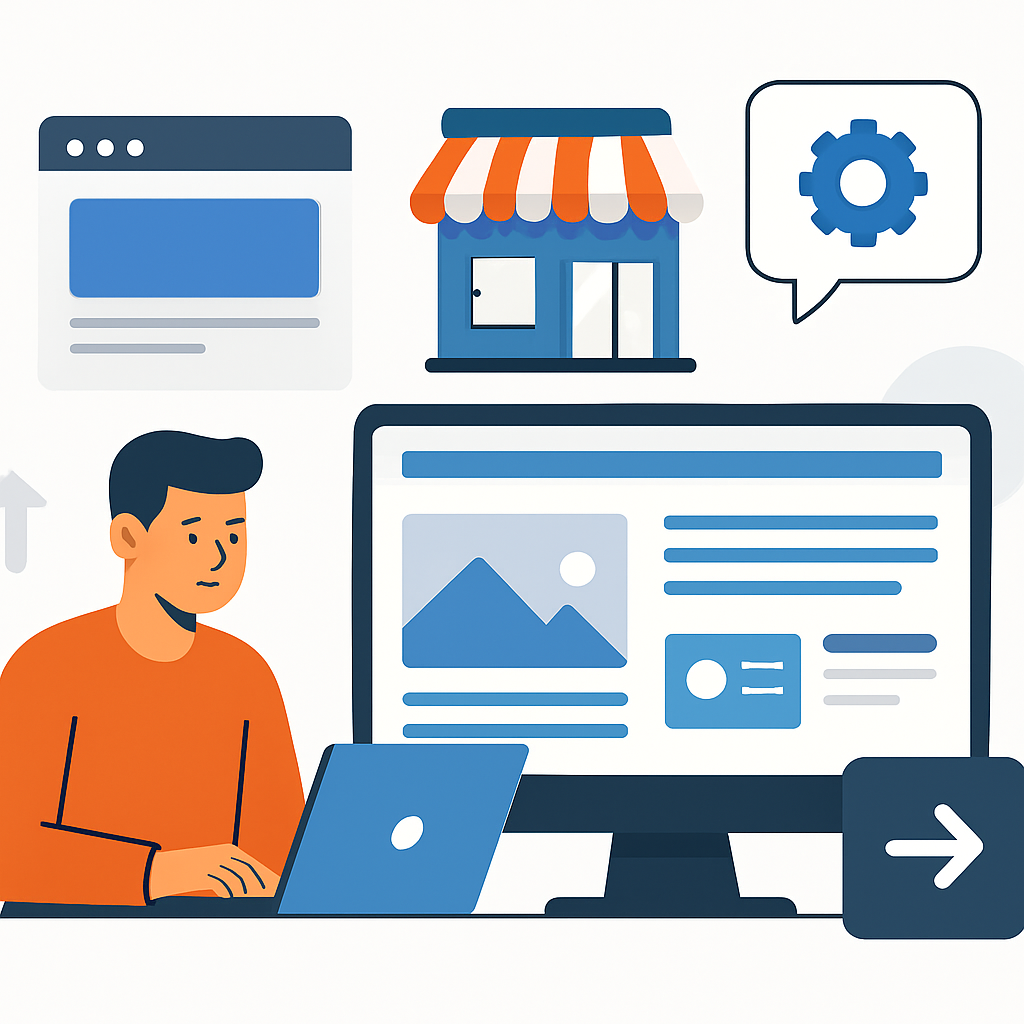
A website is essentially a collection of web pages that are stored on a computer called a server and made accessible to anyone with an internet connection through a web browser. Think of it like renting space in a shopping mall: the mall is the internet, your store is your website, and the storefront address is your domain name. When someone types your web address into their browser, their device sends a request to the server where your site lives, and within seconds the server sends back the files that make up your web pages — text, images, layouts — which the browser then displays on screen.
For a small business, a website typically consists of several interconnected pages. A homepage introduces the business and its core value. A services or products page explains what you offer. An about page tells your story and builds trust. A contact page gives visitors a way to reach you. Together, these pages form a coherent online identity.
Here’s a real-world example: imagine a woman named Claire who runs a dog grooming service out of her home in Manchester. Before she had a website, all her bookings came from word of mouth. After building a simple five-page website, she started showing up in local Google searches for “dog grooming near me.” Within three months, her new enquiries had doubled. Her website didn’t require coding — it used a drag-and-drop builder and a basic template — but it gave her a professional presence that matched what customers expected to find.
The mechanics behind a website involve two key elements: hosting (the server space where your files live) and a domain name (the address people type to find you). These two things, combined with a website building platform, are the three pillars of any business website.
—
Choosing Your Domain Name and Hosting
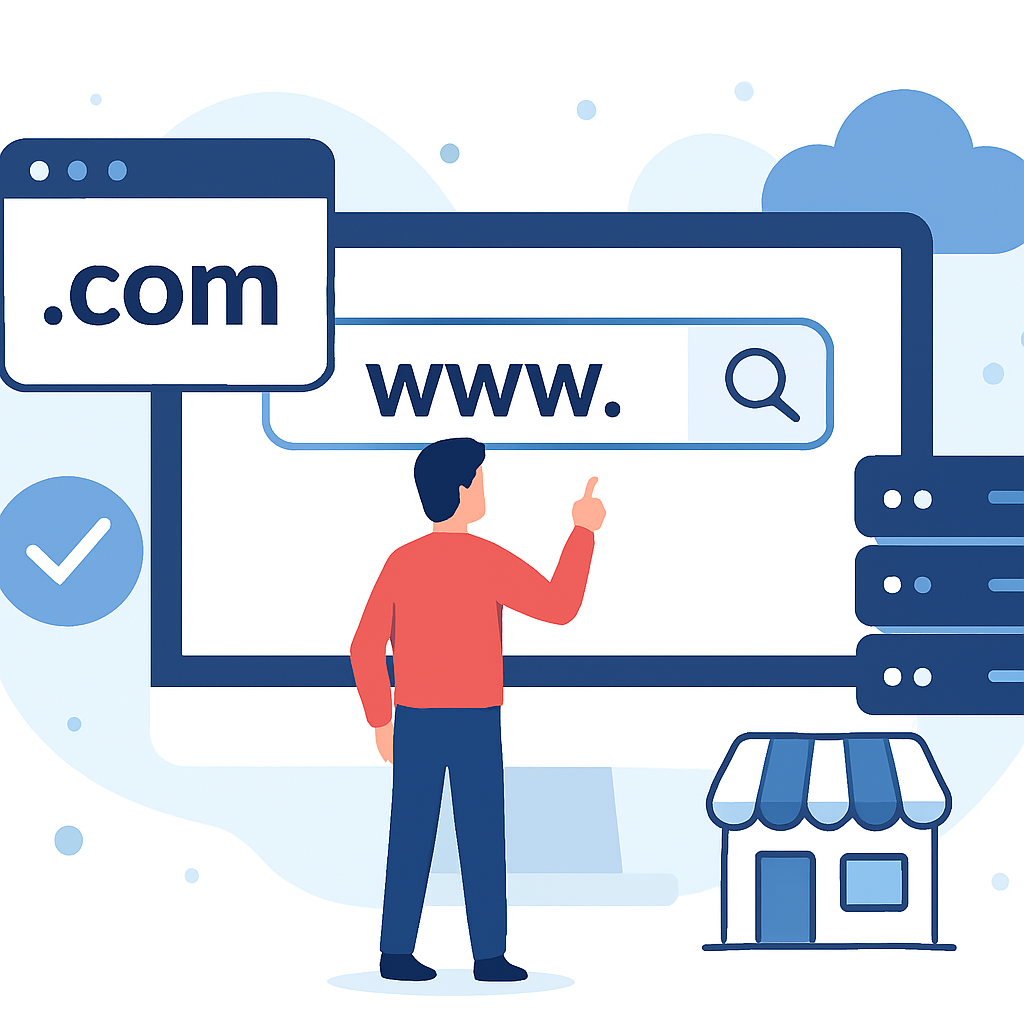
Your domain name is the first impression of your business online. It’s what people type into their browser, what appears in Google search results, and what you’ll print on business cards and email signatures. Choosing it carefully matters.
A good domain name for a small business is short, easy to spell, and directly reflects your business name or what you do. For example, if you run a plumbing business called “Fletcher’s Plumbing” in Bristol, a domain like fletchersplumbing.co.uk is ideal. It’s descriptive, professional, and location-relevant. If that exact name is taken, you might try variations like fletchersplumbingbristol.co.uk or consider a slightly different phrase.
Domain names are registered through a domain registrar — an organisation authorised to sell domain names. You pay an annual fee, typically ranging from a few pounds to around £15 per year for a standard .co.uk or .com domain.
Web hosting is the service that stores your website files and makes them accessible on the internet. Hosting providers offer different tiers of service. For a small business just starting out, shared hosting is usually sufficient — this means your website shares a server with other websites, which keeps costs low. A typical shared hosting plan costs between £3 and £10 per month.
Many beginners choose hosting providers that bundle domain registration and hosting together, which simplifies management — you log in to one place to handle both. Some website building platforms also include hosting as part of their service, which can be even more convenient.
One important point: reliability matters. A hosting provider with frequent outages means your website goes offline regularly, which damages trust and potentially loses customers. Look for hosting services that advertise at least 99.9% uptime guarantees.
—
Selecting a Website Building Platform
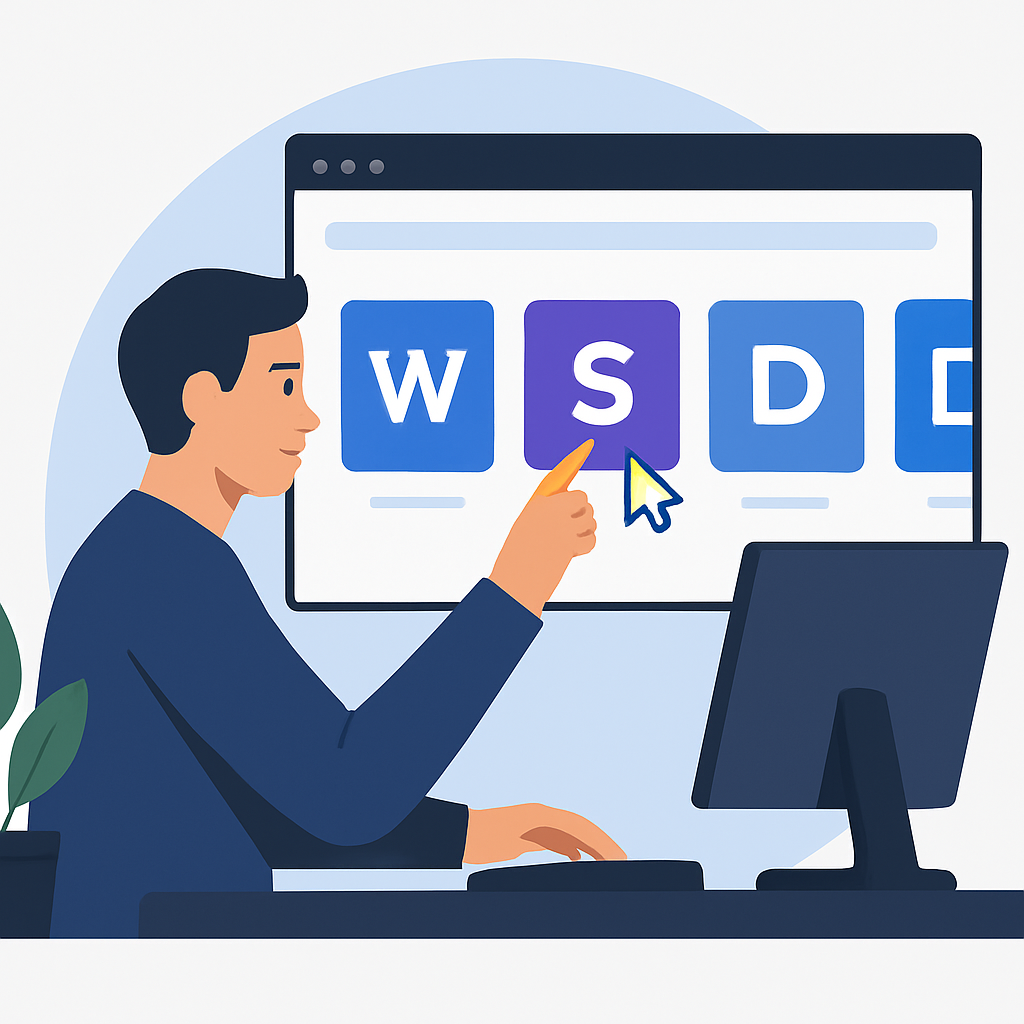
Once you have your domain and hosting sorted, you need a way to actually build your website. This is where a website building platform comes in. A website building platform is software that lets you create and design web pages without writing code. Instead, you work visually — dragging and dropping elements, choosing colours and fonts, and uploading images through a user-friendly interface.
There are two broad categories to understand. The first is hosted website builders — platforms where the building software, hosting, and sometimes even the domain are all provided together in one package. These are beginner-friendly and require minimal technical setup. The second category is content management systems (CMS), which are more flexible and powerful but require slightly more setup.
WordPress, for instance, is the world’s most widely used CMS. It powers over 40% of all websites globally. A small business owner can install WordPress on their hosting account and use a free or low-cost theme — a pre-designed layout — to build a professional-looking website. There are thousands of themes built specifically for industries like restaurants, photography studios, law firms, and retail stores.
To illustrate: a man named James runs a small carpentry workshop in Edinburgh. He used a WordPress theme designed for tradespeople, customised the colours to match his business branding, uploaded photos of his work, wrote short descriptions of his services, and published his site in a single weekend. He had no prior technical knowledge but followed a guided setup process and watched a few tutorial videos. His site has since helped him attract clients from beyond his immediate local area.
The key advantage of using an established platform is that you don’t need to build from scratch. The structure, the code, the security updates — much of that is handled for you. Your job is to fill in the content and make the design match your brand.
—
Planning and Writing Your Website Content
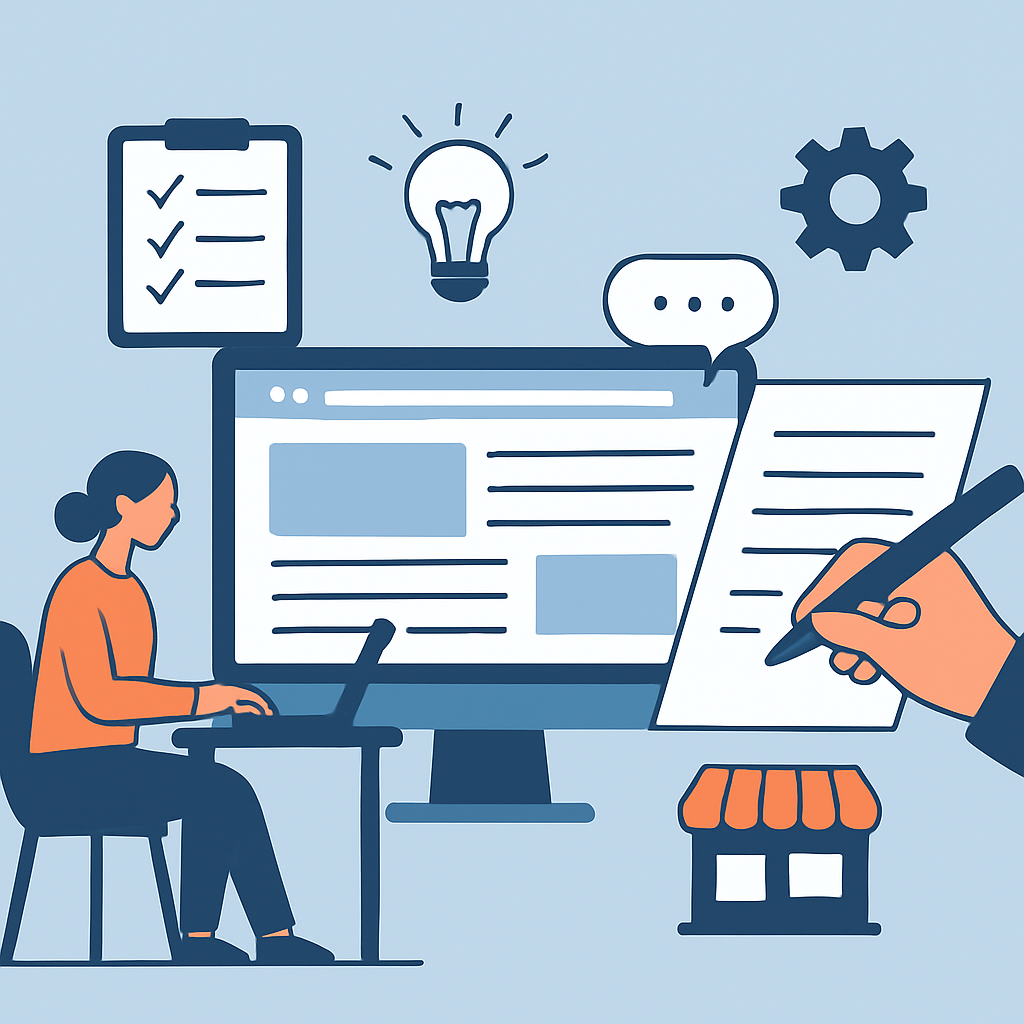
One of the most overlooked steps in creating a small business website is planning what the site will actually say. Many people focus heavily on design and almost ignore content — the words, images, and information that visitors actually came to find. This is a mistake.
Content is what converts a visitor into a customer. Design gets their attention; content earns their trust.
Before you open any website builder, sit down and map out the pages your site needs. For most small businesses, the essential pages are:
- Homepage — Your hook. What do you do, who do you serve, and why should someone choose you?
- Services or Products page — A clear, detailed breakdown of what you offer, with prices if appropriate.
- About page — Your story, your experience, your values. People buy from people they trust.
- Contact page — A form, phone number, email address, and ideally a map if you have a physical location.
- Testimonials or Reviews — Social proof that reassures hesitant visitors.
For each page, write in plain language that your target customer would understand. Avoid industry jargon. If you’re a solicitor, don’t write for other solicitors — write for someone who has never hired a lawyer before and is nervous about the process.
A real example: a freelance accountant named Priya redesigned her website after realising her original version was full of technical accounting terminology that her ideal clients — small business owners with no accounting background — found confusing and off-putting. After rewriting her content in simple, reassuring language and adding a clear “how it works” section, her enquiry rate increased significantly.
Also consider images. Original photographs of your work, your premises, or your team are far more effective than generic stock images. Authentic visuals build trust in a way that polished but impersonal stock photos simply cannot.
—
Making Your Website Findable with Basic SEO
Having a website that no one can find is like opening a shop down an unmapped alley. Search Engine Optimisation — commonly known as SEO — is the practice of making your website easier for search engines like Google to understand and rank in relevant search results.
For a small business, local SEO is often the most important starting point. This means optimising your website so it appears when people in your area search for the services you offer.
Here are the foundational steps every small business website owner should take:
1. Include your location in your content. If you’re a florist in Brighton, use phrases like “florist in Brighton” and “flower delivery Brighton” naturally within your page text, headings, and image descriptions.
2. Write a unique page title and meta description for each page. These are the snippets of text that appear in Google search results. Your homepage title might be something like “Fletcher’s Plumbing — Trusted Plumber in Bristol.” These are set within your website platform’s settings.
3. Create a Google Business Profile. This is a free listing that appears in Google Maps and local search results. It’s separate from your website but connects to it. Businesses with a complete Google Business Profile consistently show up more prominently in local searches.
4. Get your site listed in relevant directories. Local business directories, industry-specific listings, and your local chamber of commerce website can all link back to your site, which signals credibility to search engines.
5. Make sure your site loads quickly. Google factors page speed into its rankings. Compress your images before uploading them, and don’t clutter your pages with unnecessary animations or heavy graphics.
To illustrate the impact: a plumber in Leeds who had been in business for fifteen years without a website built a basic five-page site, optimised it for local searches, and set up a Google Business Profile. Within six weeks, he was receiving several online enquiries per week from people who had simply searched for a plumber in his area. The website itself was straightforward — it was the local SEO work that made the difference.
—
Benefits and Limitations of Creating Your Own Small Business Website
Benefits
- Cost savings. Building your own website is significantly cheaper than hiring a web design agency. A basic business website can be created and hosted for under £200 per year when done independently.
- Full control. You can update your content, prices, photos, and information whenever you like without waiting for or paying a third party.
- Professional credibility. A well-built website instantly signals to potential customers that your business is legitimate and established, even if you’re just starting out.
- 24/7 availability. Your website answers basic questions, showcases your work, and captures enquiries at any hour of the day or night — even when you’re unavailable.
- Marketing foundation. Every other digital marketing channel — social media, email newsletters, online advertising — becomes more effective when it has a professional website to direct people to.
Limitations
- Time investment. Building a website yourself, especially for the first time, takes real effort. Expect to spend at least a weekend — possibly more — learning the platform and creating your content.
- Learning curve. Even the most beginner-friendly platforms have features that take time to understand. Mistakes are common early on, and troubleshooting can be frustrating.
- Ongoing maintenance. Websites require regular updates — software updates, security monitoring, fresh content, and periodic redesigns. This is a commitment that extends well beyond the initial launch.
- Design limitations. Without professional design skills, it can be difficult to achieve a truly polished aesthetic, especially if your industry relies heavily on visual presentation (such as photography or fashion).
- SEO takes time. Even a well-optimised website doesn’t appear on page one of Google overnight. Building search visibility is a gradual process that unfolds over months.
—
Frequently Asked Questions
How much does it cost to create a website for a small business?
Costs vary widely depending on your approach. If you build it yourself using a beginner-friendly platform, you might spend £100–£250 per year on hosting and a domain, with additional costs if you purchase a premium theme or specific plugins. Hiring a freelance web designer typically costs between £500 and £3,000 for a simple small business site, while a professional agency might charge £3,000 or more. For most small businesses just starting out, the DIY route is perfectly viable and represents excellent value when done thoughtfully.
Do I need to know how to code to build a small business website?
No. The vast majority of small business websites today are built without a single line of code. Modern website building platforms and content management systems are designed specifically for non-technical users. You work visually, choosing layouts, uploading images, and typing your content directly into the page — similar to editing a word processing document. That said, understanding a small amount of basic HTML can occasionally be helpful for fine-tuning specific details, but it is absolutely not a prerequisite.
How long does it take to build a small business website?
A basic five-to-seven-page website can realistically be built in a single weekend if you have your content ready in advance. The most time-consuming parts are usually writing the content (your service descriptions, your about story, etc.) and gathering good-quality images. If you plan your content before you start building, the technical side of putting the site together is often quicker than people expect. More complex sites with online booking systems, e-commerce functionality, or many custom features will naturally take longer — sometimes weeks.
What pages does a small business website absolutely need?
At minimum, every small business website should have a homepage, a services or products page, a contact page, and some form of social proof (testimonials, reviews, or a portfolio of past work). An about page is also strongly recommended because customers frequently want to know who they’re dealing with before they commit. Beyond these essentials, additional pages like a blog, an FAQ section, or a gallery can be valuable but are not critical at launch. It’s better to launch with a smaller number of well-written pages than to delay launch trying to perfect a larger site.
How do I know if my small business website is actually working?
You can monitor your website’s performance using free analytics tools. Google Analytics, for example, shows you how many people are visiting your site, which pages they view, how long they stay, and where they came from (search engines, social media, direct links, etc.). Over time, you should also track whether online enquiries, phone calls, or walk-in customers mention finding you through your website. Setting up a simple enquiry form with a “how did you hear about us?” field is a practical, low-tech way to gather this information without relying purely on analytics data.
—
Conclusion
Creating a website for your small business is one of the most valuable investments of time and effort you can make in the digital era. It doesn’t require technical expertise, a large budget, or months of work. What it does require is a clear understanding of the process — choosing a good domain, selecting reliable hosting, using an appropriate website building platform, planning your content carefully, and taking the basic steps to help search engines find you.
The businesses that benefit most from their websites are not necessarily the ones with the most visually stunning designs. They are the ones whose websites are clear, credible, and easy to navigate — where visitors quickly find the information they need and feel confident enough to reach out. Focus on your customer: what do they need to know, what questions do they have, and what would make them trust you enough to make contact?
Start simply. A clean, honest, well-written five-page website is worth far more than an elaborate site that’s confusing or takes too long to launch. Get something live, gather feedback, and improve it over time. Your website is never truly “finished” — it grows and evolves alongside your business. The most important step is simply to begin.