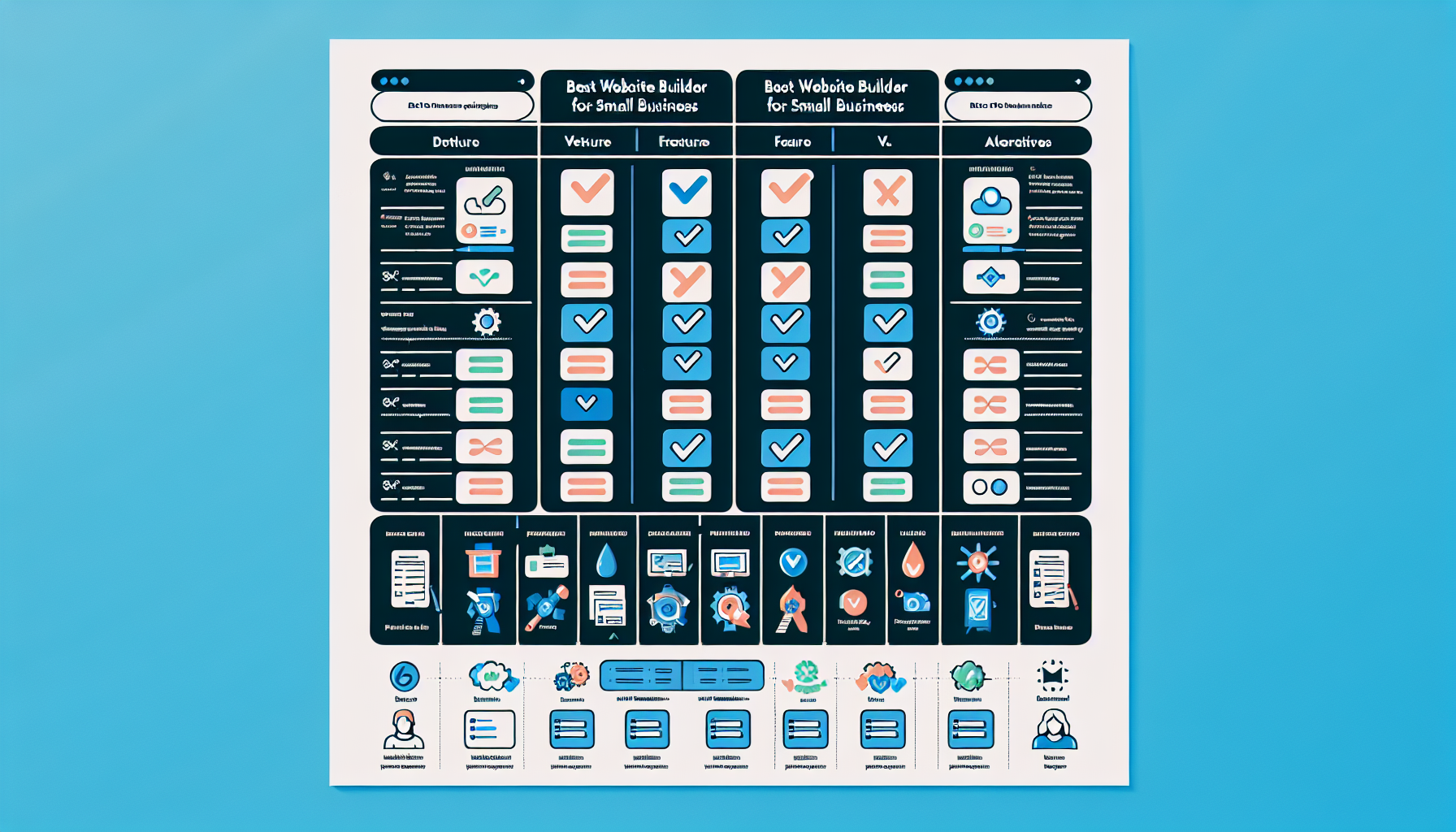
Best Website Builder for Small Business vs Alternatives (2025)
Finding the best website builder for small business vs alternatives is one of the most important decisions you’ll make when establishing your online presence. The market in 2025 is packed with options — from beginner-friendly drag-and-drop platforms to open-source powerhouses and no-code design tools — and the wrong choice can cost you time, money, and customers. This guide cuts through the noise by comparing the top website builders head-to-head, measuring them against genuine alternatives like WordPress.org, Webflow, and hiring a developer. Whether you’re launching a local service business, an online store, or a content-driven brand, you’ll walk away knowing exactly which platform fits your needs, budget, and technical comfort level. We’ve evaluated ease of use, pricing, e-commerce capabilities, SEO tools, and long-term scalability so you don’t have to.
—
What to Look for in a Website Builder for Small Business

Before diving into specific platforms, it’s worth establishing the criteria that actually matter for small business owners. Not every feature advertised on a builder’s homepage translates into real-world value. Here’s what deserves your attention.
✓ Wrong platform choice costs time, money, and real customersSee which builder fits your business— Compare plans built for small business budgets
Ease of Use and Setup Time
For most small business owners, time is the scarcest resource. A website builder that requires days of tutorials before you can publish a single page is a liability, not an asset. Look for platforms with intuitive drag-and-drop editors, pre-built section blocks, and guided onboarding flows. Setup time matters too — some builders can have you live in under an hour, while others require configuration that stretches across a weekend. If you don’t have a dedicated web team, prioritize platforms where non-technical users can make updates confidently without risking the layout.
Pricing and Value for Money
Sticker price isn’t everything. A $16/month plan that forces you to add five paid apps to get basic functionality can end up costing more than a $30/month all-inclusive plan. Evaluate what’s included at each tier: hosting, SSL certificates, custom domain names, e-commerce features, and customer support. Watch for transaction fees on sales, which can quietly eat into revenue. Annual vs. monthly billing differences also matter — some builders discount annual plans by 30–50%, which is significant for a bootstrapped business.
E-commerce and Business Features
Even if you’re not running a full online store, most small businesses benefit from at least basic e-commerce capability — whether that’s selling a product, accepting a deposit, or taking service bookings. Evaluate shopping cart functionality, payment gateway options, inventory management, and appointment scheduling tools. At higher tiers, look for abandoned cart recovery, discount codes, and product variant management. These features separate platforms built for serious business use from those designed primarily for personal portfolios.
SEO and Marketing Tools
A beautiful website that nobody finds is a wasted investment. Built-in SEO tools — editable meta titles and descriptions, clean URL structures, image alt text fields, sitemap generation, and schema markup support — are non-negotiable. Beyond on-page SEO, consider email marketing integrations, social media connectivity, and analytics dashboards. Some builders bundle these tools natively; others rely on third-party app integrations. Either approach can work, but you need to know what you’re getting before committing.
—
Best Website Builder for Small Business: Top Picks Compared

Wix – Best All-Around for Small Business
Wix remains the most versatile website builder for small businesses in 2025. Its drag-and-drop editor gives you pixel-level control over your layout, and with over 900 designer-made templates, you’re unlikely to start from a blank canvas. The Wix App Market hosts more than 300 integrations covering everything from live chat and CRM tools to booking systems and email marketing.
Wix’s pricing starts at around $17/month for a basic business plan and scales up to $35/month for its Business Unlimited tier, which includes increased storage, more video hours, and enhanced e-commerce features. The platform’s ADI (Artificial Design Intelligence) tool can build a rough draft of your site based on a few answered questions — genuinely useful for time-pressed owners.
Pros
- Largest template library of any major builder
- Extensive app marketplace for adding functionality
- Flexible drag-and-drop editor with fine-tuned control
- ADI tool for ultra-fast site creation
- Strong blogging and content management features
Cons
- Sites cannot be migrated to another platform easily
- Performance can lag on media-heavy pages without optimization
- Free plan includes Wix branding and ads
Squarespace – Best for Design-Focused Businesses
Squarespace is the go-to choice for businesses where visual presentation is a competitive advantage — photographers, interior designers, restaurants, boutique retailers, and creative agencies. Its templates are consistently the most polished in the industry, and its grid-based editor enforces a design discipline that makes it hard to build an ugly site even accidentally.
Pricing starts at $16/month (Personal) and rises to $49/month (Commerce Advanced). Squarespace includes unlimited bandwidth and storage on all plans, which is a meaningful advantage over competitors that meter these resources. Its built-in analytics, email campaign tools, and social selling integrations are well-designed and genuinely useful without requiring add-ons.
Pros
- Best-in-class template aesthetics
- Unlimited bandwidth and storage on all plans
- Native email marketing and analytics tools
- Strong portfolio and gallery features
Cons
- Less design flexibility than Wix — locked to grid system
- Smaller app ecosystem
- E-commerce transaction fees on lower-tier plans
Shopify – Best for E-commerce-First Businesses
If selling products is the primary purpose of your website — not a secondary feature — Shopify is the clear leader. Built from the ground up as an e-commerce platform, it offers the most robust inventory management, multi-channel selling (Amazon, Instagram, TikTok), and abandoned cart recovery tools available in a hosted builder. Its payment processor, Shopify Payments, removes transaction fees entirely if you use it.
Plans start at $39/month (Basic), with the mid-tier Shopify plan at $105/month offering better reporting and lower credit card rates. The platform supports thousands of apps in its own marketplace, including dropshipping integrations, subscription billing tools, and advanced shipping calculators.
Pros
- Unmatched e-commerce infrastructure
- Multi-channel selling built in
- Excellent inventory and order management
- Large ecosystem of e-commerce-specific apps
Cons
- Expensive relative to competitors for non-e-commerce use
- Transaction fees if you don’t use Shopify Payments
- Content and blogging features are secondary
GoDaddy Website Builder – Best for Speed and Simplicity
GoDaddy’s website builder is the fastest route from zero to published for small business owners who need something online quickly and don’t want to spend time deliberating over design decisions. Its guided setup asks you a few questions about your business type and location, then automatically populates a site structure with relevant sections and content suggestions.
Plans are priced competitively, starting around $10–$13/month for basic tiers, with e-commerce options in the $20–$25/month range. GoDaddy also bundles marketing tools including an email newsletter builder and social media post scheduling directly in the dashboard. The trade-off is limited design flexibility and a smaller template selection.
Pros
- Fastest setup of any major builder
- Very affordable entry-level pricing
- Includes marketing suite in most plans
- Reputable hosting infrastructure
Cons
- Limited design customization
- Fewer templates and less visual polish
- App ecosystem is smaller than Wix or Shopify
WordPress.com – Best for Content-Heavy Businesses
WordPress.com (not to be confused with self-hosted WordPress.org) is the hosted version of the world’s most popular CMS. It’s ideal for businesses that center their strategy on blogging, thought leadership, or content marketing. The block editor (Gutenberg) is more capable than most people expect, and its SEO and publishing tools are mature and well-documented.
Free and low-cost plans are available, with the Business plan at around $25/month unlocking plugin installation and advanced SEO tools. For content-driven businesses that aren’t prioritizing e-commerce, it offers exceptional value — but users expecting the full flexibility of self-hosted WordPress may find the hosted version limiting.
Pros
- Outstanding blogging and content management tools
- Strong SEO foundation
- Familiar interface for most content creators
- Scalable to large content libraries
Cons
- Plugin access locked behind Business plan ($25/month+)
- Less intuitive for non-blog page layouts
- E-commerce requires WooCommerce and Business tier or above
—
Head-to-Head Comparison: Features, Pricing, and Performance

Pricing Plans Side by Side
| Platform | Entry Price | Mid-Tier | E-commerce Entry | Transaction Fees |
|---|---|---|---|---|
| Wix | $17/mo | $25/mo | $17/mo | None |
| Squarespace | $16/mo | $23/mo | $28/mo | 0–3% |
| Shopify | $39/mo | $105/mo | $39/mo | 0–2% |
| GoDaddy | $10/mo | $21/mo | $21/mo | None |
| WordPress.com | $4/mo | $8/mo | $45/mo | None |
Prices are approximate and based on annual billing as of 2025. Always verify current pricing on each platform’s website before committing.
Template Quality and Customization
Squarespace leads on template aesthetics, followed by Wix for sheer volume. Shopify’s templates are functional and professional but designed to serve commerce goals over brand storytelling. GoDaddy’s templates are adequate but dated compared to its competitors. WordPress.com offers block patterns and theme customization that can produce excellent results but require more manual effort.
If your brand identity is a differentiator, Squarespace templates give you a head start. If you need flexibility to build unique layouts over time, Wix’s editor offers more granular control. For e-commerce stores, Shopify’s themes are optimized for conversion, which ultimately matters more than aesthetics.
App Integrations and Third-Party Tools
Wix’s App Market is the largest among hosted builders, with over 300 apps covering marketing, operations, bookings, and sales. Shopify’s App Store goes even further with thousands of e-commerce-specific integrations. Squarespace has improved its integration offering but remains more curated — fewer options, higher average quality. GoDaddy’s integration library is limited, making it a weaker choice for businesses that need specialized tooling.
For businesses that rely on specific tools — a particular CRM, a specific payment processor, an inventory system — verify integration availability before committing to any platform.
—
Best Website Builder vs Hiring a Developer

Hiring a developer to build a custom website typically costs between $3,000 and $15,000 for a professionally designed small business site, with ongoing maintenance adding $500–$2,000 per year. For a business with complex custom functionality — a booking system integrated with a third-party POS, a custom configurator, or unusual data architecture — that investment can be justified.
For the majority of small businesses, however, a hosted website builder delivers 90% of the outcome at 10% of the cost. Builders like Wix and Squarespace have matured to the point where templates and integrations handle most legitimate business needs without custom code. The real advantage of hiring a developer isn’t the design — it’s bespoke functionality and full ownership of your codebase. If you don’t need those things, you’re paying a significant premium for diminishing returns.
The maintenance argument is also often overstated. Modern hosted builders handle security patches, server upkeep, and platform updates automatically. With a custom-developed site, those responsibilities fall on you or your developer — and they add up.
—
Best Website Builder vs Open-Source Alternatives (WordPress.org, Joomla)
When Open-Source Makes Sense
Self-hosted WordPress.org is the platform of choice when you need full ownership, unlimited plugin access, and the ability to modify every line of code. It powers more than 40% of all websites globally, which means the ecosystem — themes, plugins, developer talent — is unmatched. Joomla and Drupal exist in the same space but serve more specialized use cases (Drupal in particular for enterprise-level content management).
Open-source platforms make sense when your business has outgrown what hosted builders offer, when you need custom integrations not available in any app marketplace, or when you want complete data ownership without platform dependency.
Hidden Costs of Going Open-Source
The “free” in open-source is misleading. Hosting a WordPress.org site on a reputable managed host (e.g., Bluehost or SiteGround ) costs $15–$40/month at the entry level. Premium themes run $50–$100. Essential plugins — security, backup, SEO, caching — can add another $100–$300/year in licensing fees. Developer costs for setup and ongoing maintenance push the real annual cost well above what most hosted builders charge.
Then there’s the security responsibility. WordPress sites are frequent targets for automated attacks. Without proper maintenance — regular plugin updates, security monitoring, backup management — a self-hosted site becomes a liability. For small business owners without dedicated IT support, this ongoing overhead is a genuine burden that’s easy to underestimate at the outset.
—
Best Website Builder vs No-Code Tools (Webflow, Framer)
Webflow and Framer represent a middle ground between hosted website builders and full custom development. They offer significantly more design freedom than platforms like Wix or Squarespace — you can build pixel-perfect layouts with responsive behavior, animations, and interactions — but they come with a steeper learning curve.
Webflow’s pricing starts at $14/month for basic sites and rises quickly when e-commerce or CMS features are added. It generates clean, exportable code and is increasingly used by professional designers and marketing agencies. Framer is newer and targets designers who want fast, visually impressive sites with minimal setup friction, though it’s less mature for complex business functionality.
For small business owners without design training, Webflow and Framer can feel overwhelming. The visual editor looks deceptively simple but behaves more like design software than a traditional website builder. The upside is that if you or a team member has design experience, these tools produce results that are difficult to achieve within the constraints of Wix or Squarespace.
The verdict: Webflow is a strong option for design-forward small businesses with someone on the team who can manage it. For everyone else, a hosted builder delivers better ROI with less friction.
—
Which Website Builder Is Right for Your Small Business?
Recommended by Business Type and Budget
Choosing the right builder comes down to matching platform strengths with your specific business context. Here’s a practical framework:
💡 More small businesses chose Shopify over alternatives in 2025
Join the platform powering small stores
Trusted by millions of businesses across 175 countries
Local service businesses (plumbers, consultants, cleaners): GoDaddy or Wix. Fast setup, strong local SEO features, and affordable pricing make both suitable. GoDaddy if speed is the priority; Wix if you anticipate needing more features later.
Retail and e-commerce businesses: Shopify for volume sellers or those with complex inventory. Squarespace Commerce for boutique brands where aesthetics and conversion quality both matter. Wix eCommerce for budget-conscious sellers who want an all-in-one solution.
Creative and portfolio businesses (photographers, designers, architects): Squarespace, without hesitation. Its templates are purpose-built for visual storytelling.
Content and blog-driven businesses: WordPress.com Business plan, or self-hosted WordPress.org if you’re technically comfortable. Neither Wix nor Squarespace matches WordPress’s content management depth for high-volume publishing.
Startups and growing brands: Wix offers the best balance of flexibility, app integrations, and cost for businesses that aren’t sure yet how they’ll evolve.
Budget under $15/month: GoDaddy or WordPress.com. Both offer genuine business functionality at lower price points than Wix, Squarespace, or Shopify.
—
Frequently Asked Questions
Which website builder is best for a small business with no coding experience?
Wix and GoDaddy Website Builder are widely considered the easiest options for beginners, offering drag-and-drop editors and guided setup wizards that require zero coding knowledge. Both platforms are designed so that a non-technical user can publish and update a professional-looking site without assistance. GoDaddy edges ahead on raw setup speed, while Wix offers more room to grow as your skills develop.
Is Wix or Squarespace better for small businesses?
Wix offers more flexibility and a larger app marketplace, making it better for most small businesses, while Squarespace excels for design-centric brands like photographers or creative agencies. The decision often comes down to how important visual perfection is versus functional flexibility. If you’ll be adding features and integrations over time, Wix’s ecosystem gives you more options; if your brand identity depends on consistent, beautiful presentation, Squarespace is worth the trade-offs.
Can I switch website builders after my site is live?
Switching builders typically requires rebuilding your site from scratch, as most platforms use proprietary formats that cannot be directly exported. Blog posts and some content can sometimes be migrated via XML export, but layouts, custom design settings, and app configurations don’t transfer. This is precisely why choosing the right builder from the start matters — factor in your long-term needs, not just your immediate requirements.
Are website builders better than WordPress for small businesses?
Hosted website builders are easier to manage and require less technical maintenance, while WordPress.org offers more flexibility and control but comes with a steeper learning curve and higher upkeep. For most small businesses that don’t have dedicated technical staff, a hosted builder is the more practical choice. WordPress makes the most sense when you need extensive customization, plugin access, or full data ownership that hosted platforms can’t provide.
How much does a small business website builder cost per month?
Most reputable website builders for small businesses range from $10 to $49 per month, depending on the plan and features, with e-commerce plans generally costing more. Annual billing typically reduces costs by 20–40% compared to monthly billing. Budget for the plan cost plus any paid apps or integrations you’ll need — always calculate the true total, not just the base plan price.
Do website builders include hosting and a domain name?
Yes, most hosted website builders like Wix, Squarespace, and Shopify include web hosting in their plans and offer a free custom domain for the first year on paid subscriptions. After the first year, domain renewals typically cost $10–$20 annually. Unlike self-hosted solutions, you don’t need to purchase hosting separately — it’s bundled into the platform subscription.
—
Final Verdict: Best Website Builder for Small Business in 2025
For most small businesses in 2025, Wix is the best all-around website builder — it balances ease of use, design flexibility, e-commerce capability, and app integrations better than any direct competitor. Squarespace earns its place for design-led businesses, and Shopify is the clear winner for dedicated online stores. If speed and budget are the overriding priorities, GoDaddy delivers solid results at the lowest cost of entry.
You’ve compared the options — one clear winner handles everything
Build your online store today →
Your competitors already picked their platform — move now
Open-source alternatives and no-code tools have their place, but they introduce complexity and cost that most small business owners don’t need. Choose the platform that matches your business type, budget, and technical comfort level — then focus your energy on building your business, not maintaining your website. Start with a free trial on your shortlisted platform and test it with your actual content before committing.